

Clean line drawings from a photo you already have
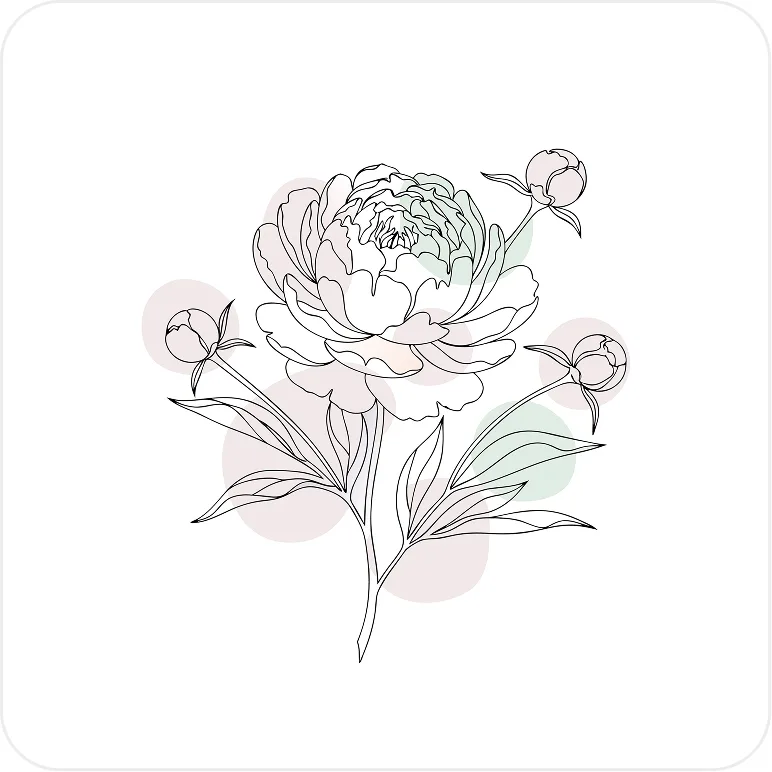
Upload a photo or illustration and get a clean line drawing you can recolor, edit, and use in a layout.

Luca Mussari
October 1, 2026
Product updates, illustration how-tos, and ideas from the Illustro team.
Upload a photo or illustration and get a clean line drawing you can recolor, edit, and use in a layout.
Luca Mussari
October 1, 2026
Finish the still first. Then animate it into a short 3, 5 or 8 second clip. The AI picks the motion, so a clear, simple still matters more than anything else.
Luca Mussari
October 22, 2026

Prompt for a graphic, not a photograph. Then edit paths or colors if a fill is close but not quite.

Irene Lidia Wang
October 1, 2026
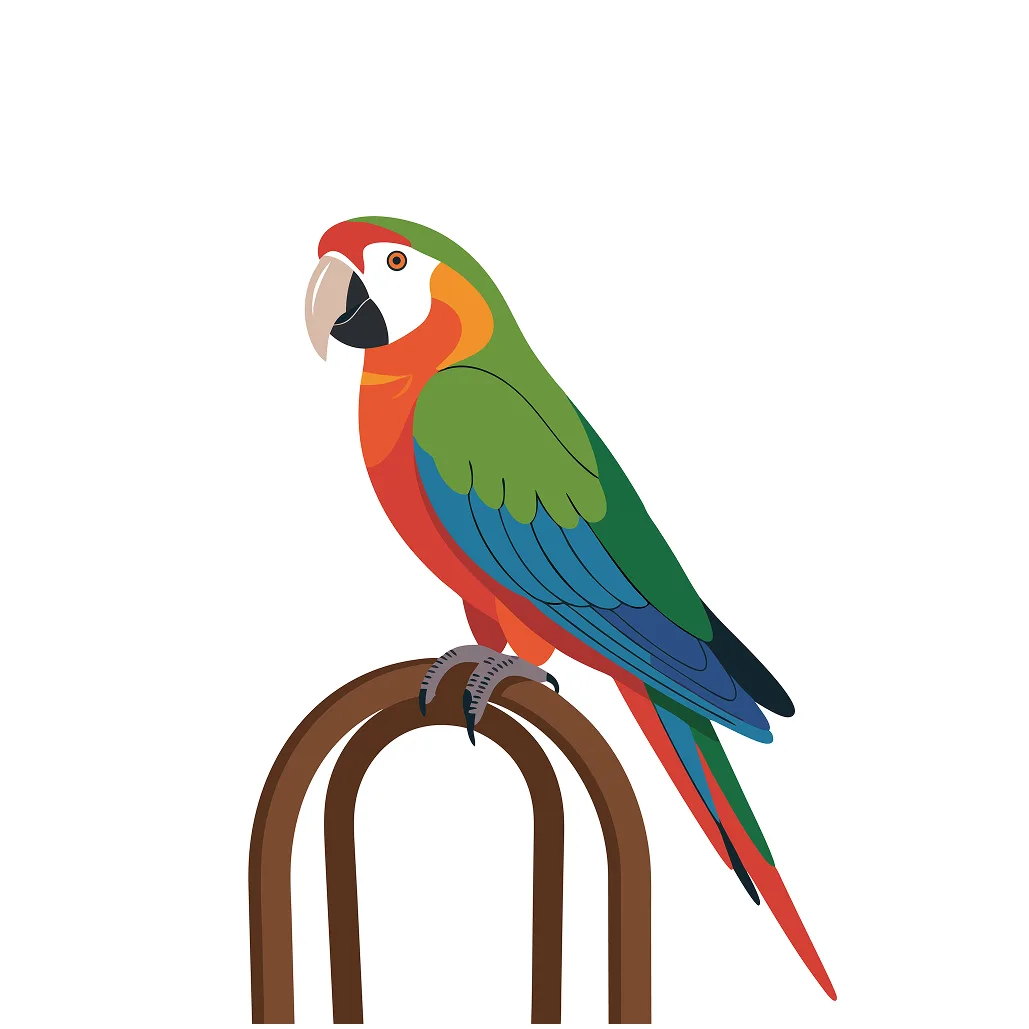
Take a still illustration and get a short motion loop. For heroes, empty states, and product demos that need to move.
Irene Lidia Wang
October 1, 2026
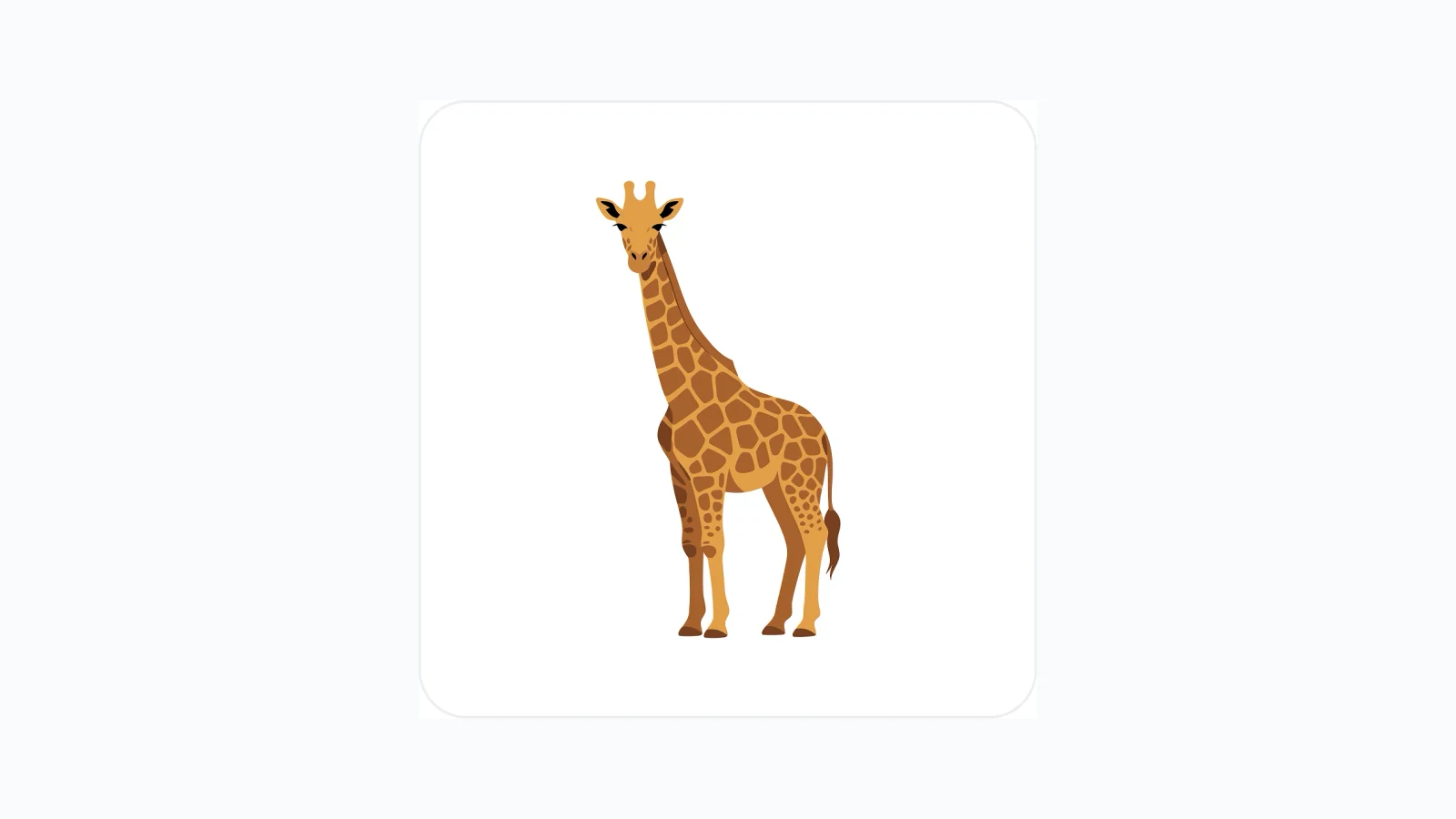
Generate vector graphics from a prompt. Editable, scalable, and meant for Figma, the web, and print, not a flat PNG you cannot touch.
Irene Lidia Wang
October 1, 2026
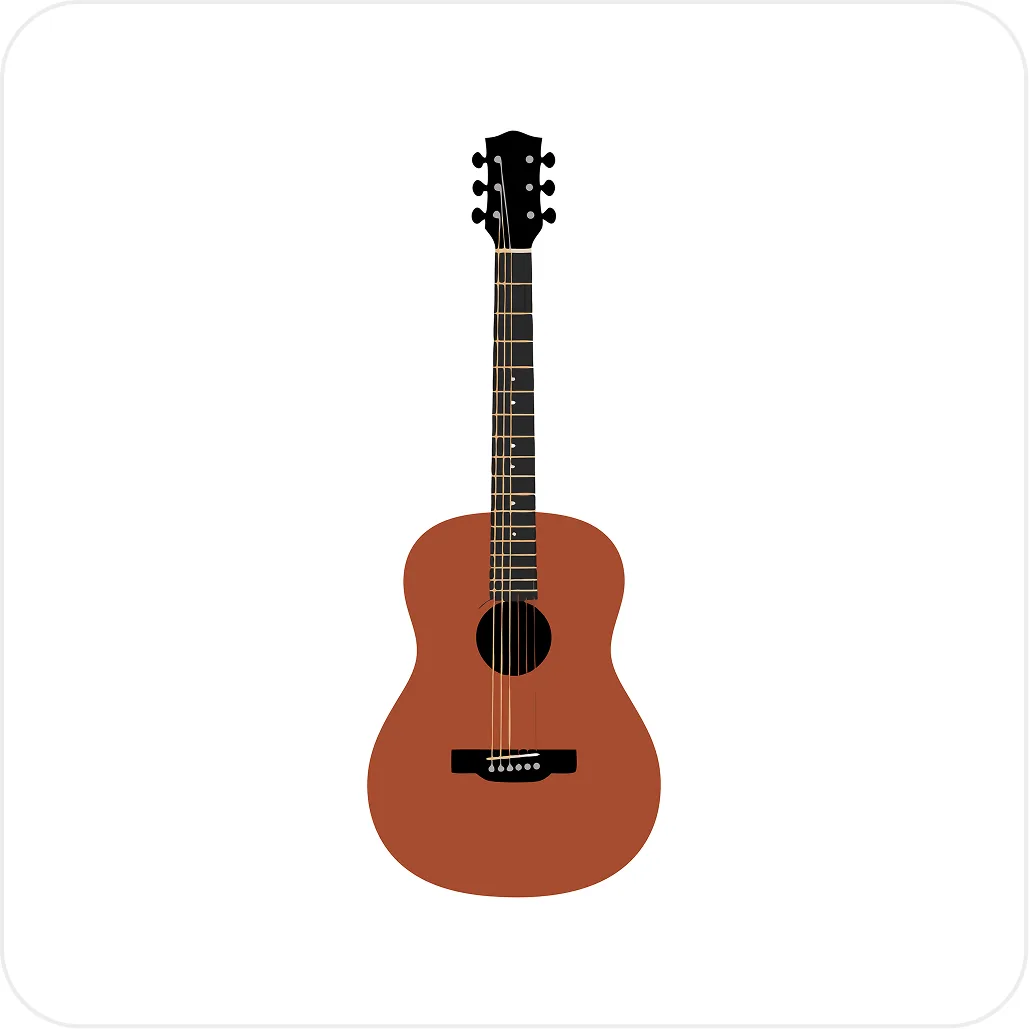
Upload the vector you already have. Swap fills when the drawing is right and the brand color is wrong. Open the editor when a path needs a real change.
Luca Mussari
October 1, 2026
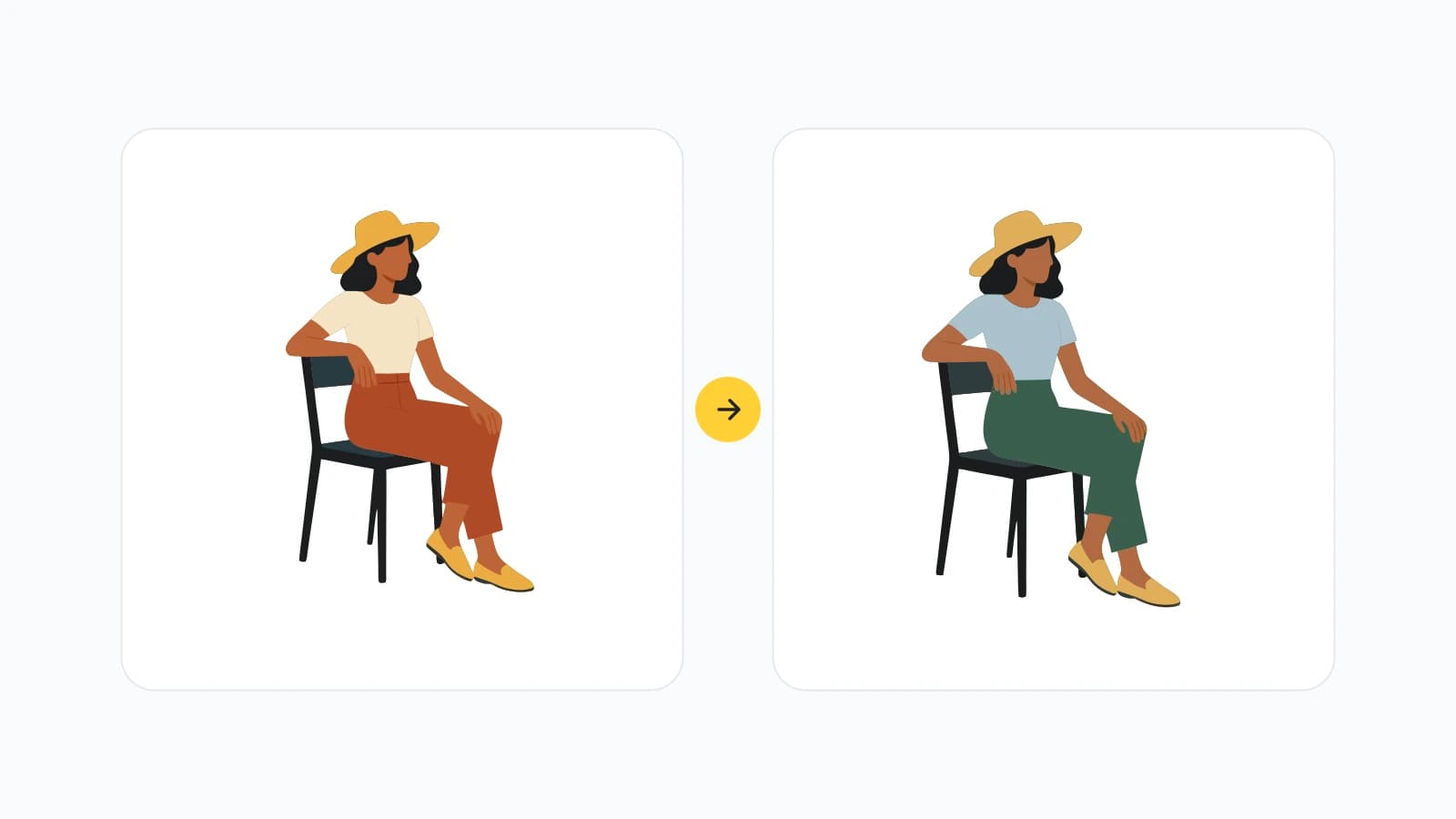
Upload a vector, swap the fills, and export in the browser. For the files you already have, not only the ones you generate.
Luca Mussari
October 1, 2026
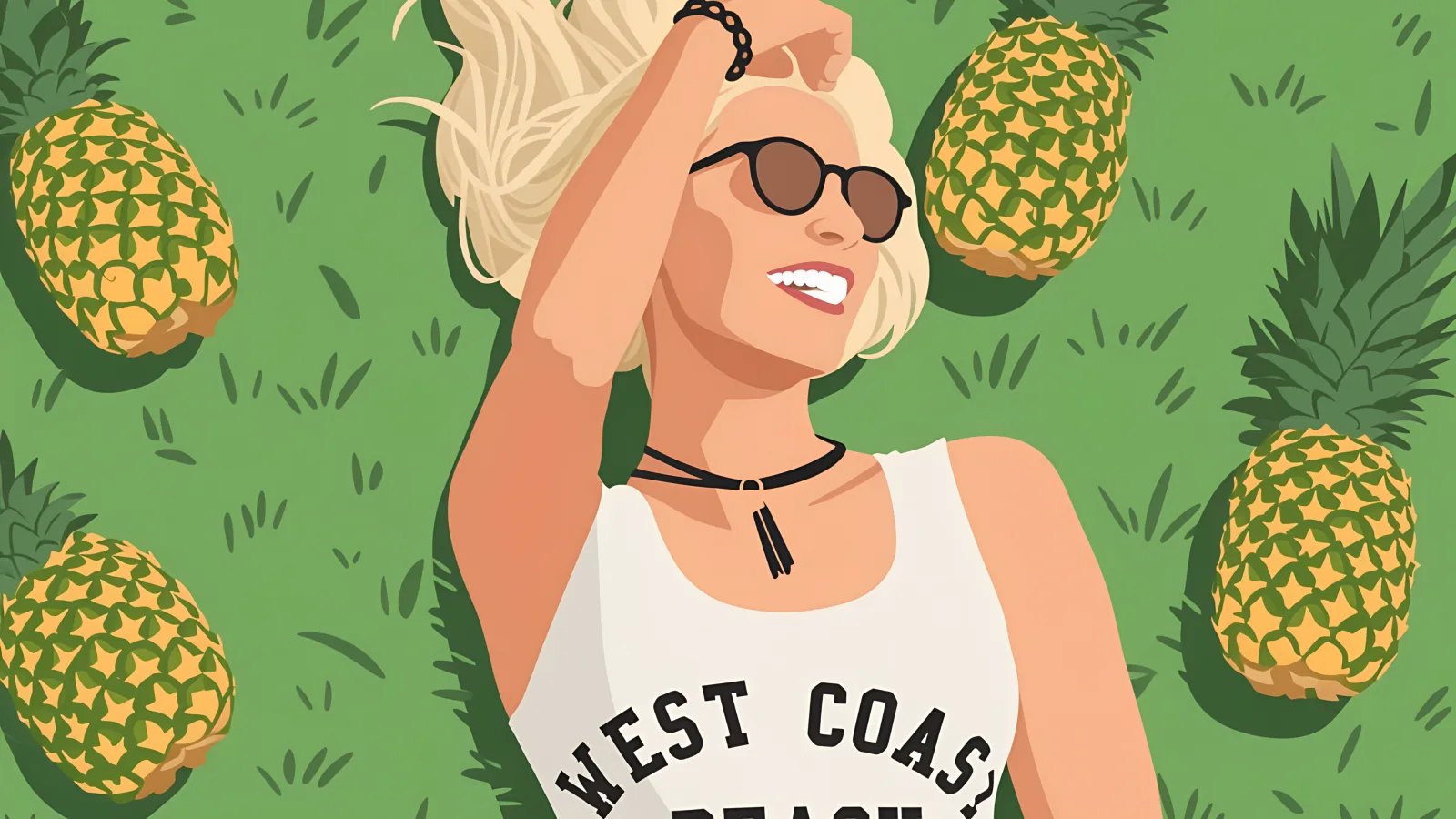
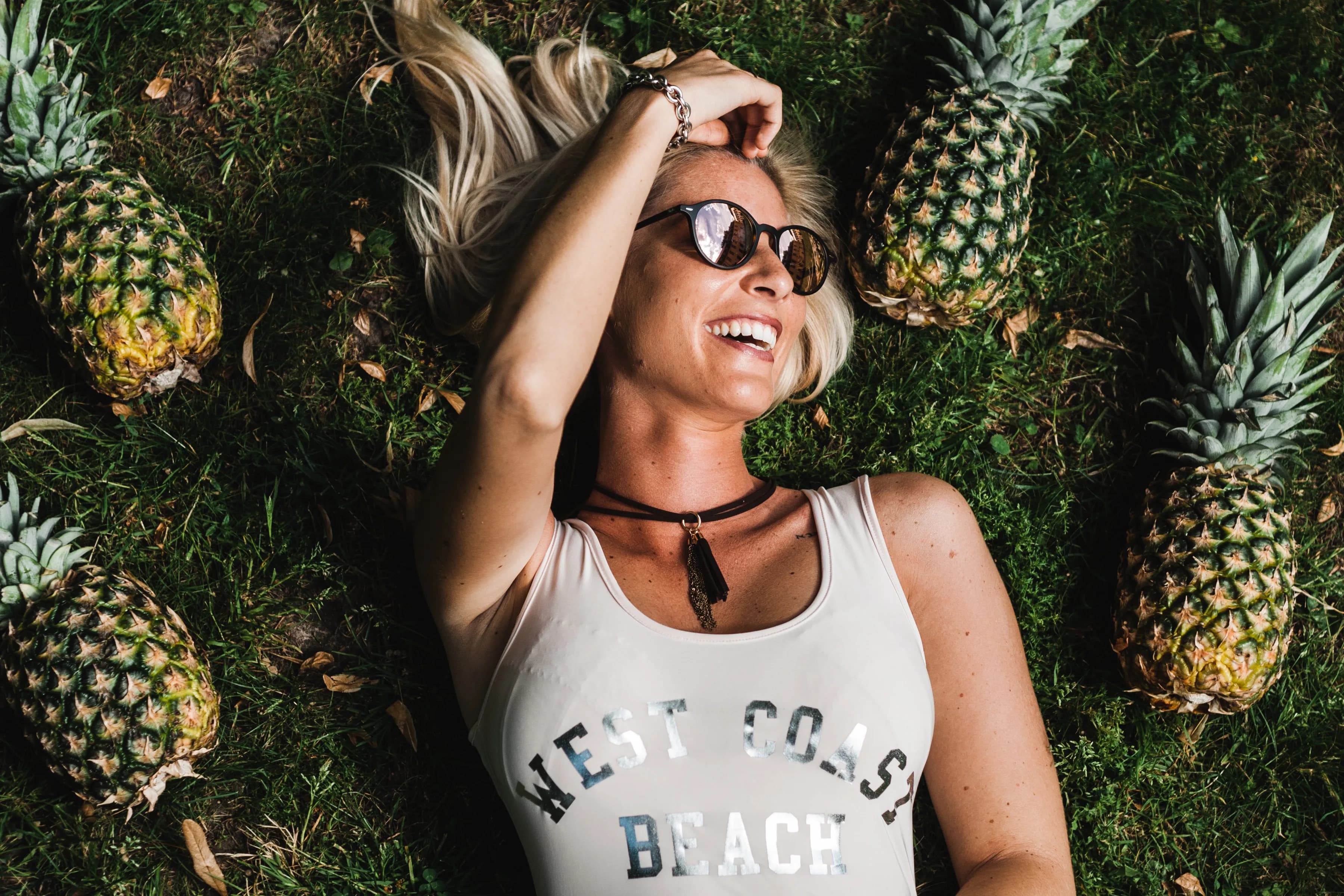
Upload a clear subject, pick the style that matches the rest of the product, then edit the result. The photo is the pose, not the final file.
Luca Mussari
October 1, 2026

Creating illustrations shouldn't be hard. Start turning your ideas into editable, on-brand illustrations in seconds.
No credit card required
Product updates, illustration how-tos, and ideas from the Illustro team.
Upload a photo or illustration and get a clean line drawing you can recolor, edit, and use in a layout.
Luca Mussari
October 1, 2026
Finish the still first. Then animate it into a short 3, 5 or 8 second clip. The AI picks the motion, so a clear, simple still matters more than anything else.
Luca Mussari
October 22, 2026
Prompt for a graphic, not a photograph. Then edit paths or colors if a fill is close but not quite.
Irene Lidia Wang
October 1, 2026
Take a still illustration and get a short motion loop. For heroes, empty states, and product demos that need to move.
Irene Lidia Wang
October 1, 2026
Generate vector graphics from a prompt. Editable, scalable, and meant for Figma, the web, and print, not a flat PNG you cannot touch.
Irene Lidia Wang
October 1, 2026
Upload the vector you already have. Swap fills when the drawing is right and the brand color is wrong. Open the editor when a path needs a real change.
Luca Mussari
October 1, 2026
Upload a vector, swap the fills, and export in the browser. For the files you already have, not only the ones you generate.
Luca Mussari
October 1, 2026
Upload a clear subject, pick the style that matches the rest of the product, then edit the result. The photo is the pose, not the final file.
Luca Mussari
October 1, 2026
Creating illustrations shouldn't be hard. Start turning your ideas into editable, on-brand illustrations in seconds.
No credit card required