



Scene 1
Build a 3D character illustration pack with one locked clay-style figurine across every scene. Perfect for mascots, product stories, and marketing sequences.
Scenes
Uses 15 credits
3D illustration packs
Build a stylized 3D illustration pack for mascots, product launches, and marketing stories. Soft shading, toy-like forms, and on-model scenes from the first panel to the last. For single clay-style scenes, start with the 3D illustration generator.
Soft matte materials, rounded toy-like shapes, and collectible character polish for a premium 3D illustration pack, without Blender.
Approve a character sheet once, then keep outfit, proportions, and personality stable across your whole 3D character illustration pack.
Generate 4 to 20 scenes for product stories, onboarding flows, pitch decks, and mascot campaigns.
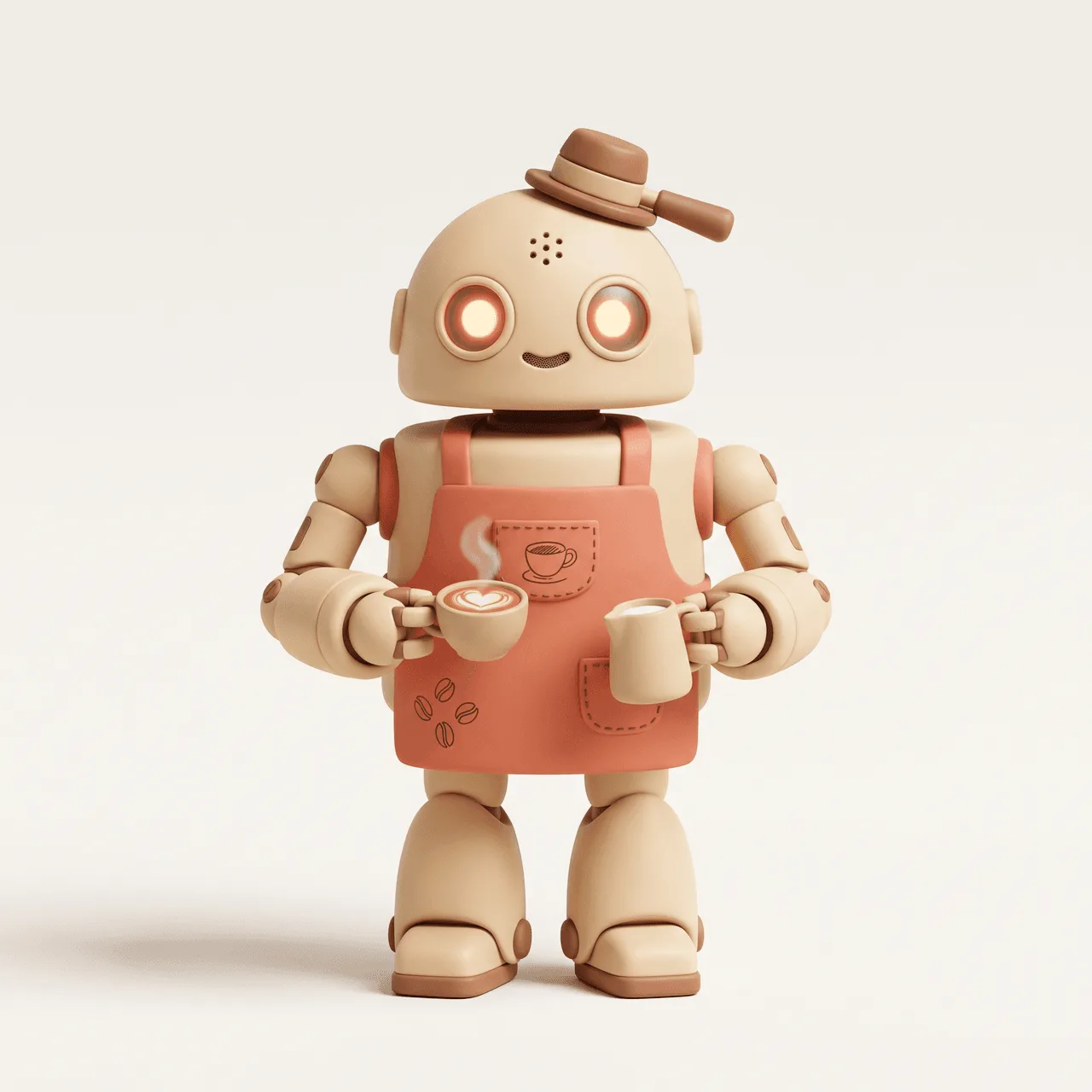
Character lock
Bean, a clay robot barista locked for a full 3D illustration pack
Same figurine. Four different moments.
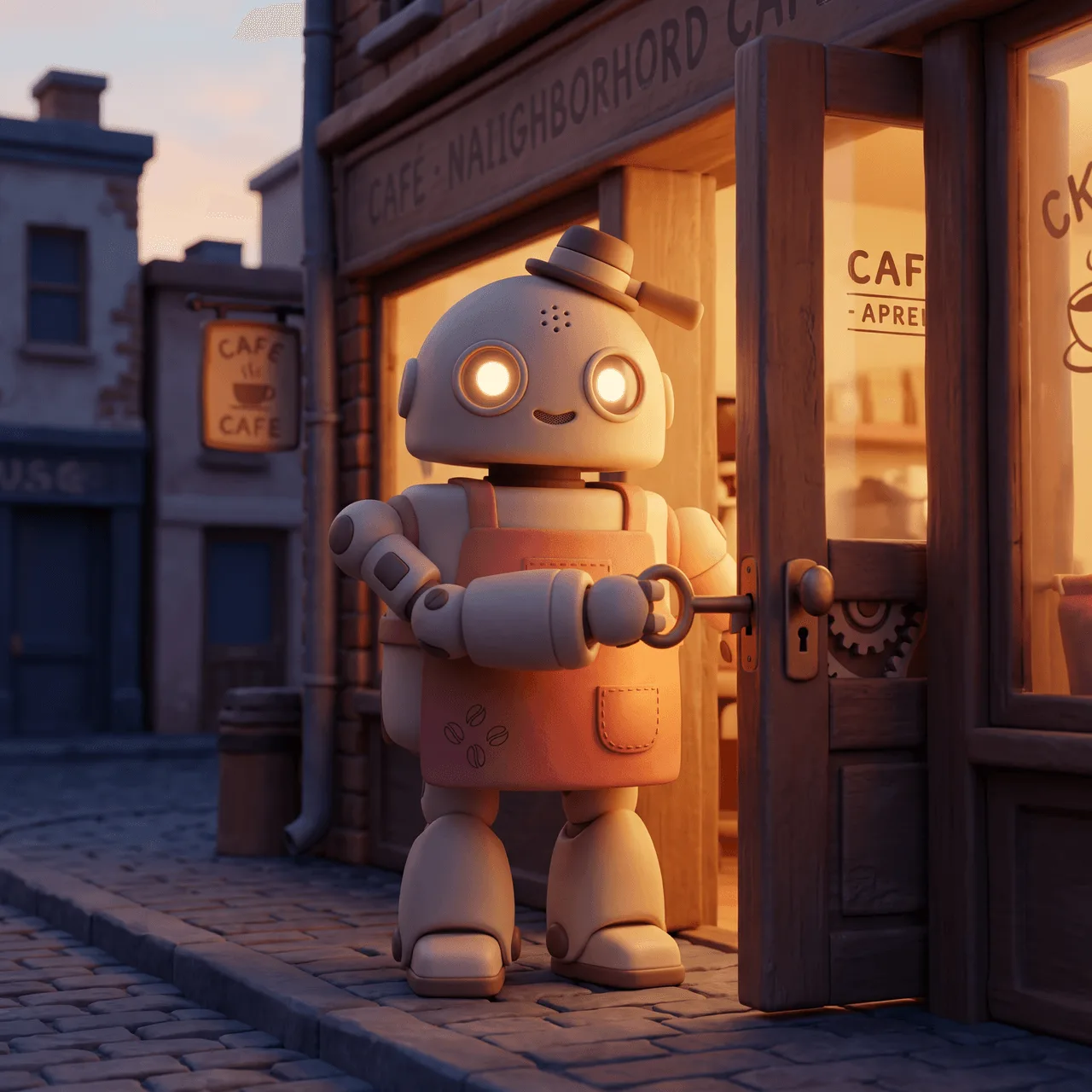
One locked clay robot with a coral apron and soft LED eyes, carried through opening, first latte, happy customer, and evening close.
3D illustration pack preview
Scene 1
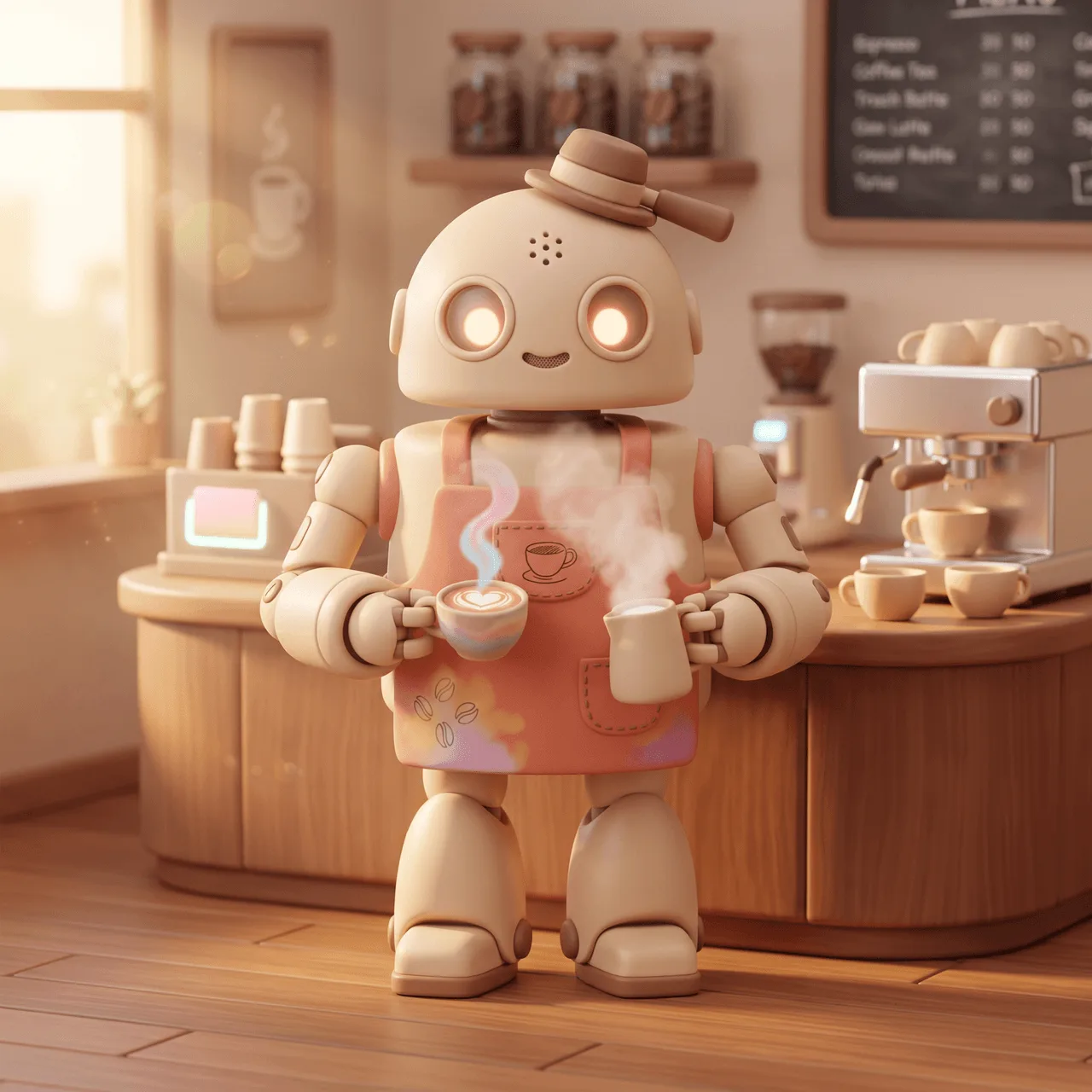
Scene 2
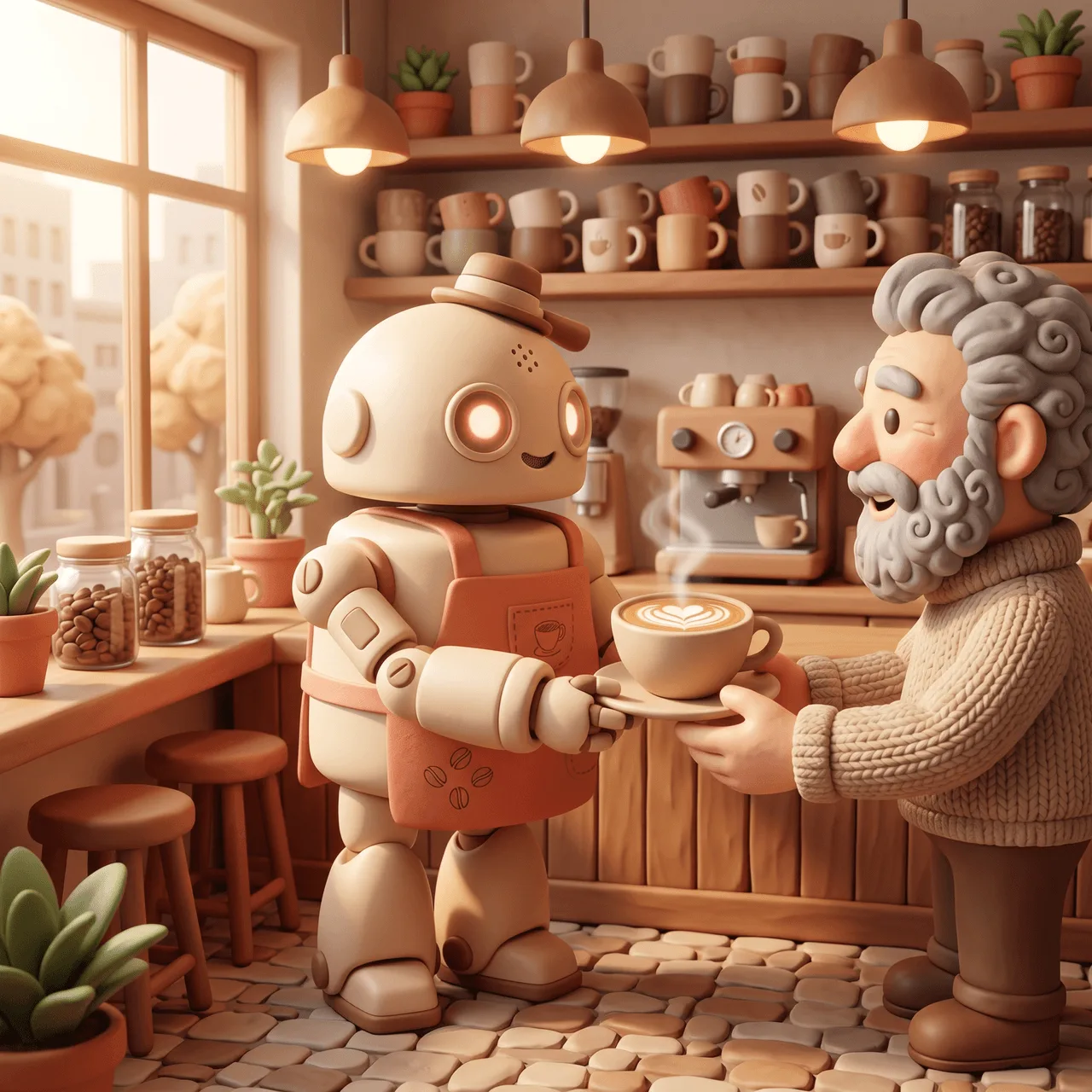
Scene 3
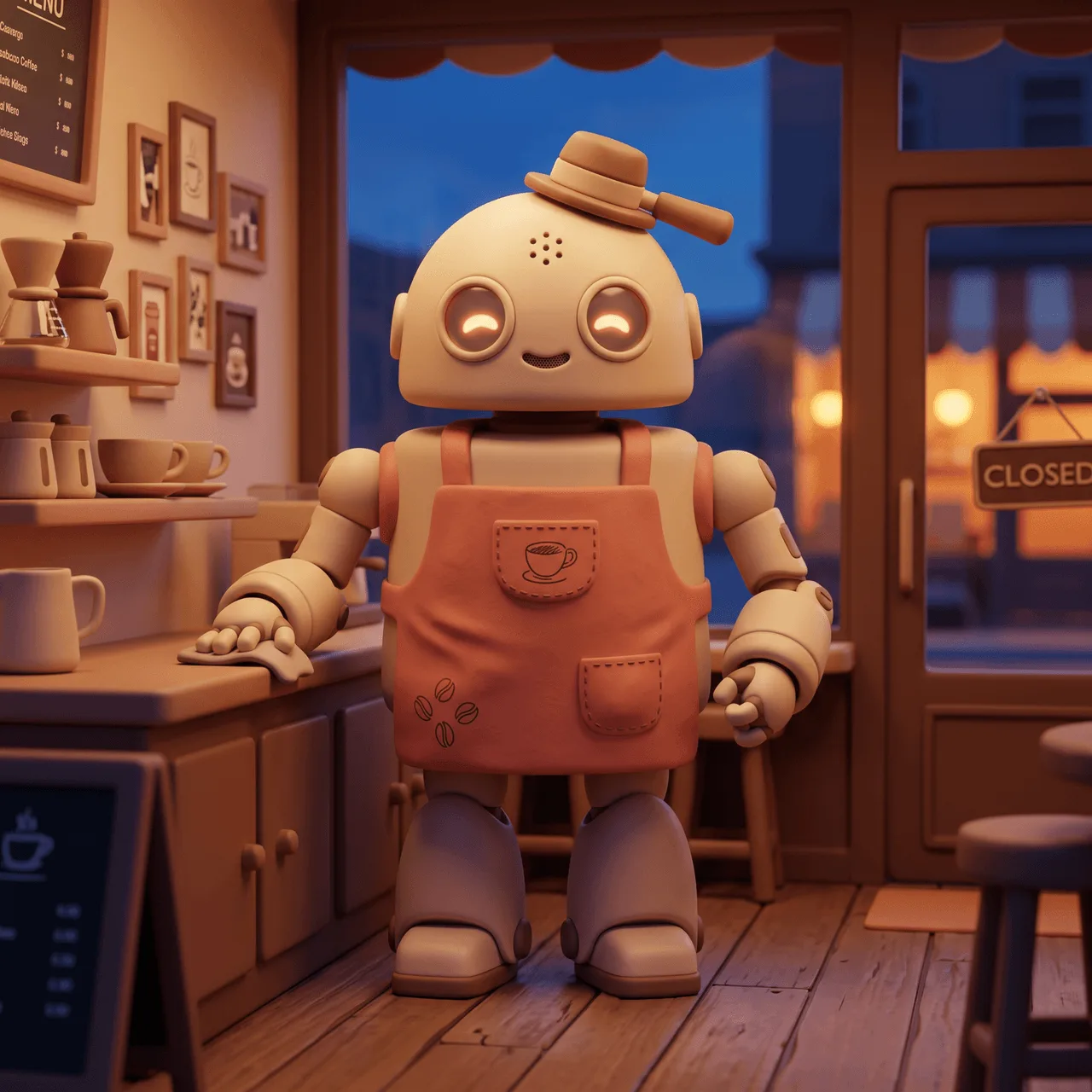
Scene 4
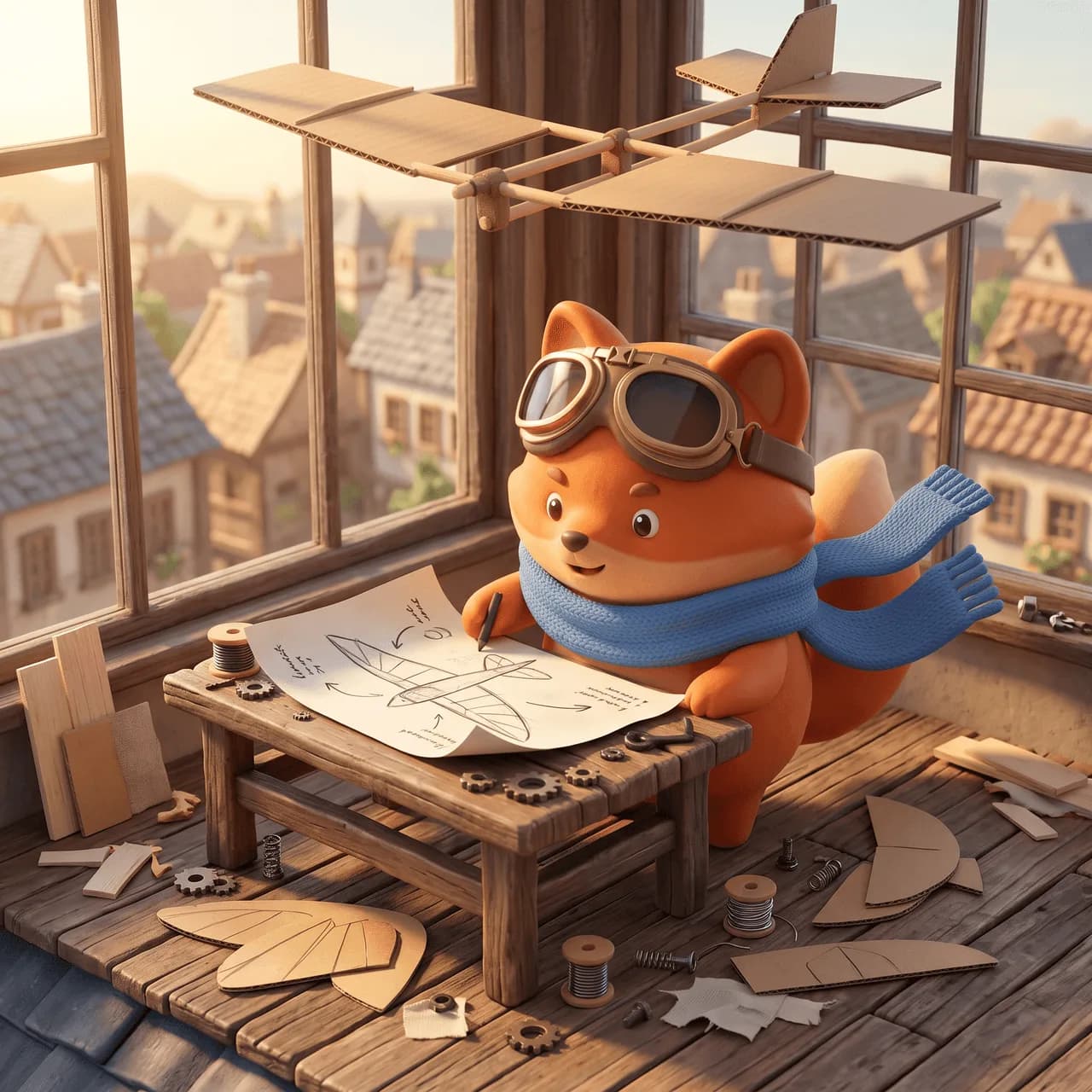
From figurine brief to a downloadable 3D character illustration pack, built for mascots, product stories, and game-ready character sequences. Another pack example: Pip the clay fox on a rooftop flight story.
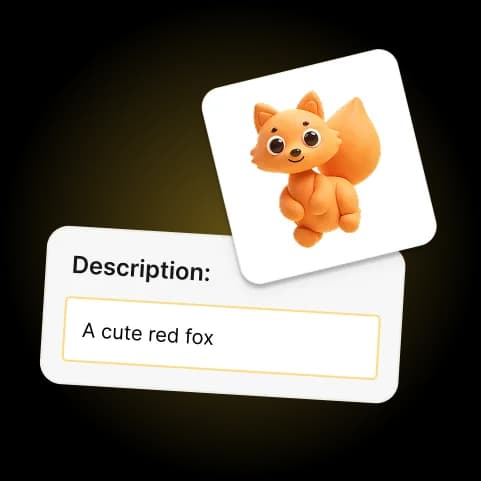
Step 01
Describe the character and the story moments you need for your 3D illustration pack: launch, quest, celebration, and more.
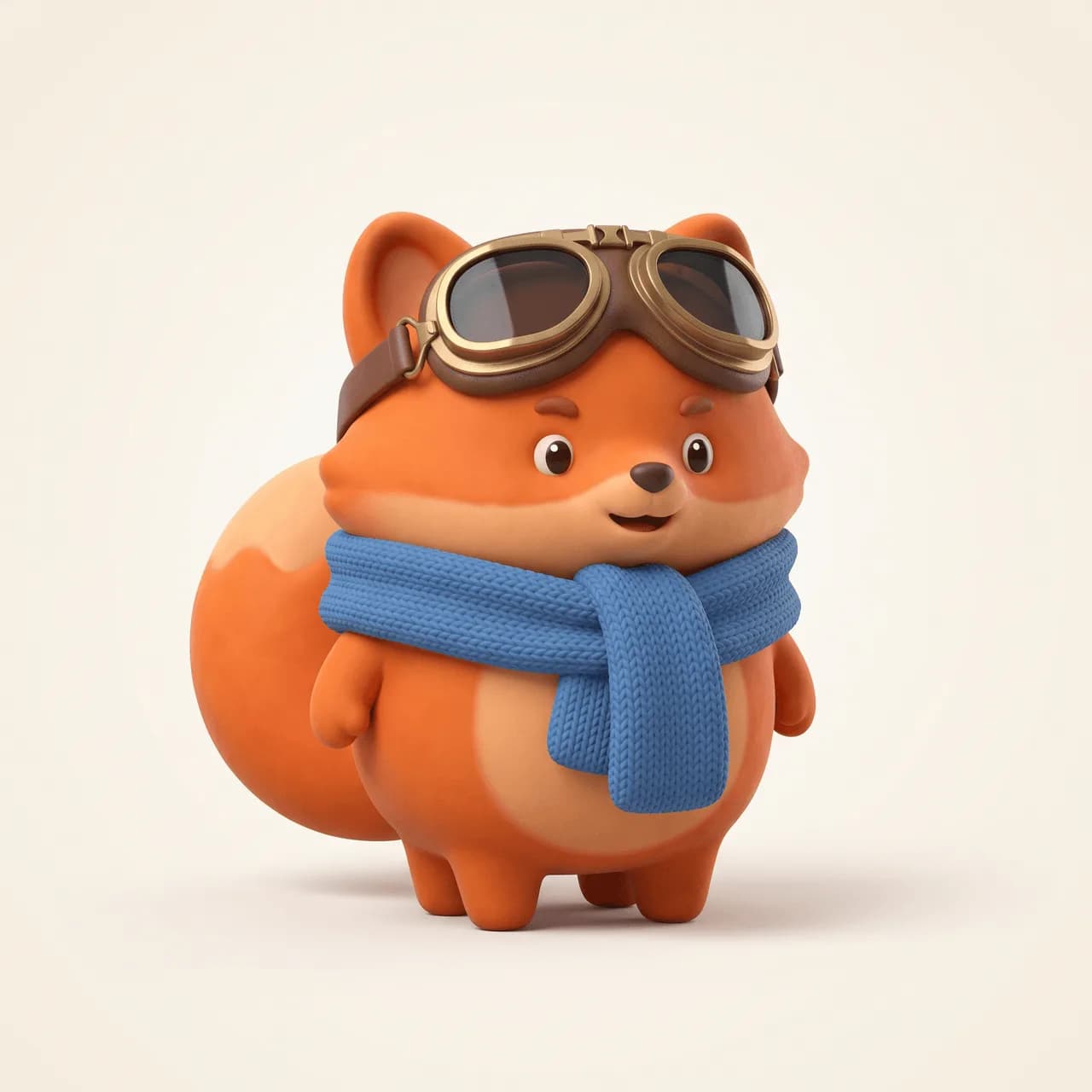
Step 02
Generate a figurine-style character sheet and approve the look before building your 3D character illustration pack.
Step 03
Create consistent 3D scenes, regenerate any panel, and download your multi-scene 3D illustration pack.
Tips for stronger packs
Strong 3D packs start with one collectible character, clear scene moments, and a lock you trust before generating.
Describe a single clay-style character with materials, colors, and signature props so every scene stays on-model.
Ask for different actions and settings (opening, craft, serving, closing) instead of repeating the same pose.
Use Optimize prompt with AI to sharpen a vague world or character brief into a pack-ready description before you plan scenes.
Approve the 3D character sheet first. Regenerating scenes is easy. Fixing a weak lock across a whole pack is not.
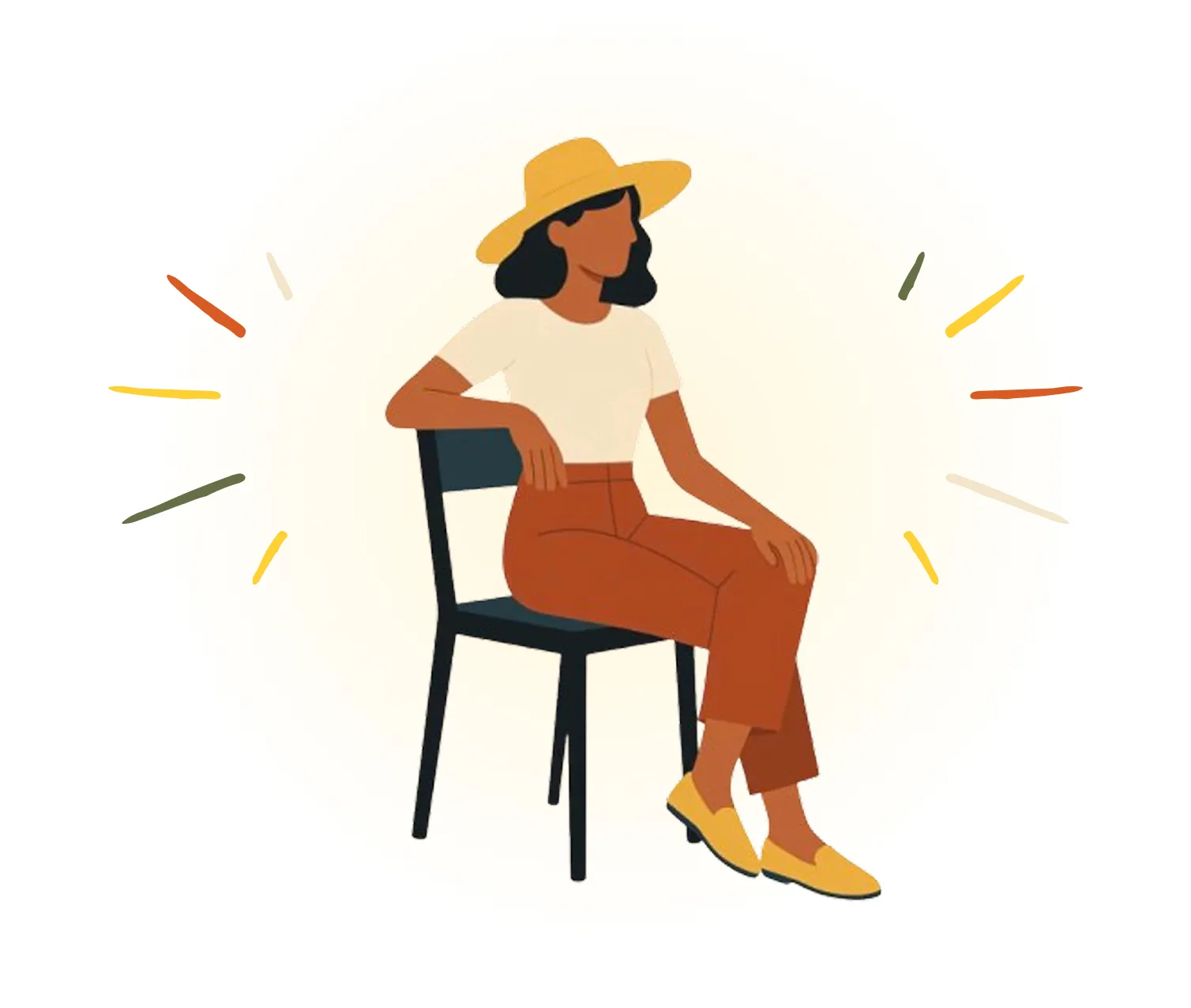
Keep the same person across onboarding, empty states, and emails, without redrawing them from scratch every time.
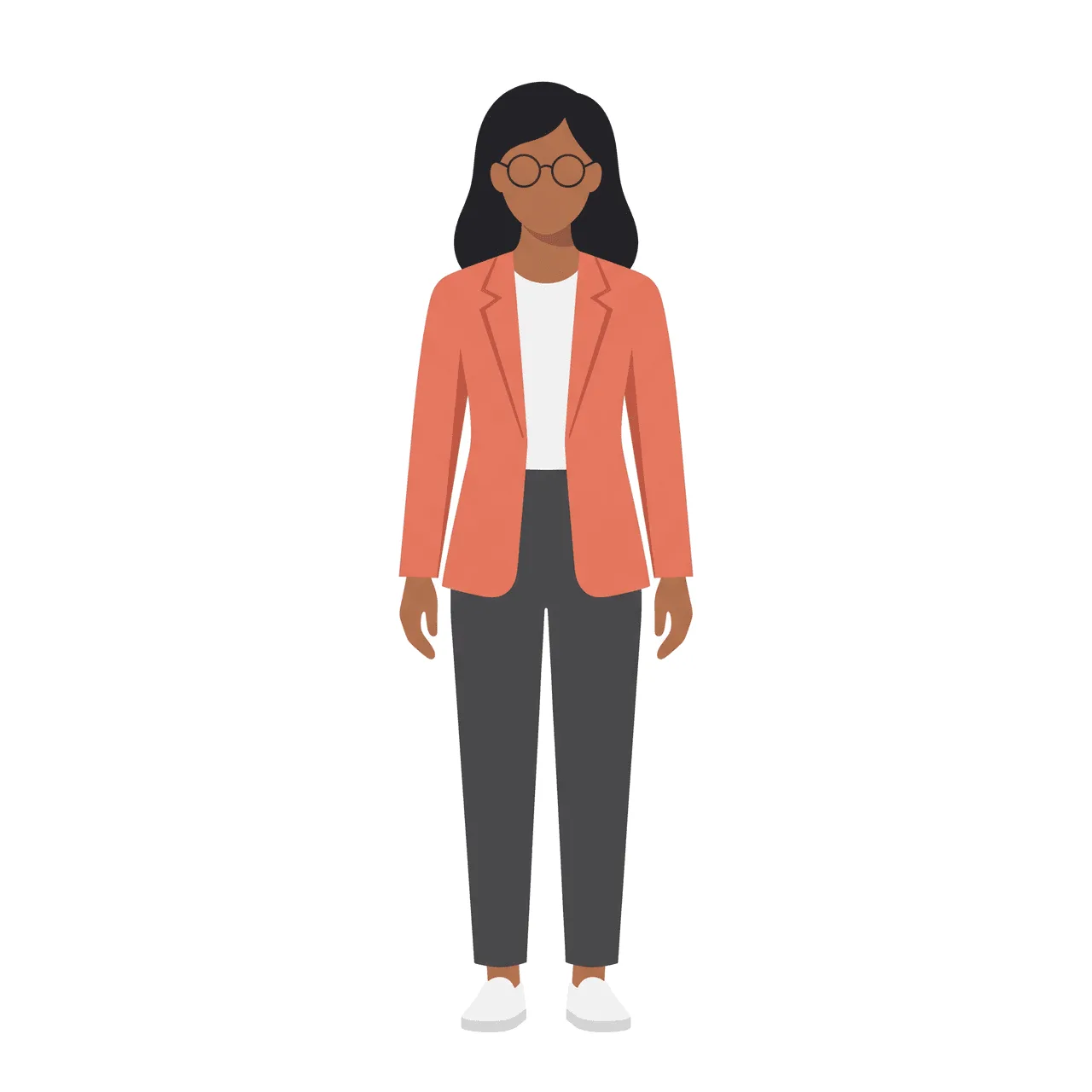
Generate a locked character once, then get a full pack of scenes for UI, 3D, or a children's storyboard.
A 3D illustration pack is a set of related stylized 3D scenes that share one locked character. Illustro helps you build a 3D character illustration pack so every panel keeps the same look, outfit, and proportions.
It creates a multi-scene 3D character illustration pack from your brief. You lock a character sheet once, then generate multiple scenes so the figure stays consistent across poses and settings.
No. Illustro generates stylized 3D character scenes from your brief. You do not need Blender, Cinema 4D, or other modeling tools to build a 3D illustration pack.
Product launches, app onboarding, game concept boards, mascot stories, pitch decks, and marketing sequences where the same 3D character needs to appear in several moments.
You can plan and generate 4, 6, 8, 12, 16, or 20 scenes in a single 3D illustration pack. Each scene is priced separately after the character sheet is locked, and you need enough credits for the full set.
Discover specialized tools for editing, transforming, and building multi-scene illustration packs.