
Recolor the SVG you already have, without Illustrator

Luca Mussari
October 1, 2026 · 1 min read
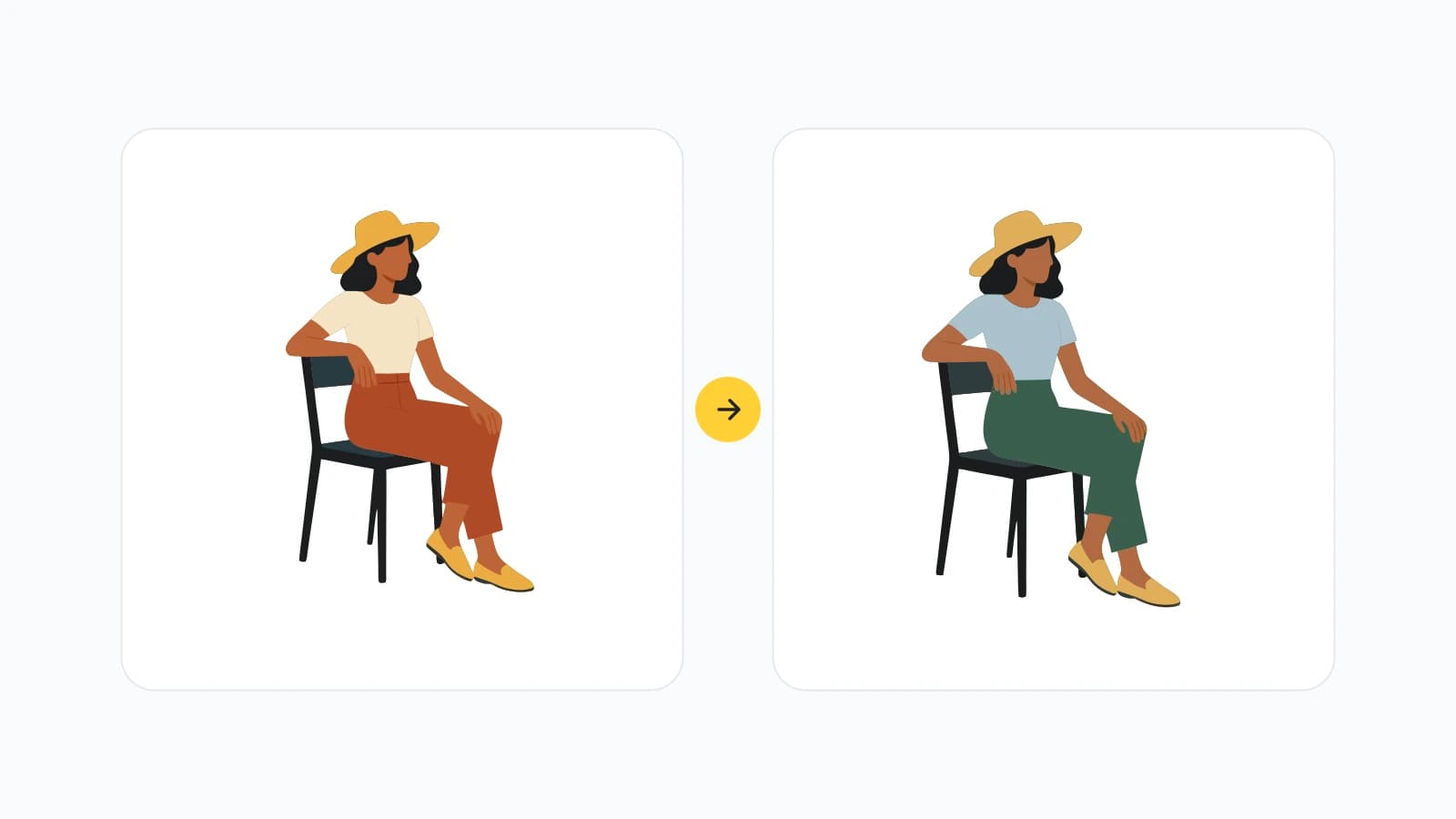
A lot of illustration work is not generating a new picture. It is fixing a file you already have: the icon is right, the brand yellow is wrong.
We shipped two tools for that.
Free SVG color changer
Change SVG color is the small version. Upload a vector, swap fills, download. Useful when you inherited a set of icons and they are all the wrong hue. Recolor first, then open the editor only if a path actually needs to change.
SVG editor
The SVG editor is for when recoloring is not enough. Open the file in the browser, adjust elements, export again. No desktop app required.
The same week we also opened an illustration editor for raster files, so generated art does not have to stay frozen after the first result.
If you do not have an SVG yet, generate one with the AI SVG generator, then edit it here. Prompting for paths you can still recolor helps more than asking for a photograph.