
How to add a short loop to a still illustration

Luca Mussari
October 22, 2026 · 2 min read
Motion will not save a messy composition. Generate or edit the still until it reads, then open Animate illustrations. If the background is still busy, clean it up in the editor before you animate it.
Start from a clear still
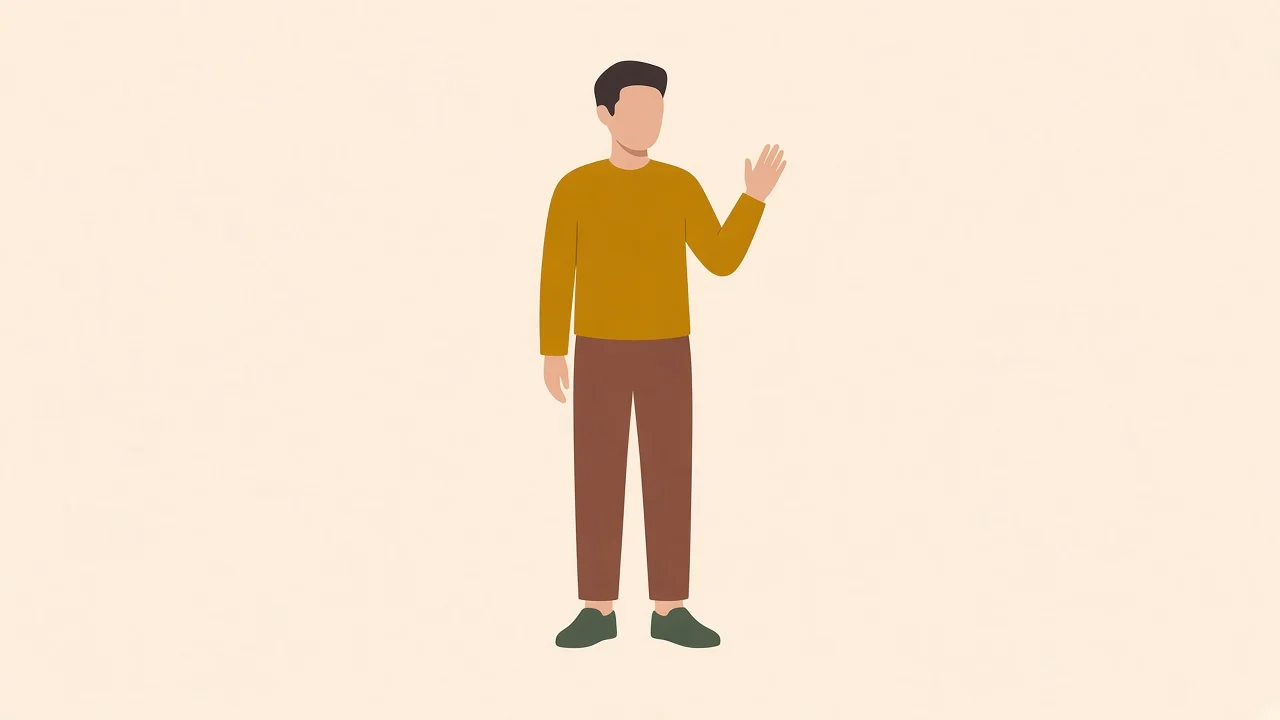
One subject, readable silhouette, not a crowded street. A parrot, a plant, a character with a simple pose.
Pick a short length and let the AI move it
Choose 3, 5 or 8 seconds. You can't type the movement: the AI picks it from what's in the image, usually something small like a wave, a blink or a leaf moving. That is why a clear still matters most. Subtle motion on a hero or empty state is the job. A full animation suite is not.
Check it in the real slot
Drop the clip into the layout. If the page is already busy, skip animation. If the page is static, one loop is enough. A landing page that needs to feel alive can take a small loop. One that is already noisy needs a quieter illustration, not more movement.