


























Online SVG & Vector Graphics Editor
Edit SVG files online, change colors, and use AI to transform your vector graphics instantly.

Drag & Drop or browse to upload your file
SVG files only • Max file size: 5MB
Powerful Features for Vector Editing
Our AI-powered SVG editor makes it easy to modify vector graphics without complex software like Illustrator or Inkscape.

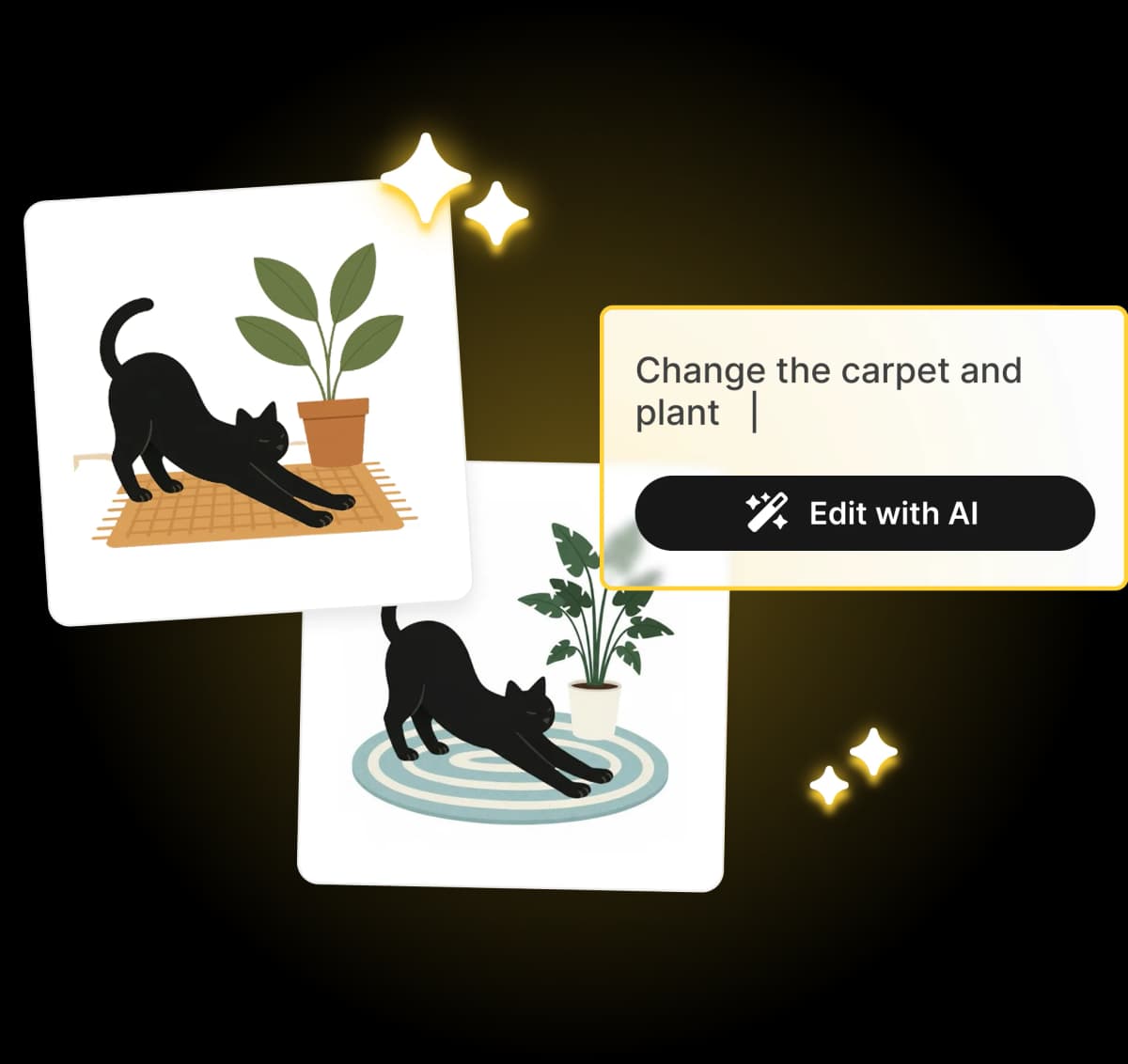
Edit SVG with AI
Simply describe the changes you want, and our AI will modify your vector graphics instantly. Perfect for quick iterations and creative edits.

Smart Color Editor
Our tool automatically detects all colors in your SVG. Change specific hex codes or recolor entire sections with a single click.

Preserve Vector Quality
Unlike raster editors, our tool maintains the scalability of your vector graphics. Your edited SVGs remain crisp at any size.

Instant Online Editor
No software to download or install. Edit SVG files directly in your browser with our fast, free online vector editor.

Flexible Export Options
Download your edited work as SVG code, or convert and export as high-resolution PNG and JPEG images.

Secure & Private
Your files are processed securely. We don't store your uploaded SVGs, ensuring your design assets remain private.
*Above illustrations made with Illustro
How Does The SVG Editor Work?
Upload Vector File
Upload Vector File
Click the button to upload your SVG or vector graphic file.
AI Analysis
AI Analysis
Our system analyzes your SVG structure and colors instantly.
Edit with AI
Edit with AI
Use AI prompts to modify the graphic or manually adjust colors.
Download Result
Download Result
Export your edited vector graphic as SVG, PNG, or JPEG.
The Ultimate AI Vector Graphics Editor
Looking for a powerful vector graphics editor that doesn't require a steep learning curve? Our tool combines standard editing features with advanced AI capabilities, allowing you to edit SVG with AI effortlessly.
Why Choose Our SVG Editor?
Change colors, tweak shapes, or reshape entire illustrations with AI. Our online SVG editor handles it all in seconds. Straight from your browser. No downloads, no installations.
- Free online access with no installation needed
- Advanced AI commands for complex edits
- Precise color control and palette management
- Clean code export for web development
Professional & Secure
As a web-based SVG editor, we eliminate the need for heavy desktop software. Upload your files from anywhere and start editing immediately. It's the perfect solution for designers and developers who need to edit vector graphics with AI quickly.


Learning resources
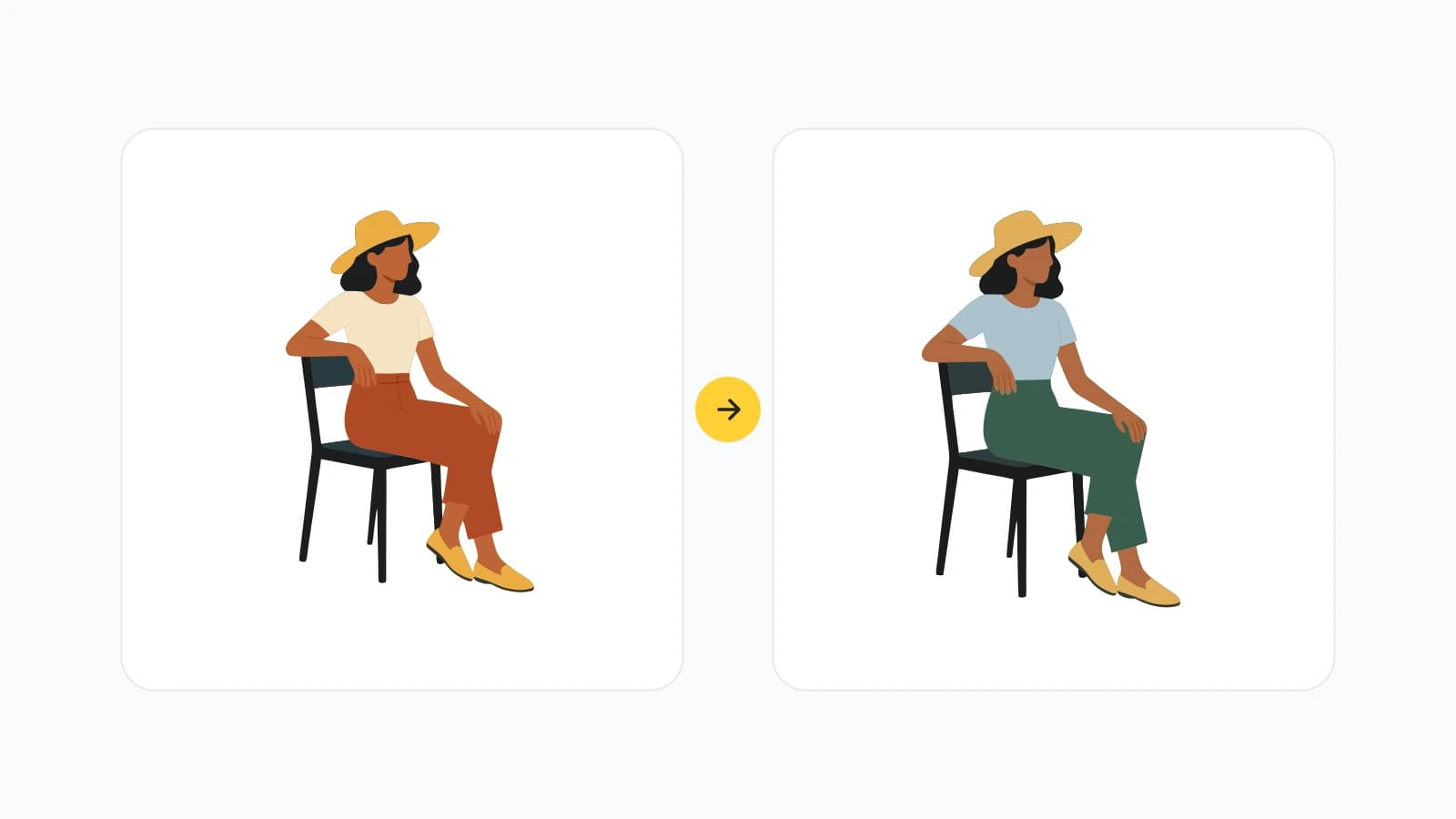
Recolor the SVG you already have, without Illustrator
Upload a vector, swap the fills, and export in the browser. For the files you already have, not only the ones you generate.

How to fix the colors on an SVG you already have
Upload the vector you already have. Swap fills when the drawing is right and the brand color is wrong. Open the editor when a path needs a real change.
Frequently asked questions
What file formats are supported?
We currently support SVG files only. Our tool can process SVG files from various sources including design software, online generators, and vector graphics libraries. Maximum file size is 5MB.
How accurate is the color detection?
Our color detection system accurately identifies all colors used in your SVG file, including fills, strokes, and gradients. It analyzes the SVG code to extract precise color values and presents them in an easy-to-use interface.
Can I edit the colors after detection?
Yes! Once colors are detected, you can easily change them using our color picker or by selecting from suggested color palettes. Changes are applied instantly to your SVG preview.
How many colors can I change at once?
You can change as many colors as your SVG contains. There's no limit to the number of color modifications you can make. Each color can be individually customized to your preference.
Can I customize the SVG dimensions?
Currently, our free tool focuses on color editing. For advanced features like dimension customization and AI-powered enhancements, check out our full illustration generator.
What format are the edited SVGs?
The edited files maintain the original SVG format with your new color choices applied. The file structure and quality remain unchanged, ensuring compatibility with all SVG-supporting applications.
Is my data secure?
Yes, your data is completely secure. SVG files are processed locally in your browser and are not stored on our servers. Your files and edits remain private and are automatically cleared when you close the browser.
Do I need to create an account?
No account is required for basic SVG color editing. You can upload, edit, and download your SVG files completely free without any registration. Premium AI features require an account.
Still have questions?
Contact our support teamOther Tools You Might Want to Try
Discover specialized tools for editing, transforming, and building multi-scene illustration packs.