


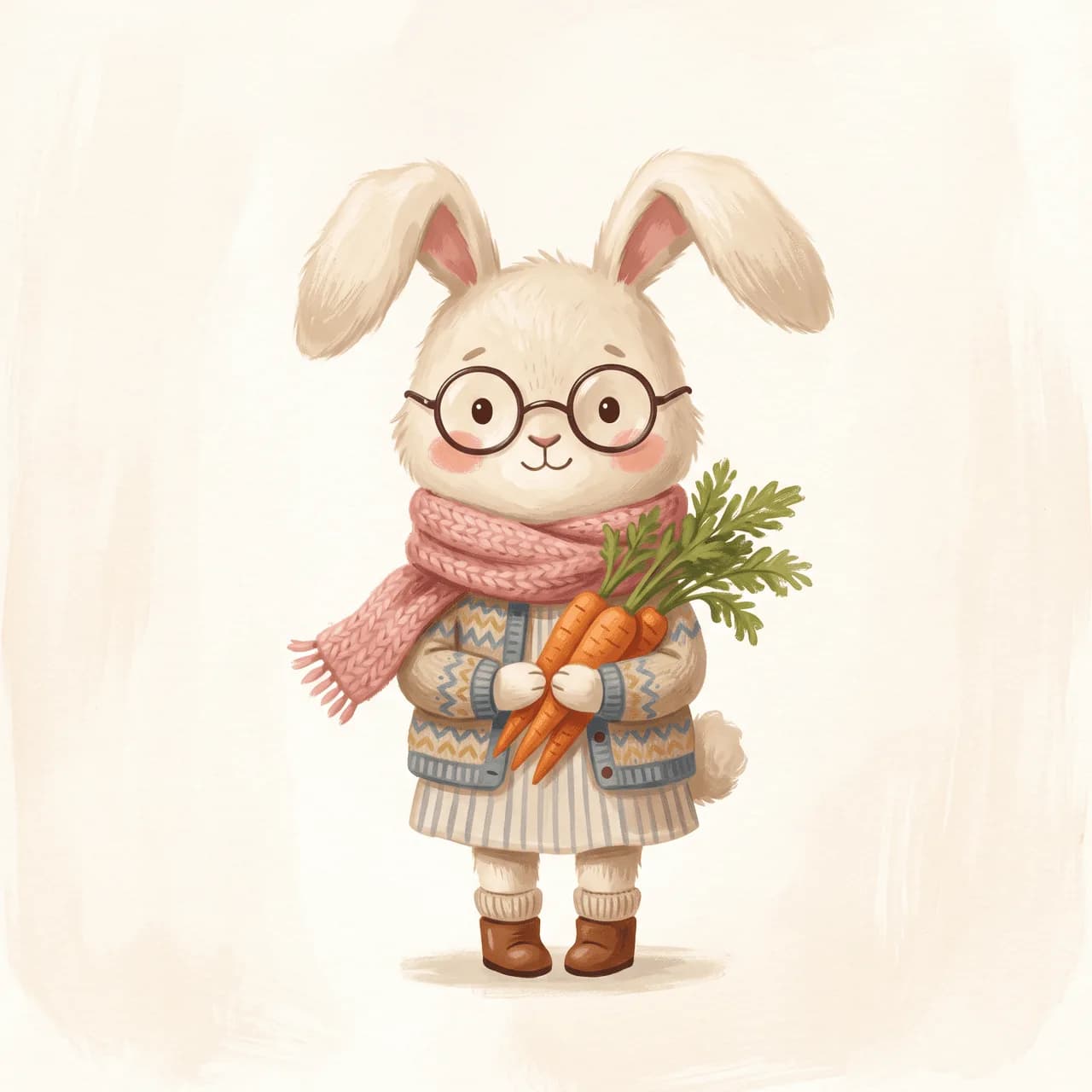
Character lock
Plan a children's book storyboard, lock one charming hero, and generate a children's book illustration pack with consistent character children's book scenes from start to finish.
Scenes
Uses 15 credits
Picture book storyboard AI
This children's book storyboard generator plans a short arc, locks the character once, and builds a kids book illustration set that feels warm, whimsical, and on-model. Here: Lulu the garden bunny learning to share. Already have a page and only need the next one? Open it in the editor and choose Book. For a single storybook scene, try the children's book illustration generator.
Storyboard illustration generator preview
Character lock
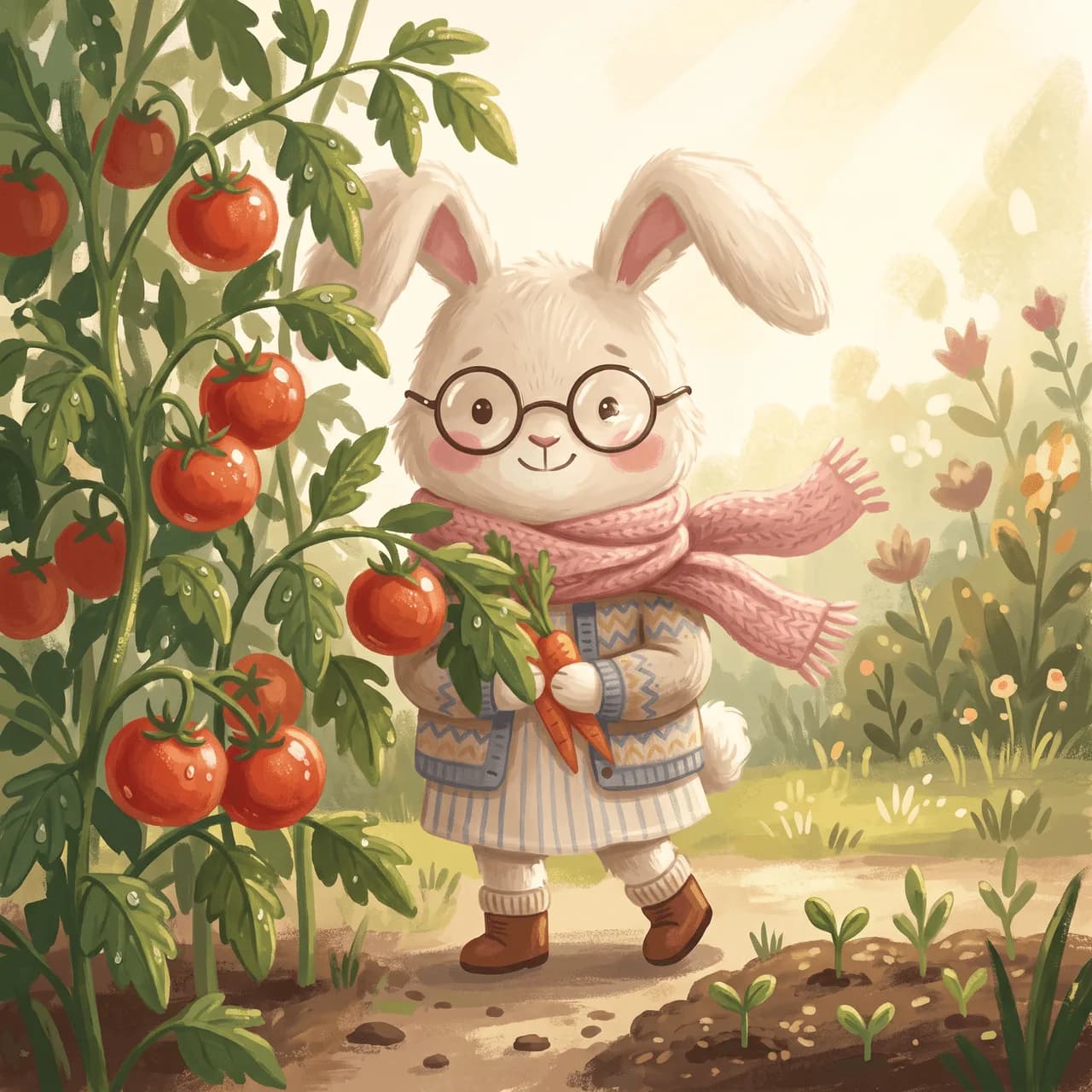
Page 1

Page 2
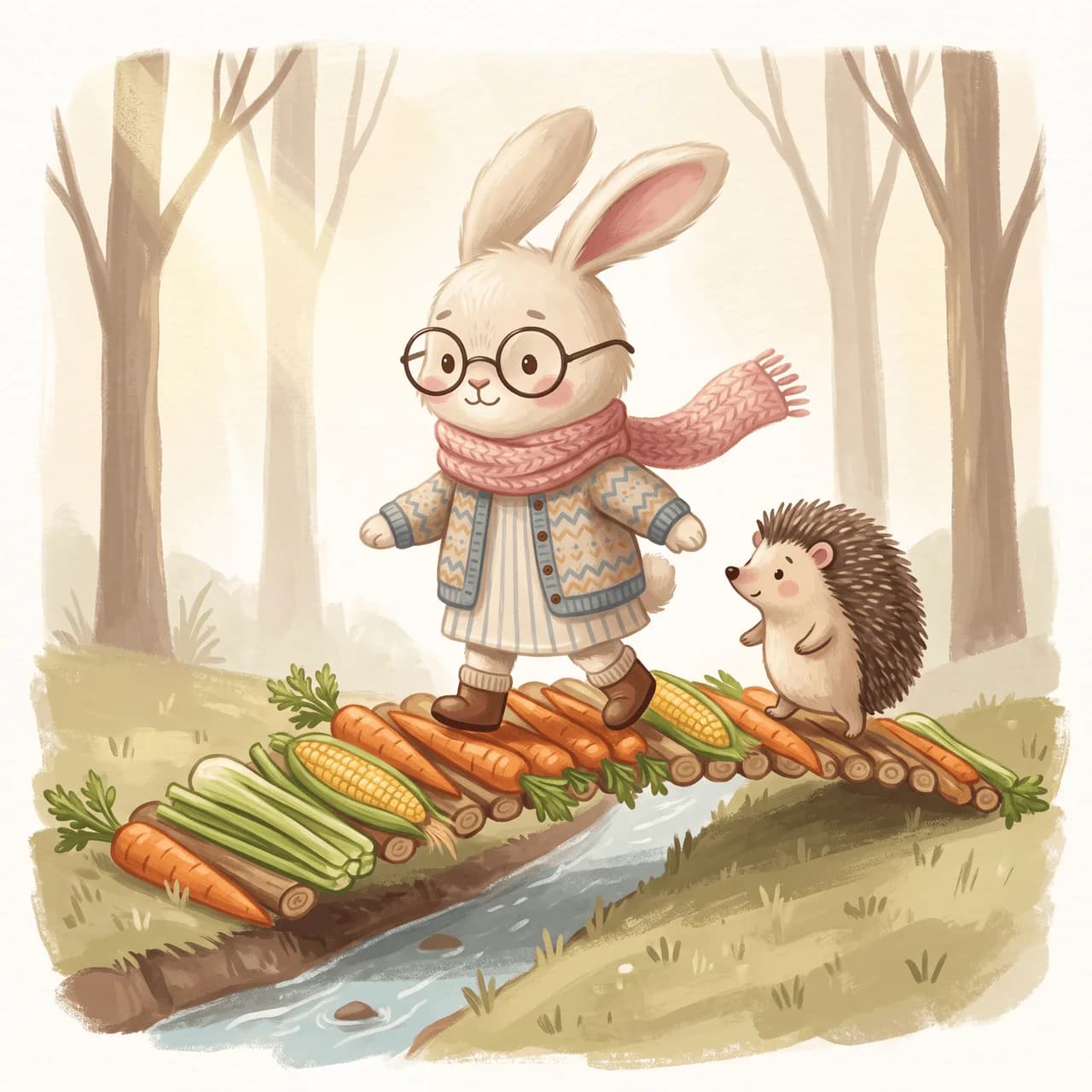
Page 3
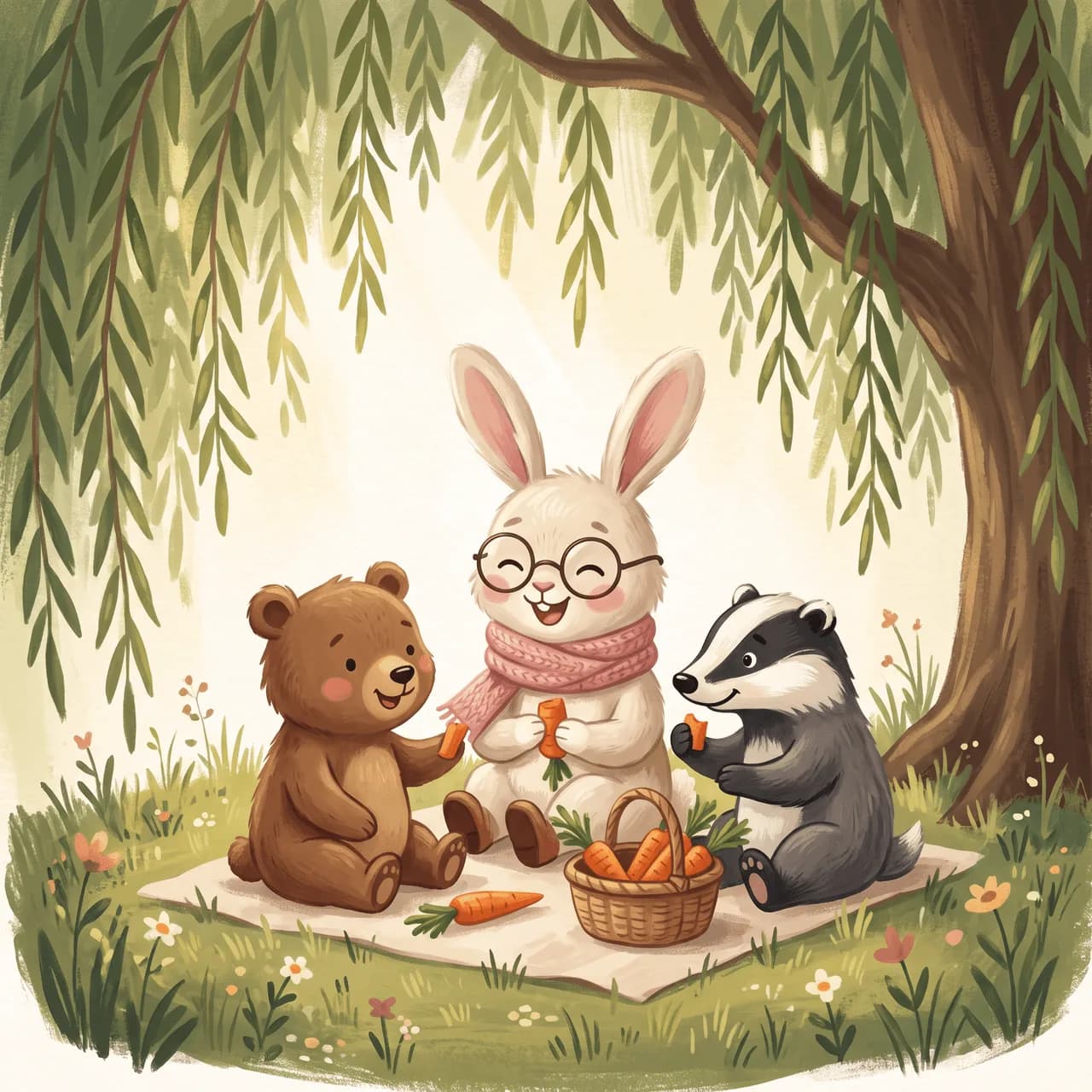
Page 4
Four steps from story idea to a storybook illustration generator pack, without redrawing your hero for every page. Another pack example below: Pip the fox on a starlit adventure.
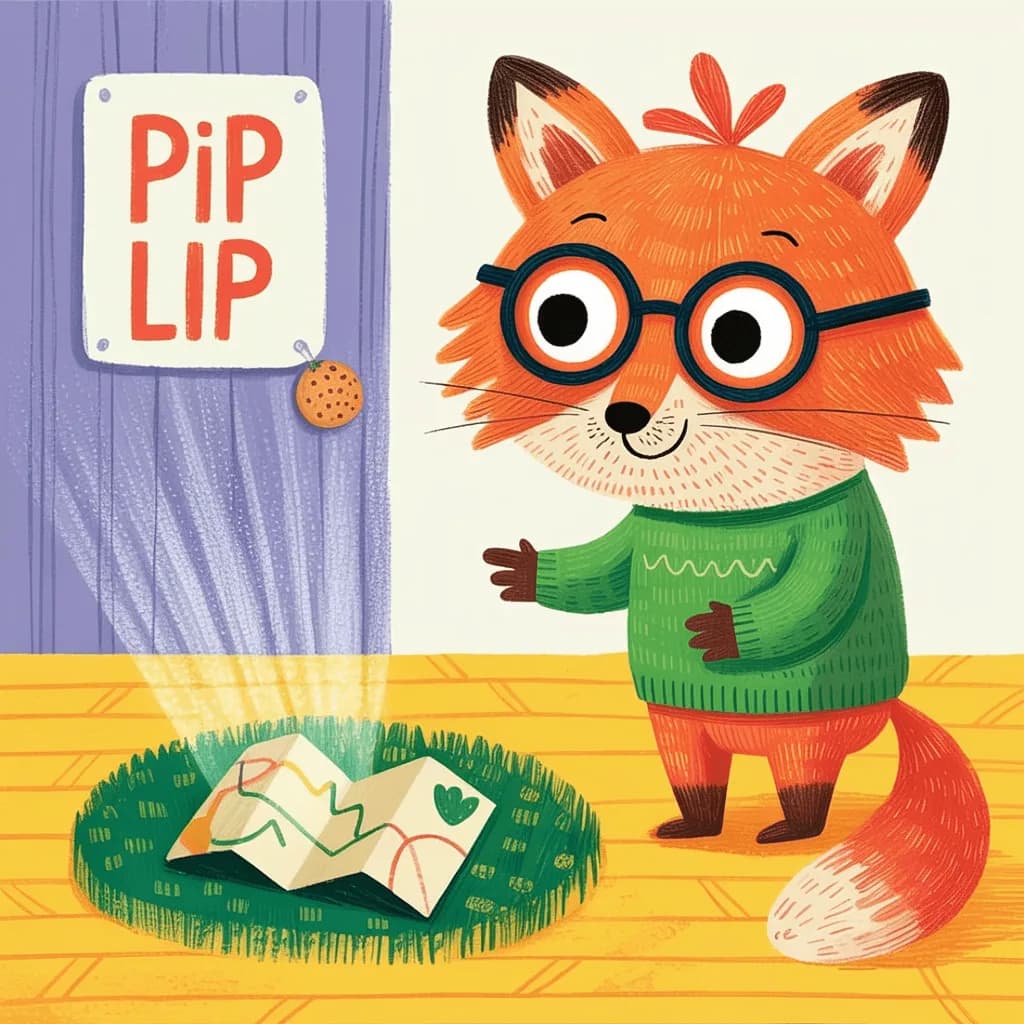
Chapter 01
Describe the story theme and hero the way you would pitch a picture book to an AI children's book illustrator.
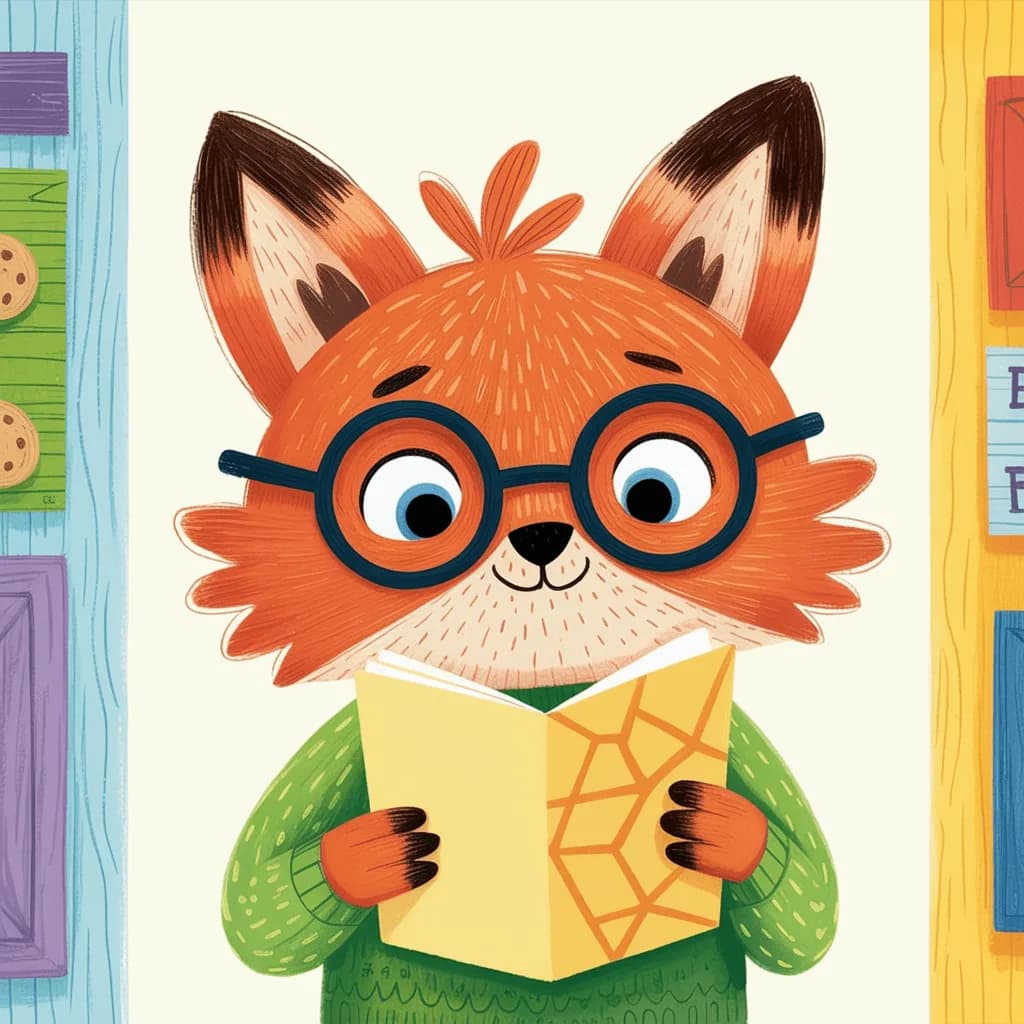
Chapter 02
Use this AI storyboard generator to get ordered page beats: meet, problem, action, and resolution.
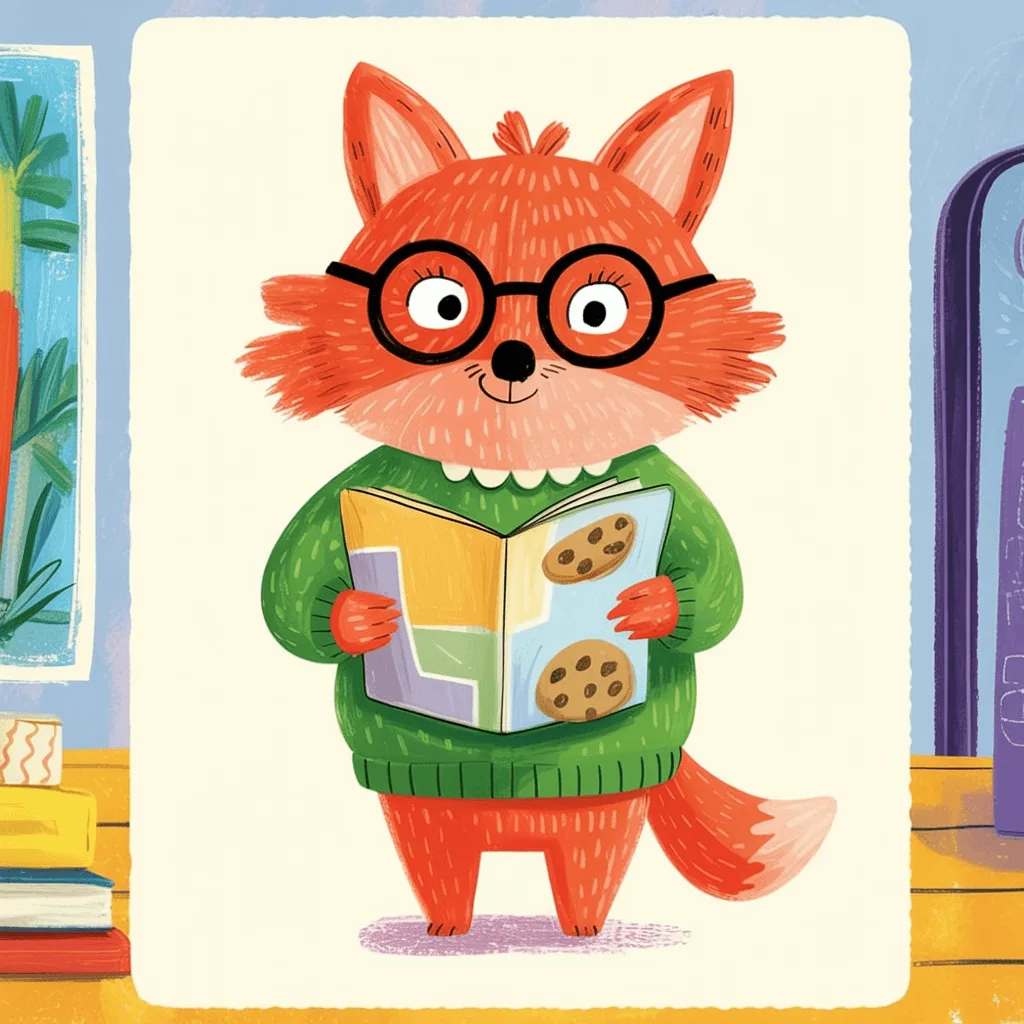
Chapter 03
Approve one character sheet so your consistent character children's book pages keep the same face, outfit, and personality.
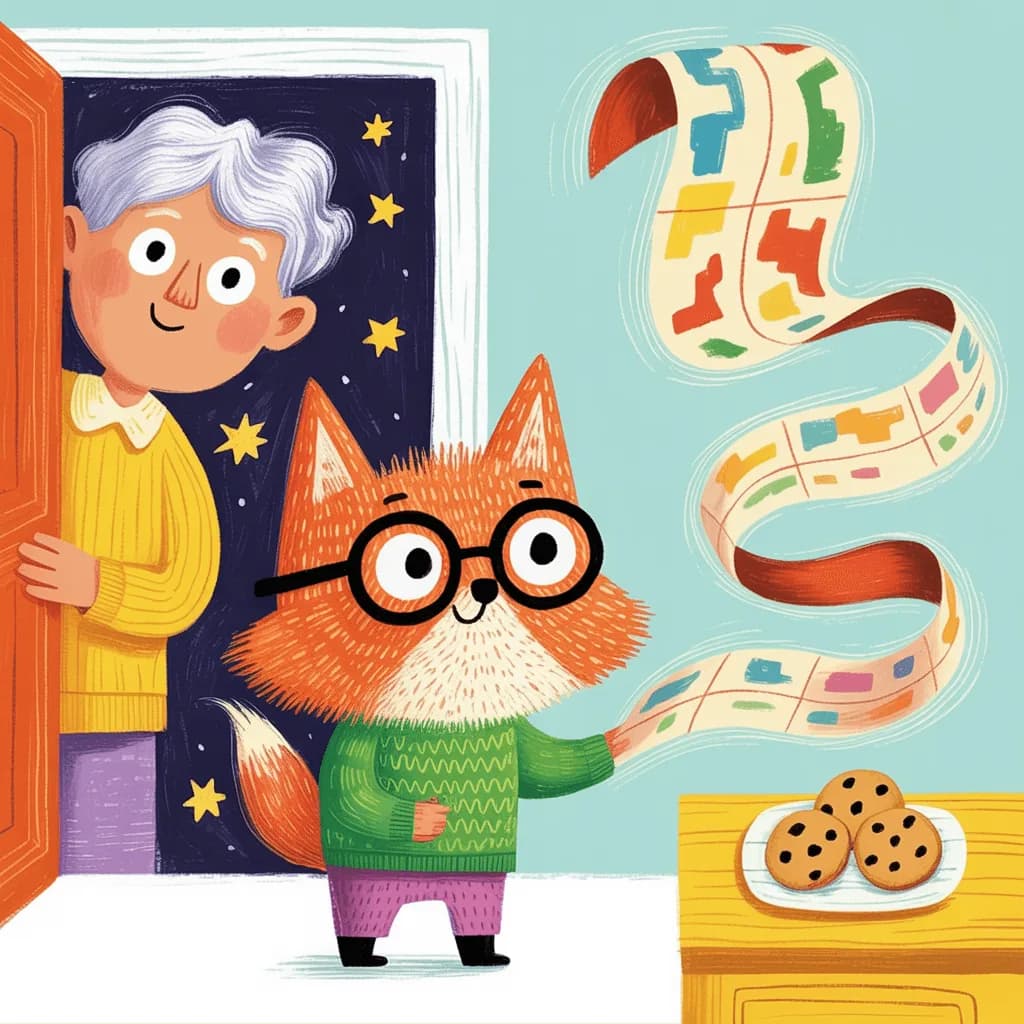
Chapter 04
Create 4 to 28 scenes for a kids book illustration set, tweak any page, then download the full children's book illustration pack.
Tips for stronger storyboards
Picture-book packs work best with a simple arc, a memorable hero, and a lock that keeps every page recognizable.
Brief a meet, problem, adventure, and ending. Kids book illustration sets stay clearer when each page has a job.
Add age vibe, outfit, and one memorable prop (scarf, backpack, ears) so your consistent character children's book stays readable.
Use Optimize prompt with AI when your story idea is rough. It turns a short pitch into a stronger storyboard brief.
Only lock the character when the face, outfit, and personality feel right. That sheet guides every page in the pack.
Name the character, the place, and the action. Keep the palette soft. Use a storyboard pack when you need a sequence of pages.
Soft, storybook-style illustrations from a prompt. For picture books, classroom stories, and kids' product screens.
An AI children's book storyboard generator helps you plan a short picture-book arc and generate matching scenes with one locked hero. You write a brief, review beats, approve the character, then create a children's book illustration pack.
A single illustration is one scene. Book, in the editor, continues that scene: you describe the next page and the same character stays. This storyboard plans many pages at once, locks a character sheet, and builds the full illustration pack.
Open the illustration you already have and choose Book in the editor. Describe what happens next. You get one new page with the same character, at the same credit cost as one new illustration in that style. Use this storyboard when you want the whole arc planned first.
Yes. After you approve the character sheet, Illustro uses that reference and a character bible for each scene so your AI children's book illustrator output stays more consistent from panel to panel.
Yes. The children's book style is tuned for warm, storybook-like scenes. You can generate up to 28 panels (4, 6, 8, 12, 16, 20, 24, or 28) for a short arc or a fuller kids book illustration set before commissioning or writing the final manuscript.
No. Describe the theme and character in plain language. The AI children's book storyboard generator plans the scenes and creates the illustrations for you.
Discover specialized tools for editing, transforming, and building multi-scene illustration packs.