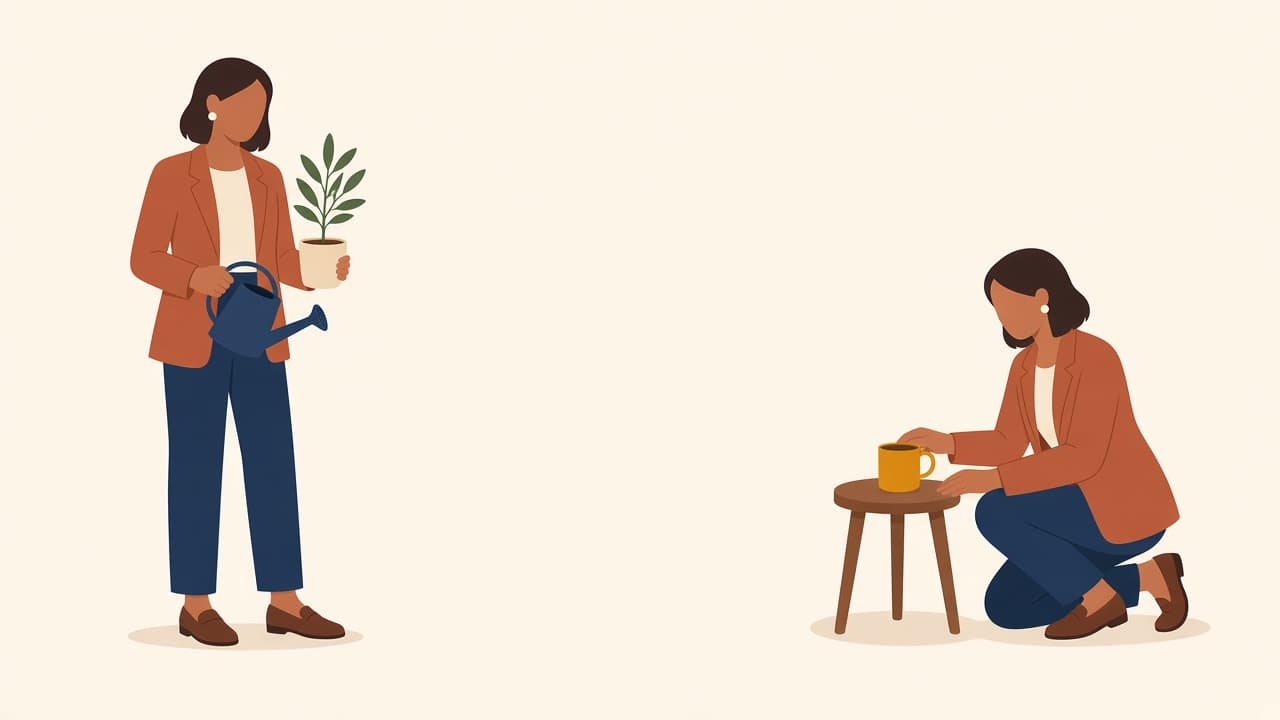
A person, an animal, a product. Decent light, not a tiny crop. Group shots and heavy filters make the conversion harder.
Match the style to the rest of the site
If the product already uses flat UI illustration, do not output a 3D clay portrait next to it. Pick the style the site already speaks. A mismatch shows up first on landing pages, where the illustration sits next to real UI.
A one-line drawing shows a subject with flowing lines that look drawn without lifting the pen. You can make one from a photo with Illustro's Image to Line Art tool: upload, choose Black & White, download.
To animate a drawing with AI, scan or photograph it, upload it, and let the AI add motion. In Illustro you pick a 4, 6 or 8 second MP4 with optional sound, and you can describe the movement or let the AI choose it.
A person, an animal, a product. Decent light, not a tiny crop. Group shots and heavy filters make the conversion harder.
Match the style to the rest of the site
If the product already uses flat UI illustration, do not output a 3D clay portrait next to it. Pick the style the site already speaks. A mismatch shows up first on landing pages, where the illustration sits next to real UI.
A one-line drawing shows a subject with flowing lines that look drawn without lifting the pen. You can make one from a photo with Illustro's Image to Line Art tool: upload, choose Black & White, download.
To animate a drawing with AI, scan or photograph it, upload it, and let the AI add motion. In Illustro you pick a 4, 6 or 8 second MP4 with optional sound, and you can describe the movement or let the AI choose it.