































Illustration to Vector Converter
The online PNG and JPG to SVG converter for illustrations and artwork. Upload a drawing or painted file and get an SVG you can scale and edit. Free to start. Each conversion uses 1 credit.
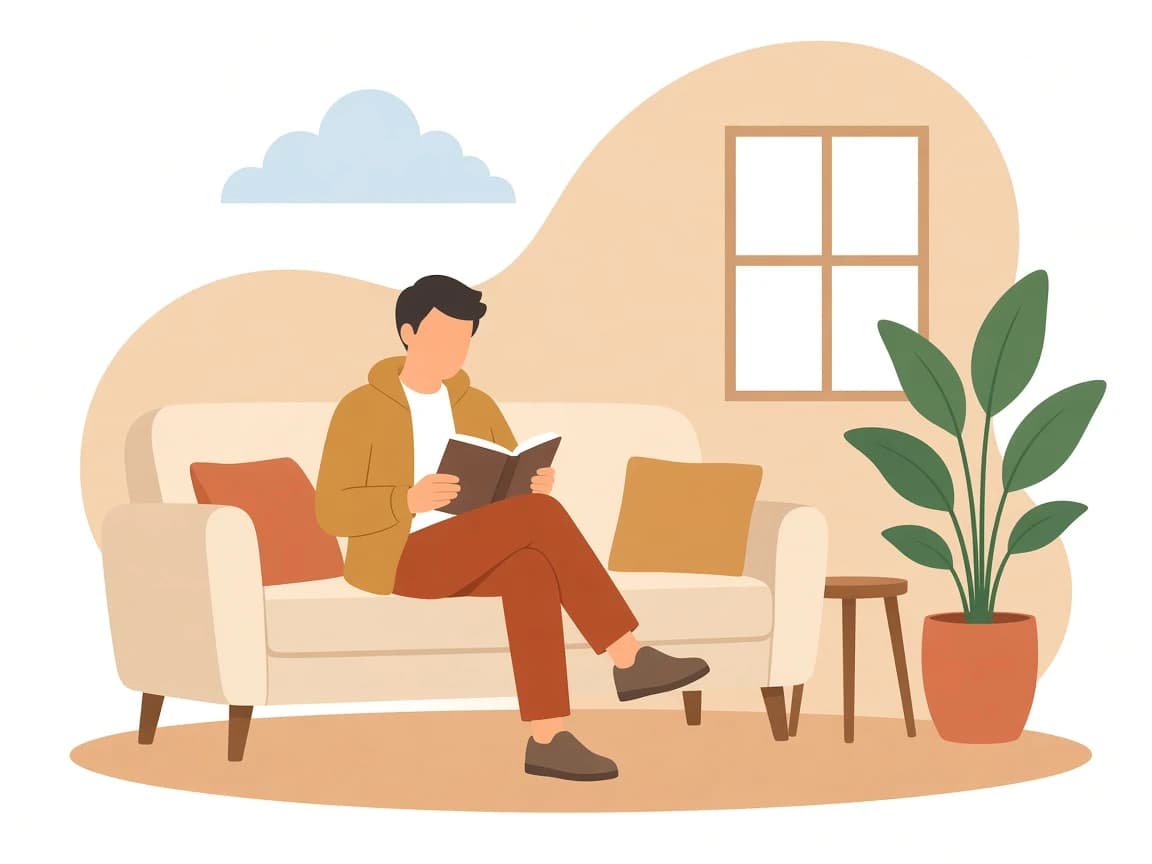

How does it work?
Upload your illustration
Upload your illustration
Choose a JPEG, PNG, or WEBP drawing, sketch, icon, or painted illustration.
Vectorize
Vectorize
Illustro traces the image into SVG paths. One credit covers the conversion.
Preview the SVG
Preview the SVG
Compare the vector with your original before you download it.
Download or edit
Download or edit
Save the SVG, or open it in the editor to change colors and export PNG or JPG.
A free illustration to vector converter
A PNG and JPG to SVG converter for illustrations you already made. Start with the free credits on a new account.

Trace the illustration you already have
Convert digital drawings, sketches, and painted raster artwork into clean, scalable vector paths. The trace follows the shapes and colors already in the file.

SVG you can scale
Download an SVG for websites, slides, and print. Zoom in without the soft edges of a PNG.

Edit the result
Open the vector in the editor to recolor shapes, or send it to the SVG color changer later.
Convert a PNG or JPG to SVG
A PNG or JPG is a grid of pixels. This converter traces those pixels into SVG paths, so the same picture stays sharp when you scale it. JPEG, PNG, and WEBP all work. Artwork with clear edges and fewer colors traces more cleanly.
Drawings and sketches
Upload a JPEG or PNG drawing. The trace follows the lines and fills already in the file.
Icons and logos
Solid colors and clear outlines become SVG shapes you can scale for a site, a slide, or print.

Painted artwork
Painted illustrations convert too. Softer paintings contain more shapes, so the SVG is more detailed.

Learning resources

How to prompt for an SVG you can still recolor
Prompt for a graphic, not a photograph. Then edit paths or colors if a fill is close but not quite.

Vector vs raster: which format for illustrations?
The empty-state PNG looked fine at 1x. At 2x the edges went mushy, and nobody could swap mustard for navy.
Frequently asked questions
What does the illustration to vector converter do?
It traces a raster illustration, drawing, or sketch into an SVG. Upload a PNG, JPG, or WEBP and the result is a vector file you can scale without losing sharpness, then recolor in the editor.
Is illustration to vector free?
You can start for free. New accounts receive free credits, and each conversion uses 1 credit. The SVG download of that conversion is included.
What is the difference between a PNG and an SVG?
A PNG is a grid of pixels, so it looks soft when you enlarge it. An SVG is made of shapes, so the same picture stays sharp at any size. This tool traces the PNG or JPG you upload into those shapes.
Can I convert a JPG to SVG?
Yes. Upload a JPG, JPEG, PNG, or WEBP illustration, icon, logo, or drawing. The download is an SVG you can scale and edit.
What file formats can I upload?
JPEG, PNG, and WEBP, up to 10MB. Use it as a PNG or JPG to SVG converter for drawings, sketches, icons, and painted artwork. A clear subject on a plain background traces more cleanly.
Does this redraw the picture in a new style?
The converter traces the file you upload and keeps its shapes and colors. A new illustration from a photo is the photo to illustration converter.
Will the SVG keep my colors?
Yes. The converter traces the shapes and colors already in the illustration. It does not redraw the picture in a new style.
Can I edit the vector after conversion?
Yes. Open the result in the editor to recolor shapes or export PNG and JPG. You can also change colors later with the free SVG color changer.
How long does conversion take?
Most illustrations finish in under a minute. Detailed paintings take longer because they contain more shapes to trace.
Do I need an account?
Yes. Sign in so the conversion can use a credit and so the SVG is saved to your account. You can try it with the free credits on a new account.
Other Tools You Might Want to Try
Discover specialized tools for editing, transforming, and building multi-scene illustration packs.