Illustro
Product

Vectors from a prompt, not a PNG you cannot edit

Irene Lidia Wang

October 1, 2026 · 1 min read
Vectors from a prompt, not a PNG you cannot edit
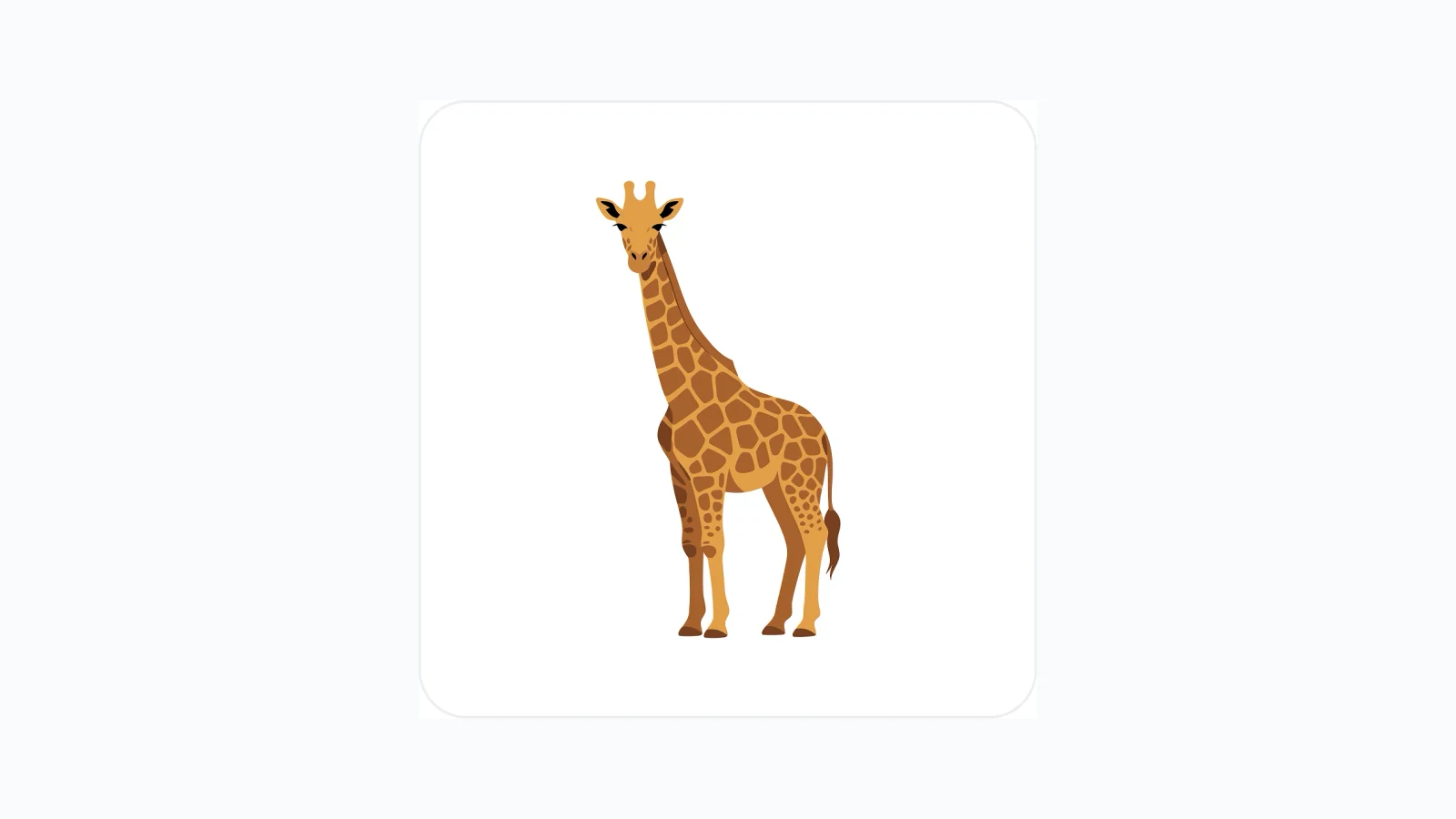
Illustration made with Illustro

PNG is fine until you need to recolor a shape or scale it for a billboard. SVG is the file you can actually keep using.

The AI SVG generator turns a prompt into vector graphics you can edit and export.

Why SVG from a prompt

Most image models give you pixels. That is awkward the moment a designer asks to change one fill, or the asset has to sit at 24px and 2000px.

Vectors keep the edges clean. You can still open the result in the SVG editor if a path needs a tweak, or change SVG colors when the palette is close but not quite. Those two tools also cover files you already have, not only ones you generate here.

Use this when the output has to stay a graphic, not a photograph. Icons, simple scenes, and UI illustration are a better fit than photorealistic people. Prompt shapes, not camera settings.


Create Professional SVGs with AI

Generate scalable, editable vector illustrations in seconds. Start creating professional SVGs from simple text prompts.

Try for free

No credit card required

Introducing Illustro: illustrations that stay on-brand

Introducing Illustro: illustrations that stay on-brand

Generate professional illustrations from a prompt, keep characters consistent, and export files you can actually drop into a product.

Luca Mussari

October 1, 2026

Illustration packs: one character across a whole set

Illustration packs: one character across a whole set

Generate a locked character once, then get a full pack of scenes for UI, 3D, or a children's storyboard.

Irene Lidia Wang

October 1, 2026

Illustro is on the Figma Marketplace

Illustro is on the Figma Marketplace

Generate illustrations without leaving Figma. Install the plugin, connect your Illustro account, and drop results onto the canvas.

Luca Mussari

October 1, 2026