


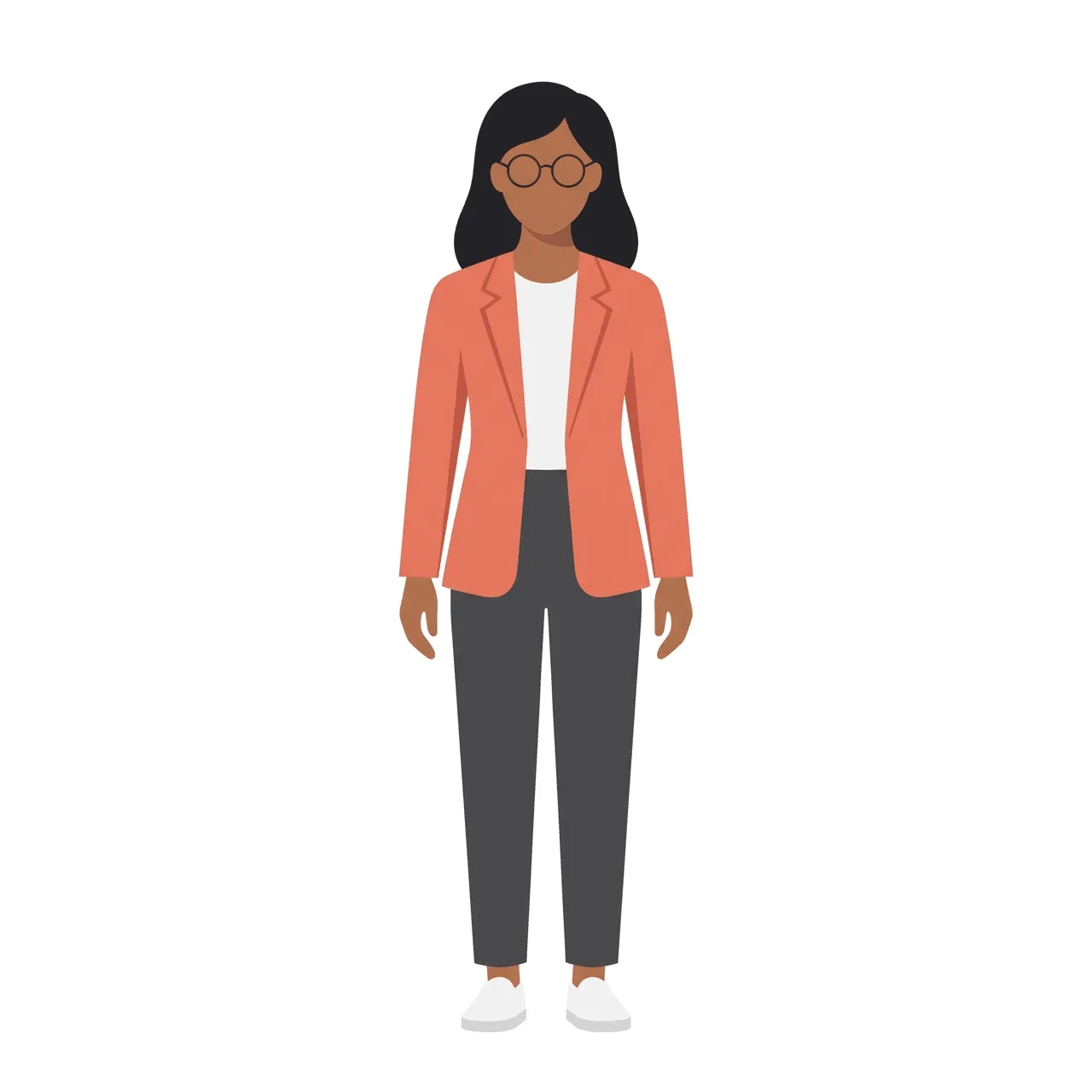
Illustration packs: one character across a whole set
Generate a locked character once, then get a full pack of scenes for UI, 3D, or a children's storyboard.

Irene Lidia Wang
October 1, 2026
Product updates, illustration how-tos, and ideas from the Illustro team.
Generate a locked character once, then get a full pack of scenes for UI, 3D, or a children's storyboard.
Irene Lidia Wang
October 1, 2026
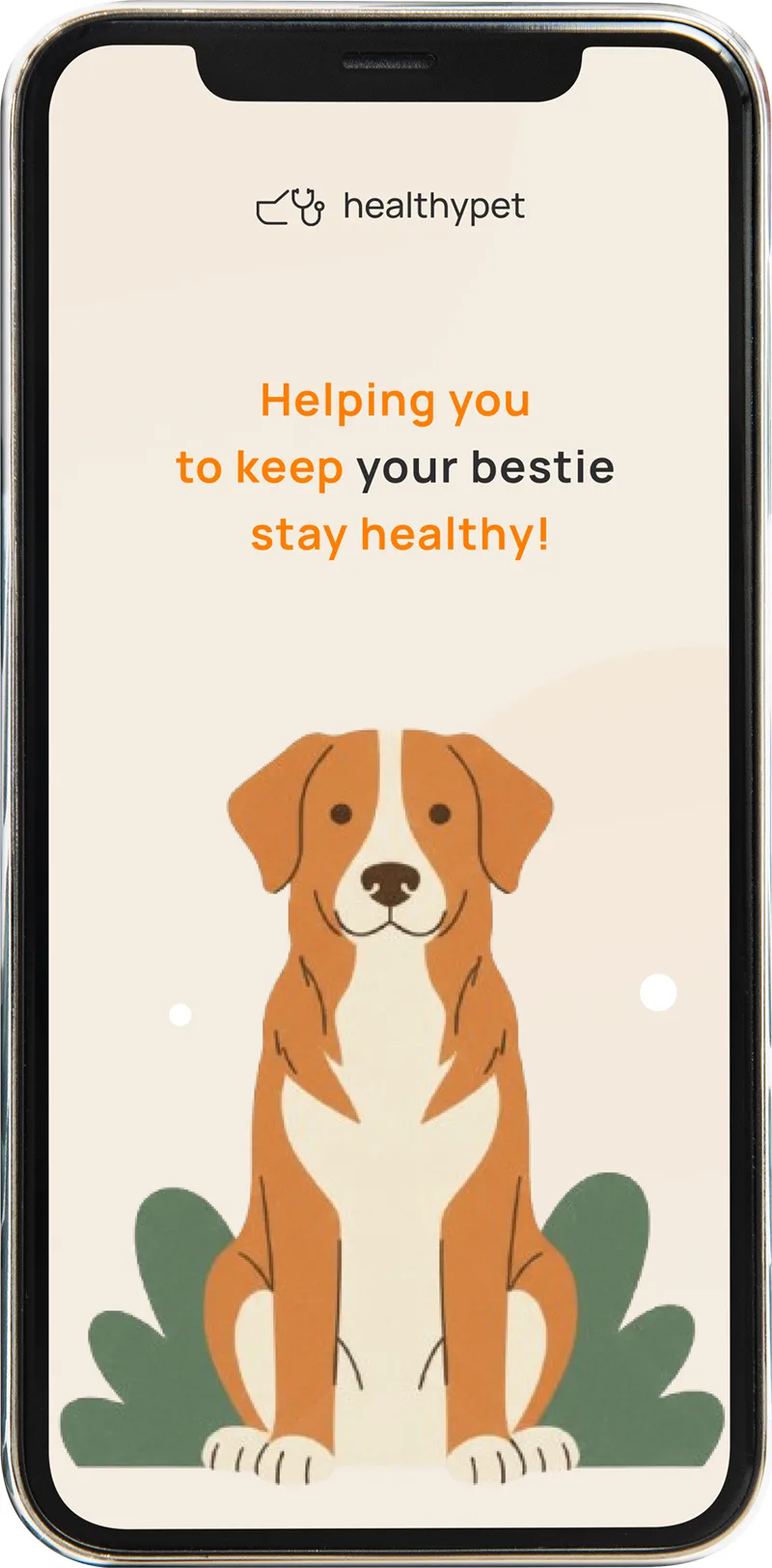
Install the plugin, connect your account, generate in the file you already have open, and place the result on the canvas.
Irene Lidia Wang
October 1, 2026
Generate illustrations without leaving Figma. Install the plugin, connect your Illustro account, and drop results onto the canvas.

Luca Mussari
October 1, 2026
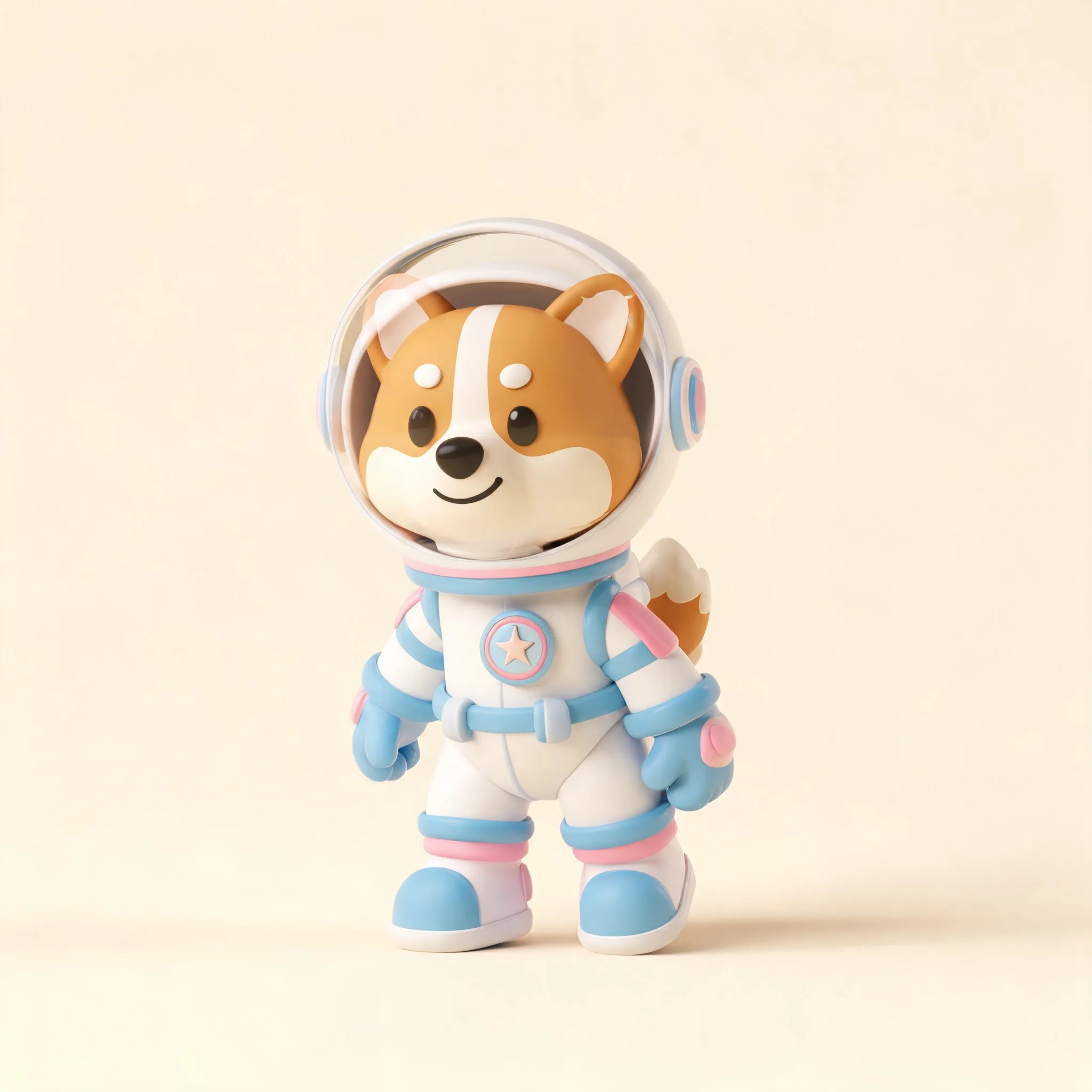
Write a physical subject, pick the 3D style, generate a few, then edit like any other Illustro file. You do not need Blender.
Irene Lidia Wang
October 1, 2026
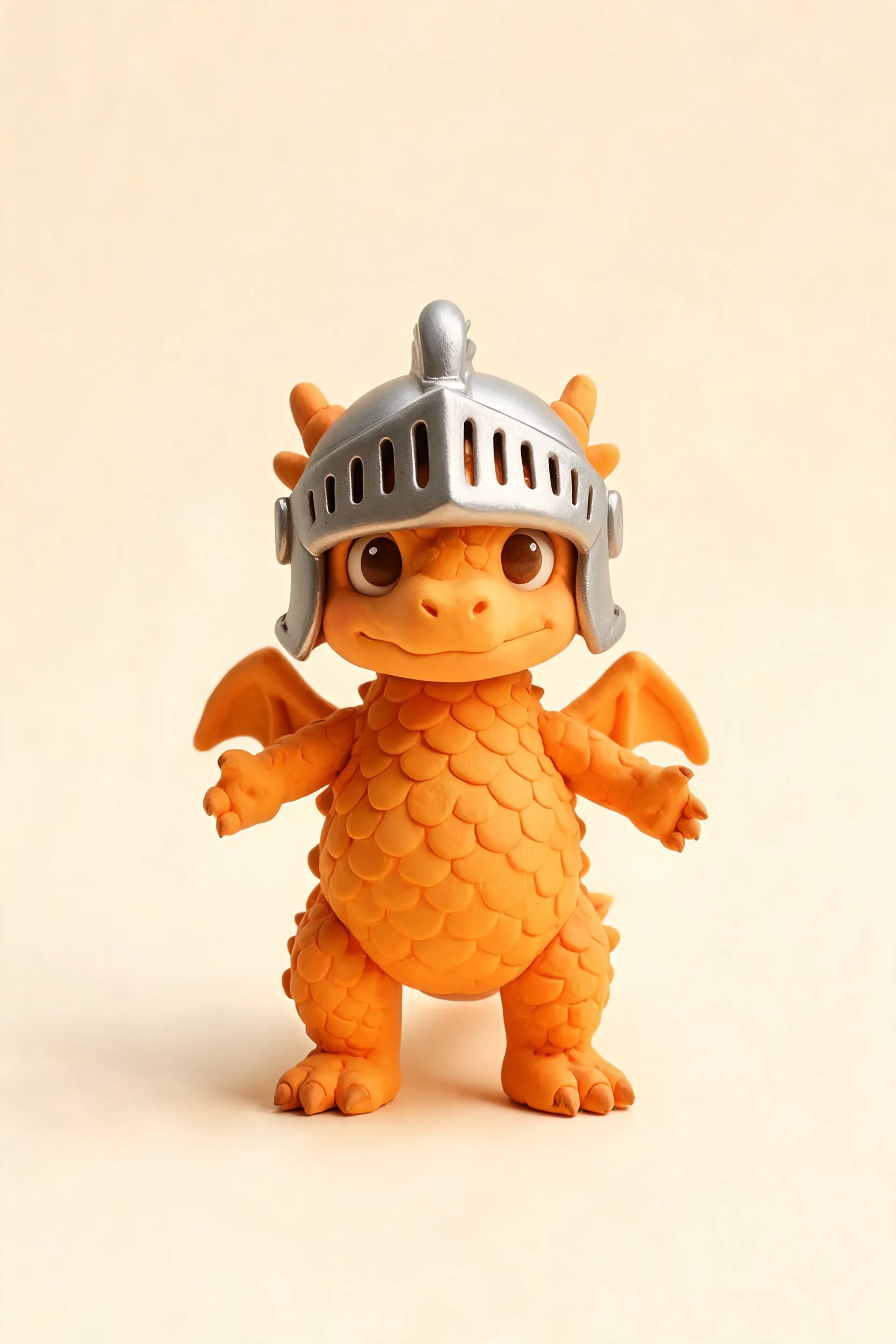
Stylized 3D characters and clay-style scenes from a prompt. For mascots, product shots, and product UI that needs more depth than flat art.
Luca Mussari
October 1, 2026
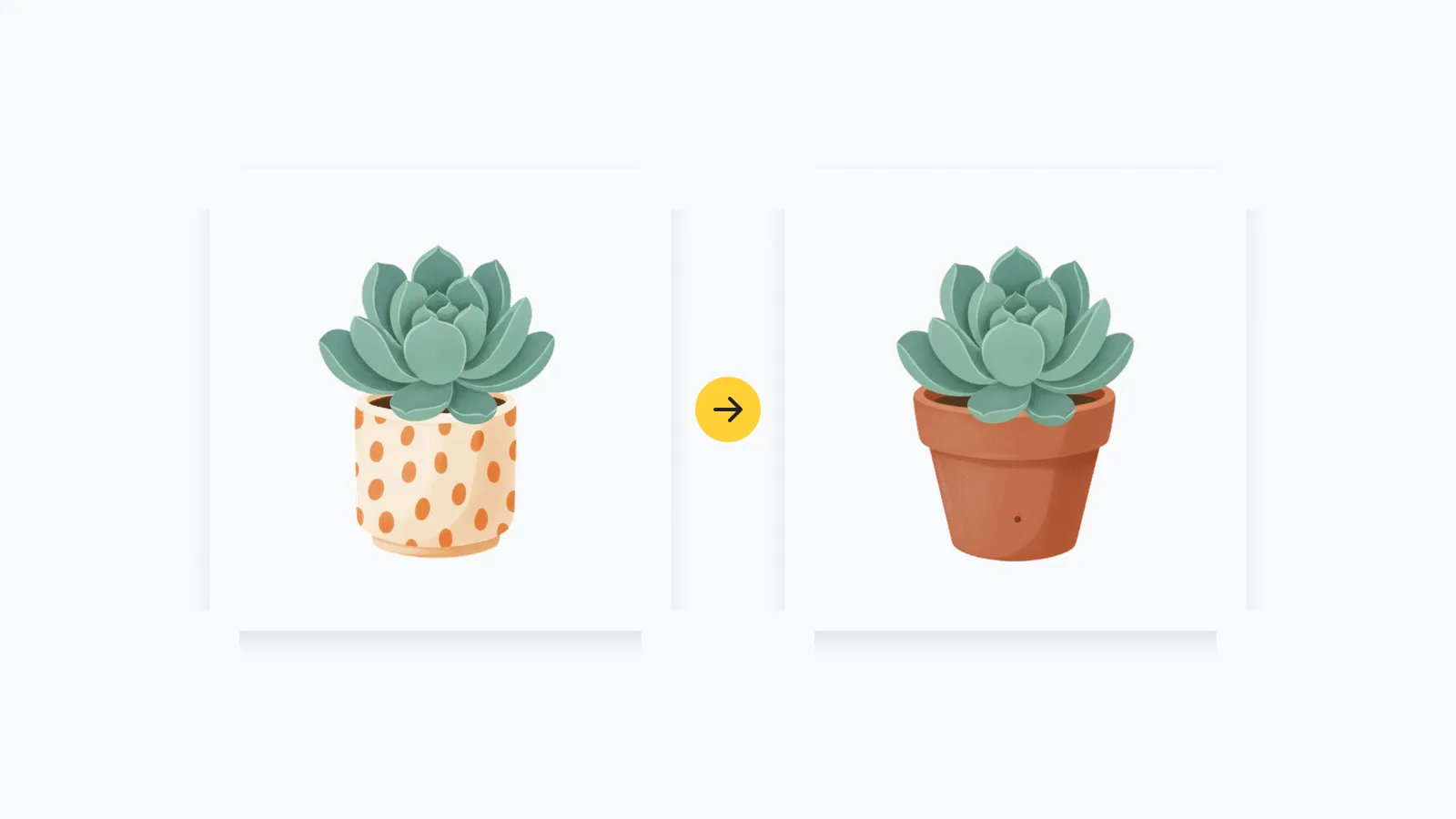
Keep the pose that already works, then change colors, simplify the background, and export from one editor instead of starting over.
Luca Mussari
October 1, 2026
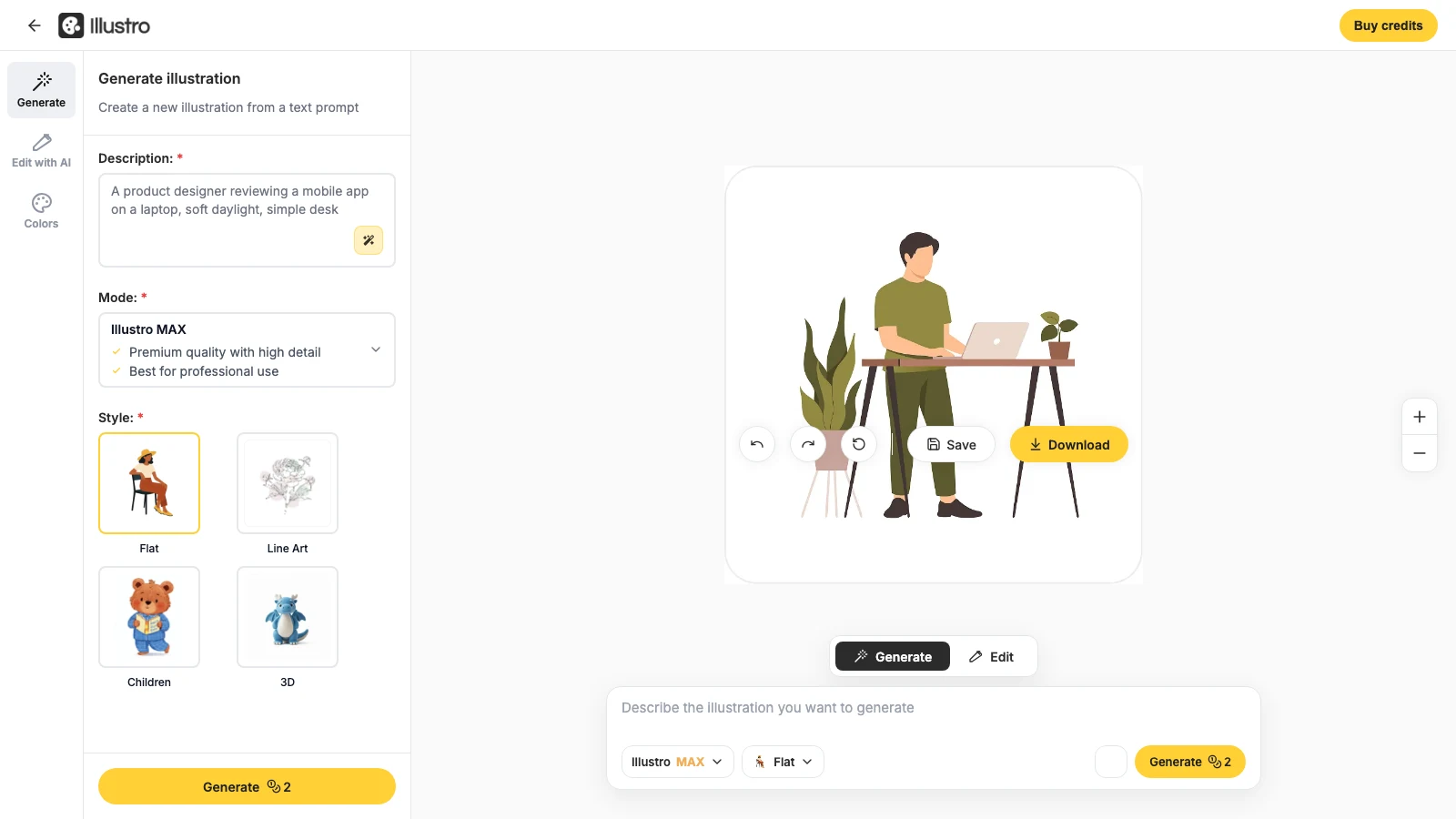
One workspace to edit, recolor, and export files you can actually ship, without jumping between tools.
Luca Mussari
October 1, 2026

Name the character, the place, and the action. Keep the palette soft. Use a storyboard pack when you need a sequence of pages.
Irene Lidia Wang
October 1, 2026

Soft, storybook-style illustrations from a prompt. For picture books, classroom stories, and kids' product screens.
Irene Lidia Wang
October 1, 2026

Creating illustrations shouldn't be hard. Start turning your ideas into editable, on-brand illustrations in seconds.
No credit card required
Product updates, illustration how-tos, and ideas from the Illustro team.
Generate a locked character once, then get a full pack of scenes for UI, 3D, or a children's storyboard.
Irene Lidia Wang
October 1, 2026
Install the plugin, connect your account, generate in the file you already have open, and place the result on the canvas.
Irene Lidia Wang
October 1, 2026
Generate illustrations without leaving Figma. Install the plugin, connect your Illustro account, and drop results onto the canvas.
Luca Mussari
October 1, 2026
Write a physical subject, pick the 3D style, generate a few, then edit like any other Illustro file. You do not need Blender.
Irene Lidia Wang
October 1, 2026
Stylized 3D characters and clay-style scenes from a prompt. For mascots, product shots, and product UI that needs more depth than flat art.
Luca Mussari
October 1, 2026
Keep the pose that already works, then change colors, simplify the background, and export from one editor instead of starting over.
Luca Mussari
October 1, 2026
One workspace to edit, recolor, and export files you can actually ship, without jumping between tools.
Luca Mussari
October 1, 2026
Name the character, the place, and the action. Keep the palette soft. Use a storyboard pack when you need a sequence of pages.
Irene Lidia Wang
October 1, 2026
Soft, storybook-style illustrations from a prompt. For picture books, classroom stories, and kids' product screens.
Irene Lidia Wang
October 1, 2026
Creating illustrations shouldn't be hard. Start turning your ideas into editable, on-brand illustrations in seconds.
No credit card required