
Clean line drawings from a photo you already have

Luca Mussari
October 1, 2026 · 1 min read
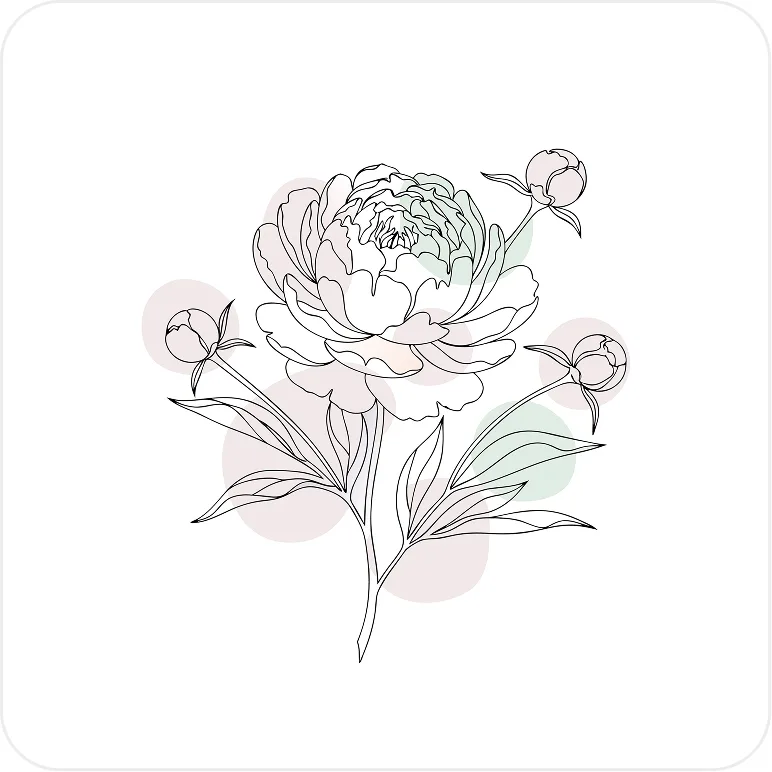
Sometimes you already have the picture. You need the line version: a logo-style drawing, a coloring-page look, or a simpler graphic that sits on a light background.
Turn Image into Line Art takes an upload and returns a line drawing you can keep working on.
What works well
Photos with a clear subject. A flower, a portrait, an animal, a product shot with a simple background. Busy crowd photos and tiny details tend to turn into noise. Crop tighter if a region goes muddy, then judge the edges before you recolor.
After you have the lines, treat it like any other Illustro file. Recolor, simplify, or generate a variation if a region came out muddy.
This is a conversion tool, not a replacement for drawing from scratch. If you want a scene that does not exist yet, start from a prompt instead. If you want to keep the pose as a full illustration, turn the photo into an illustration and pick a style that matches the rest of the product.