
Online AI Illustration Editor
The smartest way to edit vector illustrations online. Change colors, modify elements, and enhance your artwork using simple text prompts.

Drag & Drop or browse to upload your file
SVG, PNG, or JPG files • Max file size: 10MB
Illustration Editor Features
Everything you need to tweak, fix, and enhance your illustrations without opening professional design software.

AI-Powered Editing
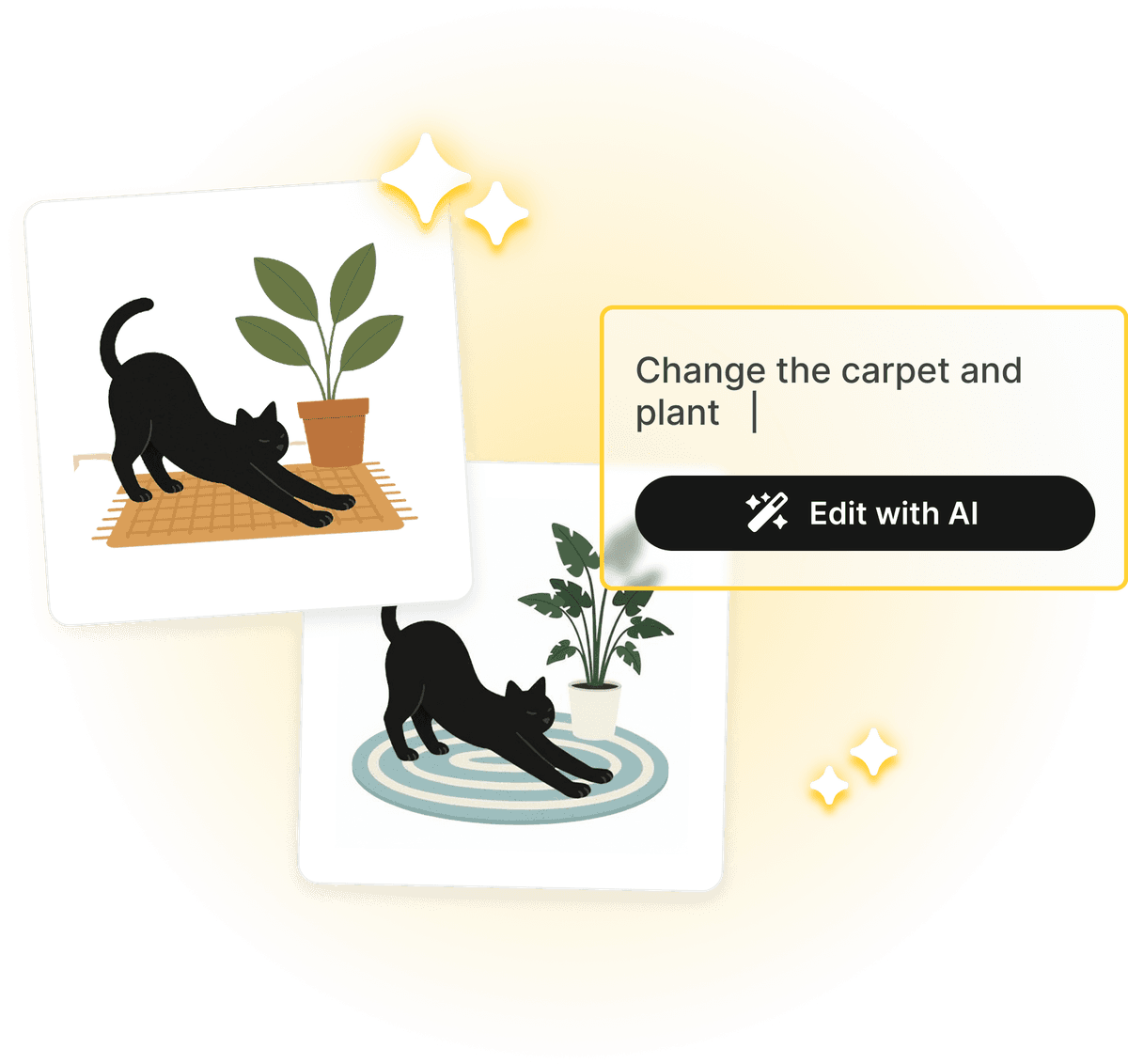
Simply describe changes with text prompts. Ask to 'make it happier' or 'change background to sunset' and watch the magic happen.

Smart Recoloring
Instantly detect and group colors. Change specific hues or recolor the entire illustration with a single click.

Vector Quality Preserved
Edit SVG files without losing quality. Your downloads remain crisp, scalable vectors ready for production use.

Intuitive Selection
Click any part of your illustration to select and modify it. No complex layers or learning curve required.

Instant Results
No waiting for designers. Make quick tweaks and adjustments in seconds right in your browser.

Multiple Formats
Download your edited work in SVG for development or high-quality PNG/JPEG for presentations and social media.
*Above illustrations made with Illustro
How Does The Illustration Editor Work?
Upload Illustration
Upload Illustration
Click the button and upload your illustration file.
AI Analysis
AI Analysis
Our AI analyzes your illustration structure and colors.
Edit with AI
Edit with AI
Use AI prompts to change colors or modify your illustration.
Download Result
Download Result
Download your edited illustration in high quality.
The Best Online AI Illustration Editor
Transform your artwork with our powerful illustration editor. Unlike basic drawing tools, our platform uses AI to help you edit illustrations faster and more creatively.
Why Choose Our Illustration Editor?
If you need to change colors, change characters, or edit an entire illustration with AI, our AI-powered illustration editor handles it all in seconds. Straight from your browser. No downloads, no installations.
- AI-powered editing with simple text prompts
- Instant color detection and smart recoloring
- Preserve vector quality in all exports
- No design skills or software required
Made for Everyone
Don't waste time with complicated design software. Our AI illustration editor is designed for everyone from marketers to developers. Simply upload your file and start editing. It's the easiest way to edit illustrations with AI directly in your browser.


Frequently asked questions
What file formats does the illustration editor support?
Our illustration editor supports SVG, PNG, and JPG files. You can upload vector illustrations or raster images from any source, including stock sites, design software, or our own AI generators.
How can I edit illustrations with AI?
Once you upload your illustration, you can use our 'Edit with AI' feature. Simply describe the changes you want to make (e.g., 'change the background to blue', 'make it look happier'), and our AI will intelligently update the illustration while preserving its quality.
How much does the AI illustration editor cost?
Uploading and editing SVG files is completely free. For PNG and JPG files, processing requires 1 credit per upload. If you want to try editing for free, simply upload an SVG file instead.
Can I change colors of my illustration?
Absolutely! Our tool automatically detects all colors in your illustration. You can change specific colors, recolor the entire illustration, or use AI to suggest new color palettes.
Can I customize the illustration dimensions?
Currently, this tool focuses on editing the content and colors of your illustrations. For creating custom-sized illustrations from scratch, check out our full illustration generator.
What happens to my original file?
Your original file remains untouched. When you edit an illustration, you download a new version with your changes applied. The quality and vector scalability are preserved in the edited file.
Is my data secure?
Yes, your data is completely secure. Illustrations are processed securely, and we do not use your uploaded files to train our models without your permission. Your edits are private.
Do I need to create an account?
Yes, you need to sign in to use the illustration editor. Creating an account is quick and easy—just sign in with Google or your email. This allows us to provide you with AI-powered editing features and save your work history.
Still have questions?
Contact our support teamOther Tools You Might Want to Try
Discover our specialized tools for editing and transforming your illustrations and vector graphics.