































3D Illustration Generator
The 3D illustration generator for premium stylized characters and vibrant clay-style scenes. No Blender or 3D modeling software required.
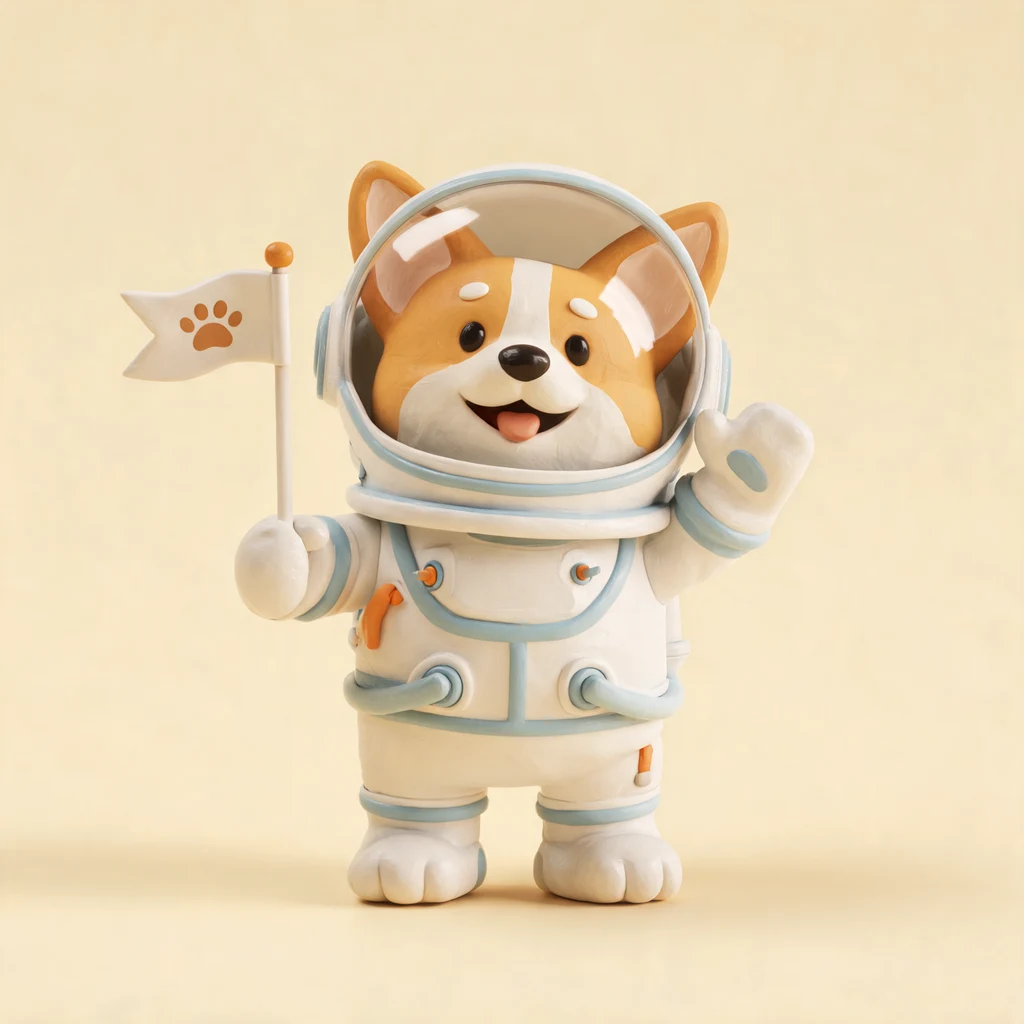
AI 3D Illustration
Generator
Create stunning stylized 3D character illustrations with expressive figurines, vibrant scenes, and eye-catching artwork in seconds. Our specialized AI illustration generator requires no 3D software or complex modeling skills.
Our AI generates premium 3D illustrations with rich depth, smooth shading, and professional polish. Perfect for brands, games, apps, and digital products. Need the same figurine across many scenes? Try the 3D character illustration pack generator.
No credit card required

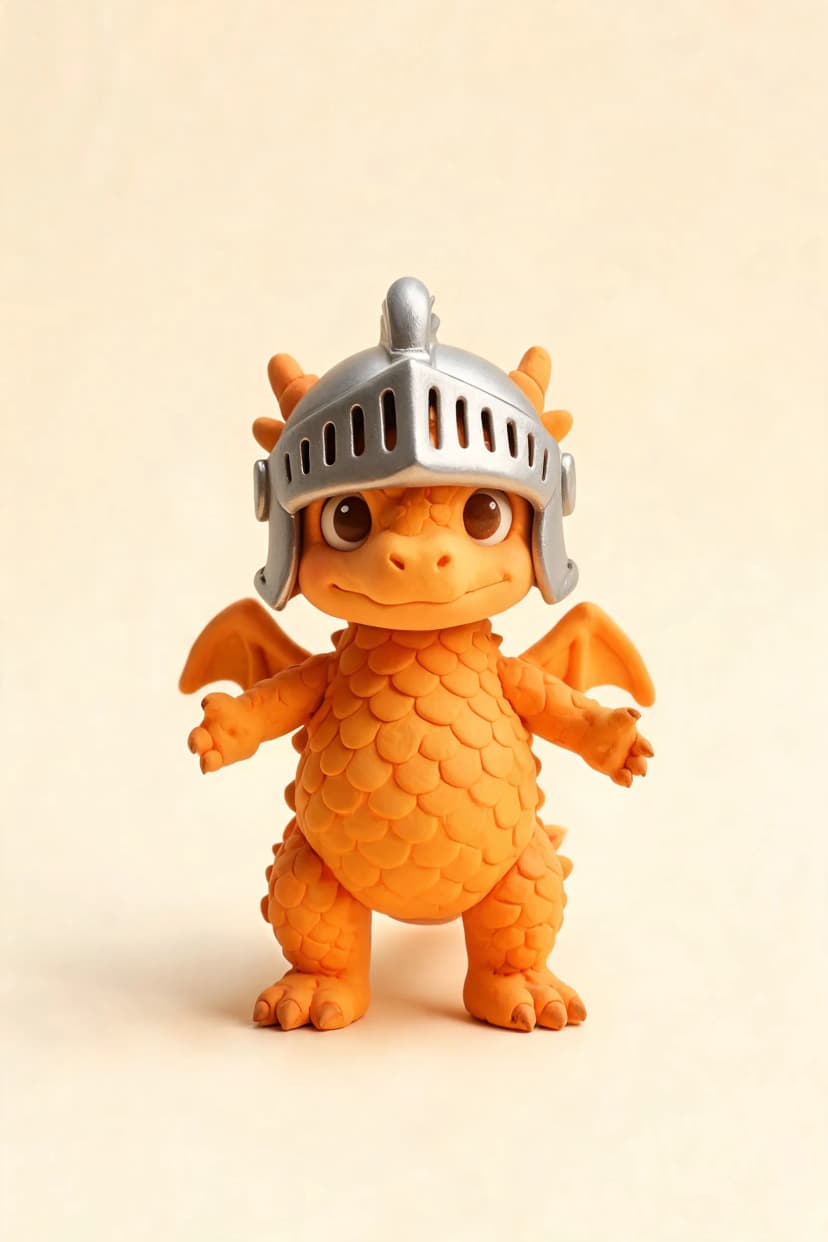
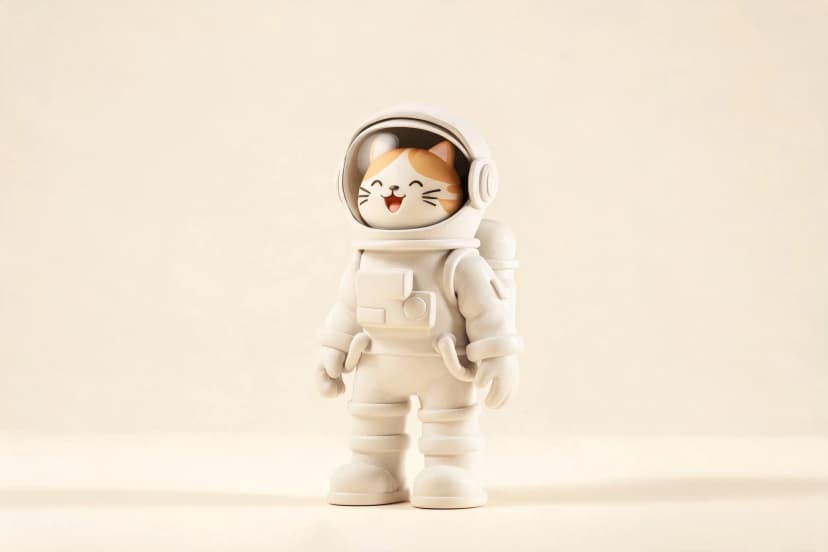
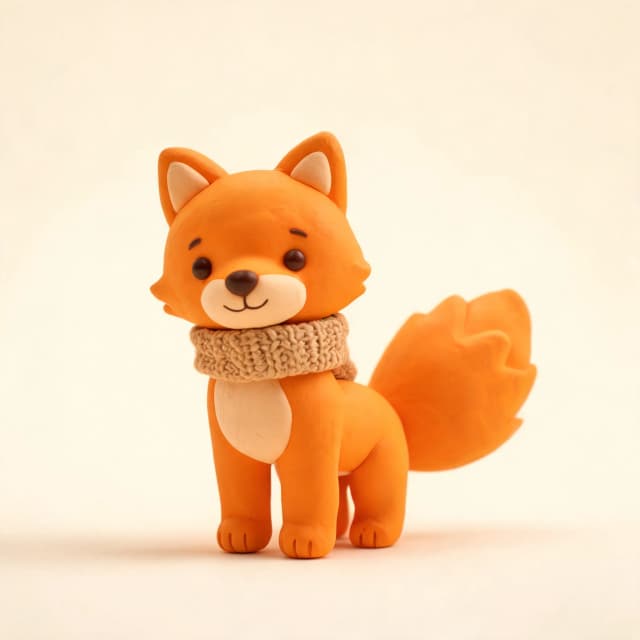
How our 3D illustration generator works
Three easy steps to create premium stylized 3D illustrations for any project

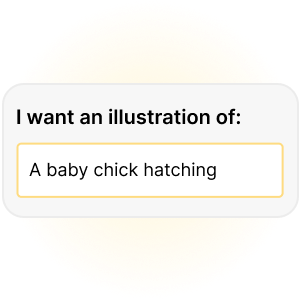
Describe your 3D character or scene

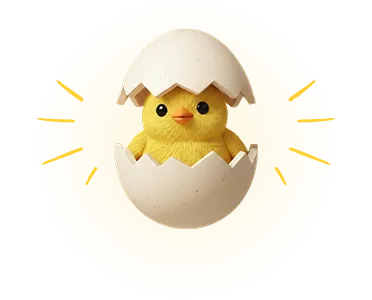
Click generate and get stunning 3D artwork

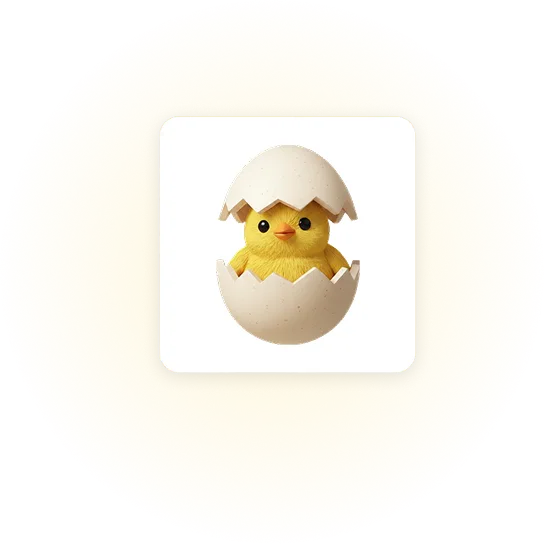
Download your illustration as PNG or JPG

Regenerate or edit with AI to refine every detail
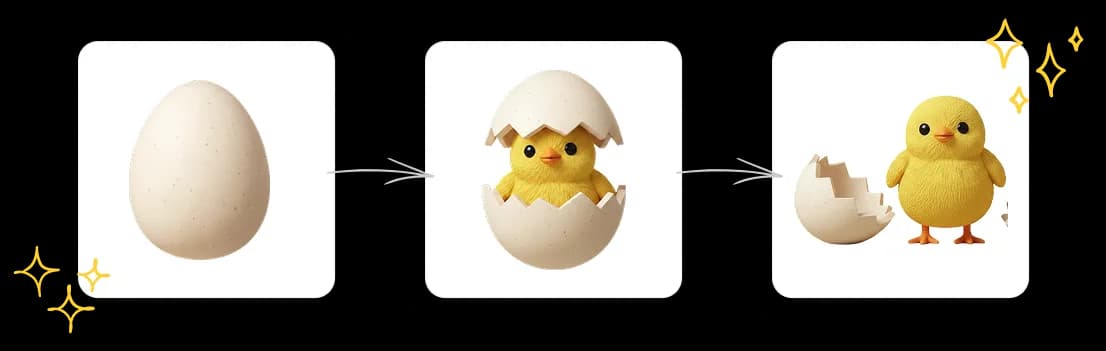
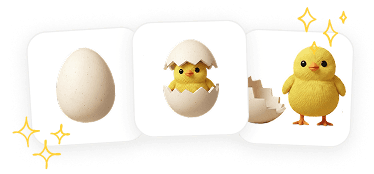
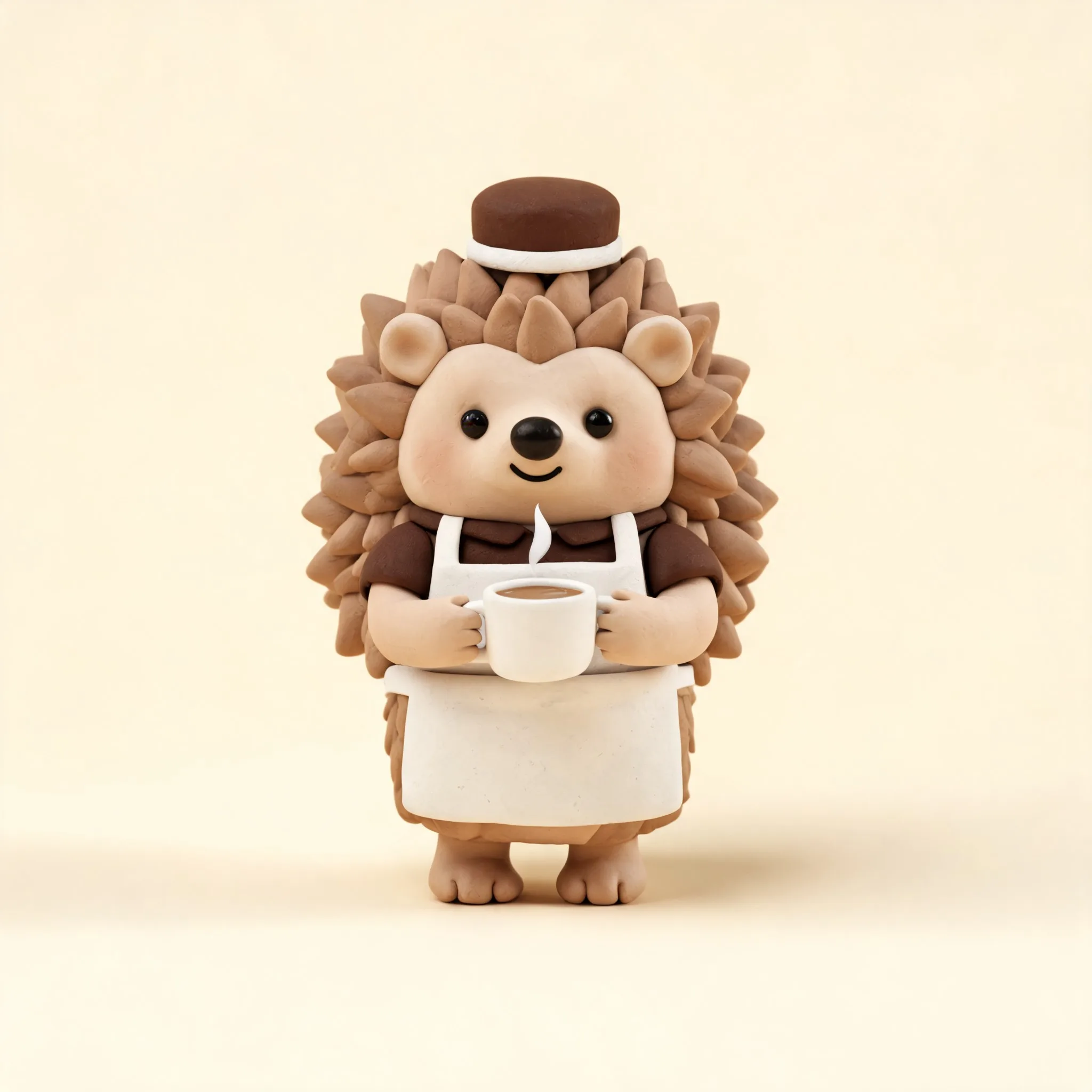
*The illustrations above created with Illustro
Rich Depth & Dimension
Generate characters and scenes with smooth shading, volumetric lighting, and real sense of depth. Get the kind of quality that would take hours in 3D software.

Commercial Rights Included
Use your 3D illustrations for games, apps, merchandise, and marketing. Full commercial rights with no attribution or licensing fees required.
Affordable for Every Creator
Skip expensive 3D software and freelancers. Get professional-grade illustrations in seconds at a fraction of the cost.
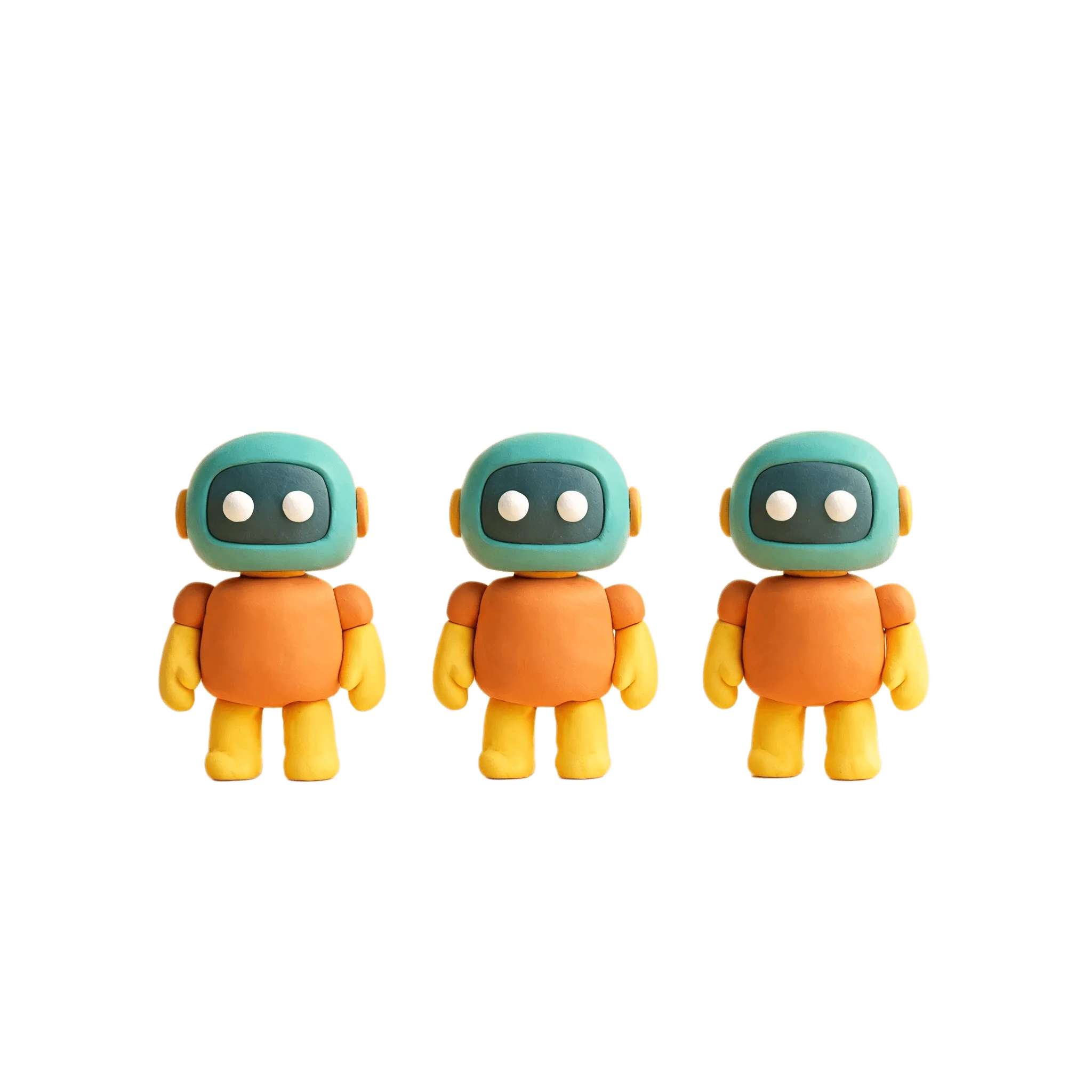
Consistent Stylized Look
Generate a full set of characters or assets that share the same aesthetic. Ideal for apps, game UIs, or brand mascots.
*Above illustrations made with Illustro
Everything you need for 3D illustrations
Create professional-quality stylized 3D artwork in minutes. No 3D experience needed. Just your idea and a click.
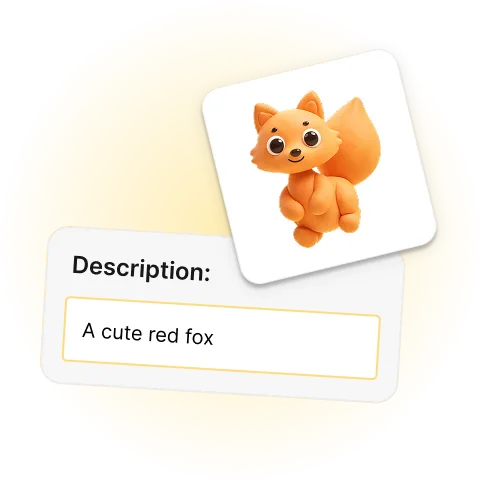
Describe your subject, get instant 3D artwork
Just type what you imagine, like a cheerful robot chef, a fantasy dragon, or a cozy autumn fox, and get a polished stylized 3D illustration in seconds. No modelling, no rigging, no software.
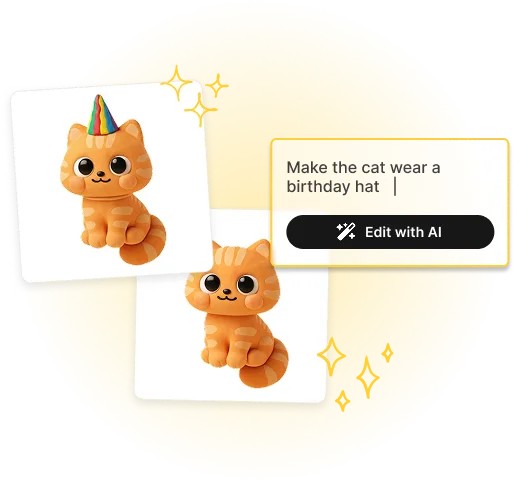
Edit and refine with AI
Want to swap the color palette, change the background, or add a prop? Use AI editing to tweak your illustration until every detail is exactly right for your project.
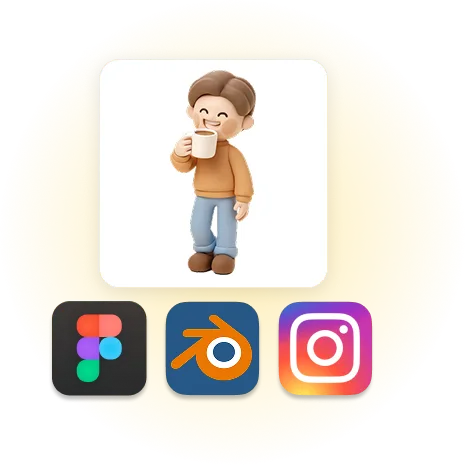
Export high-quality PNG or JPG for any platform
Download your 3D illustrations as high-resolution PNG or JPG files, ready for game UIs, product pages, social media, print, and beyond.
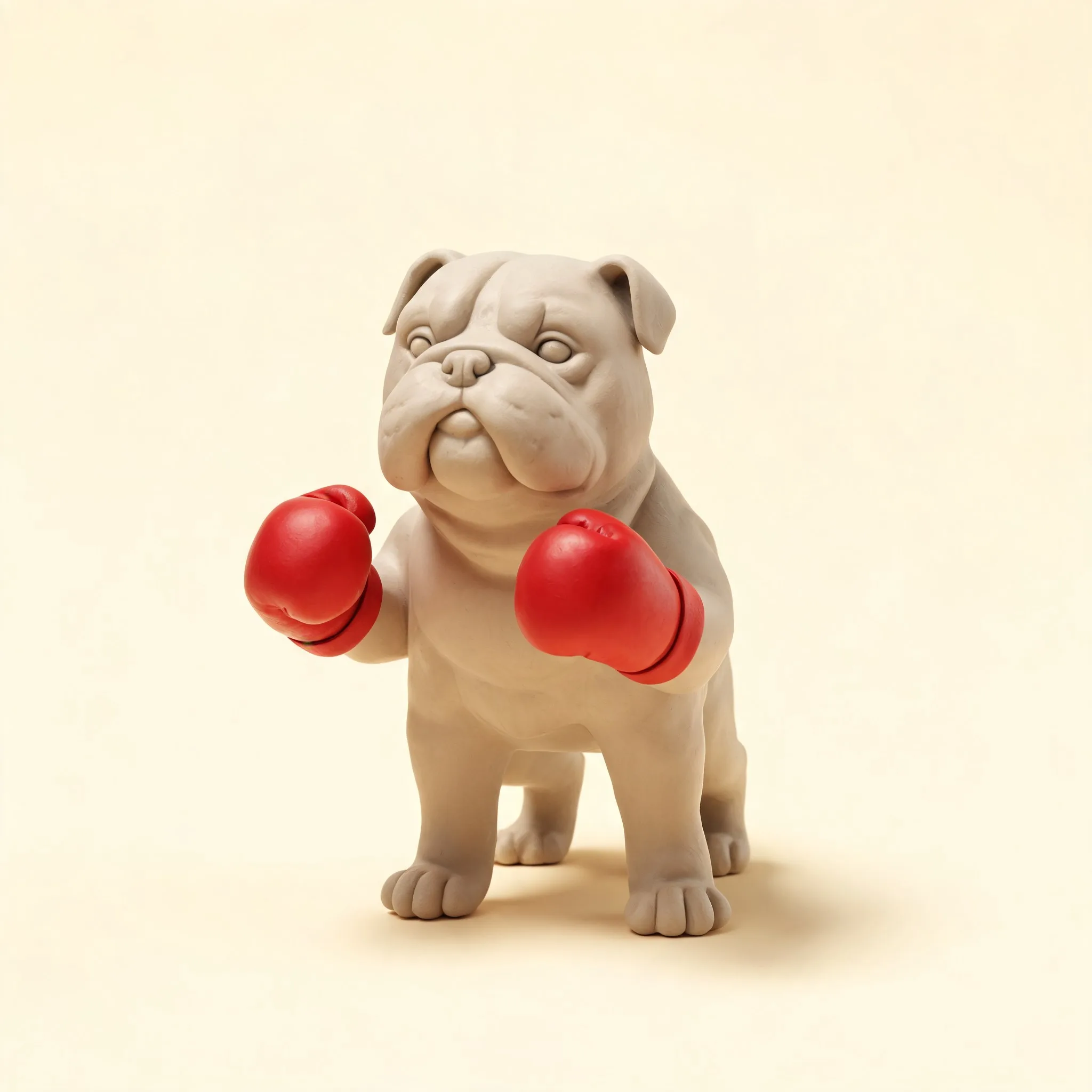
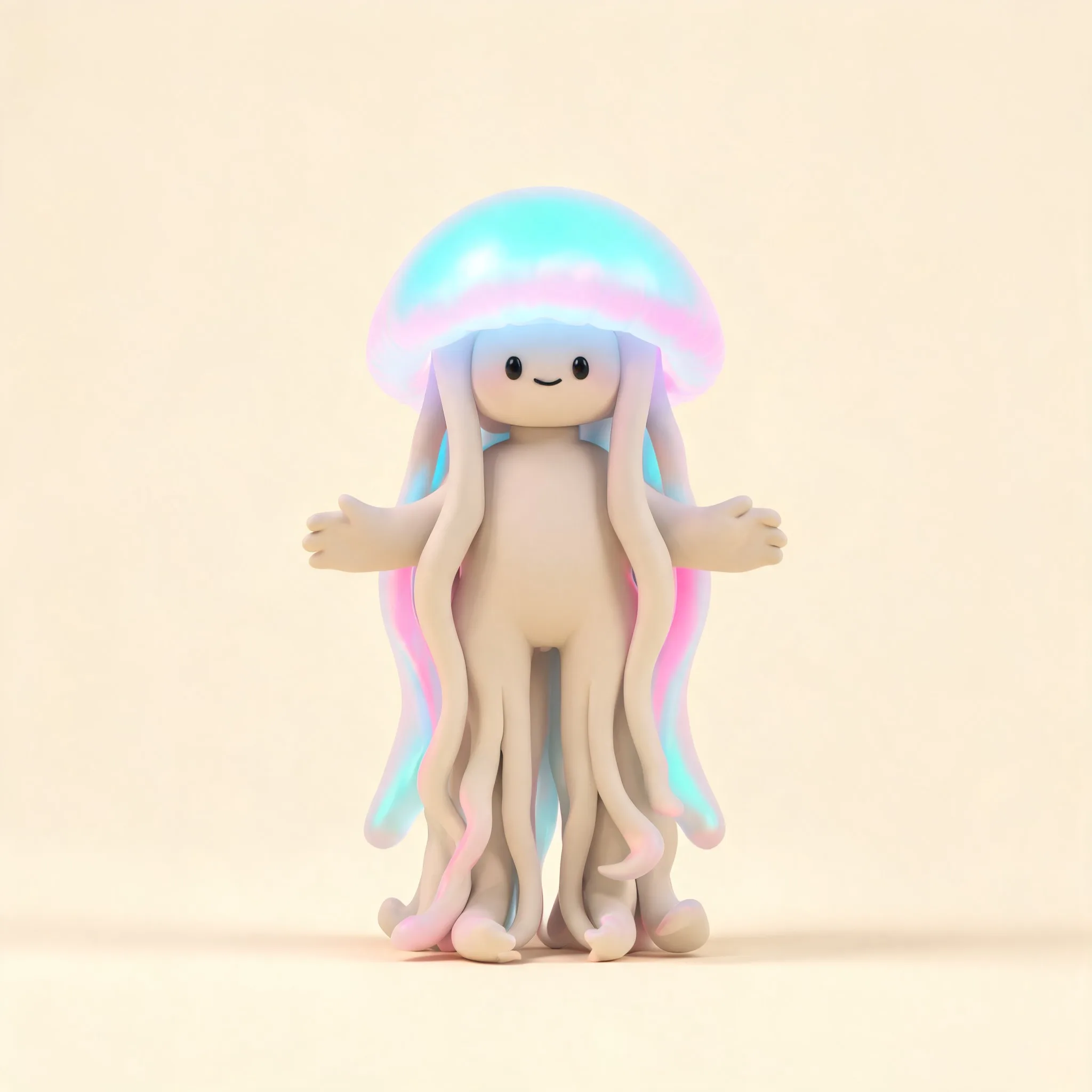
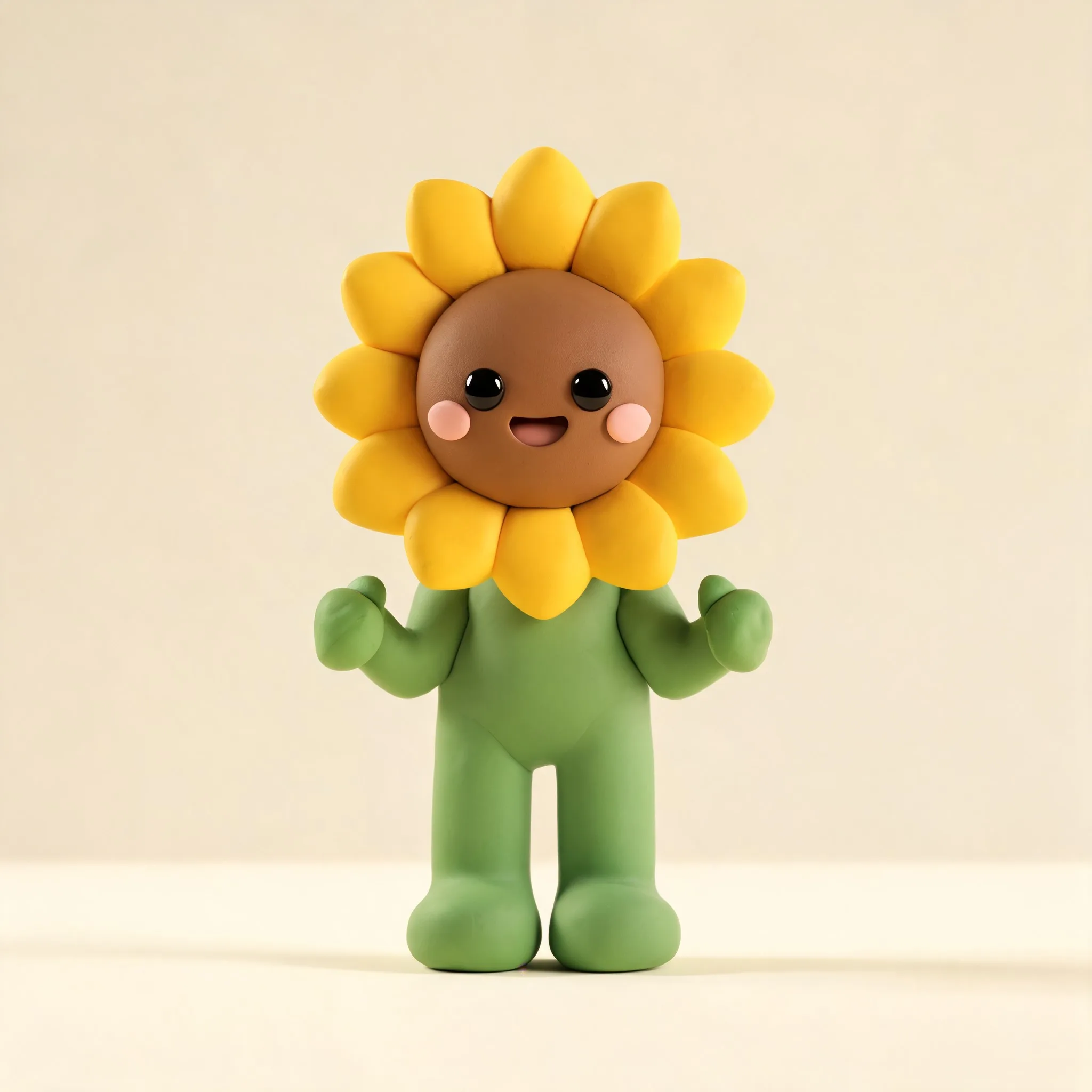
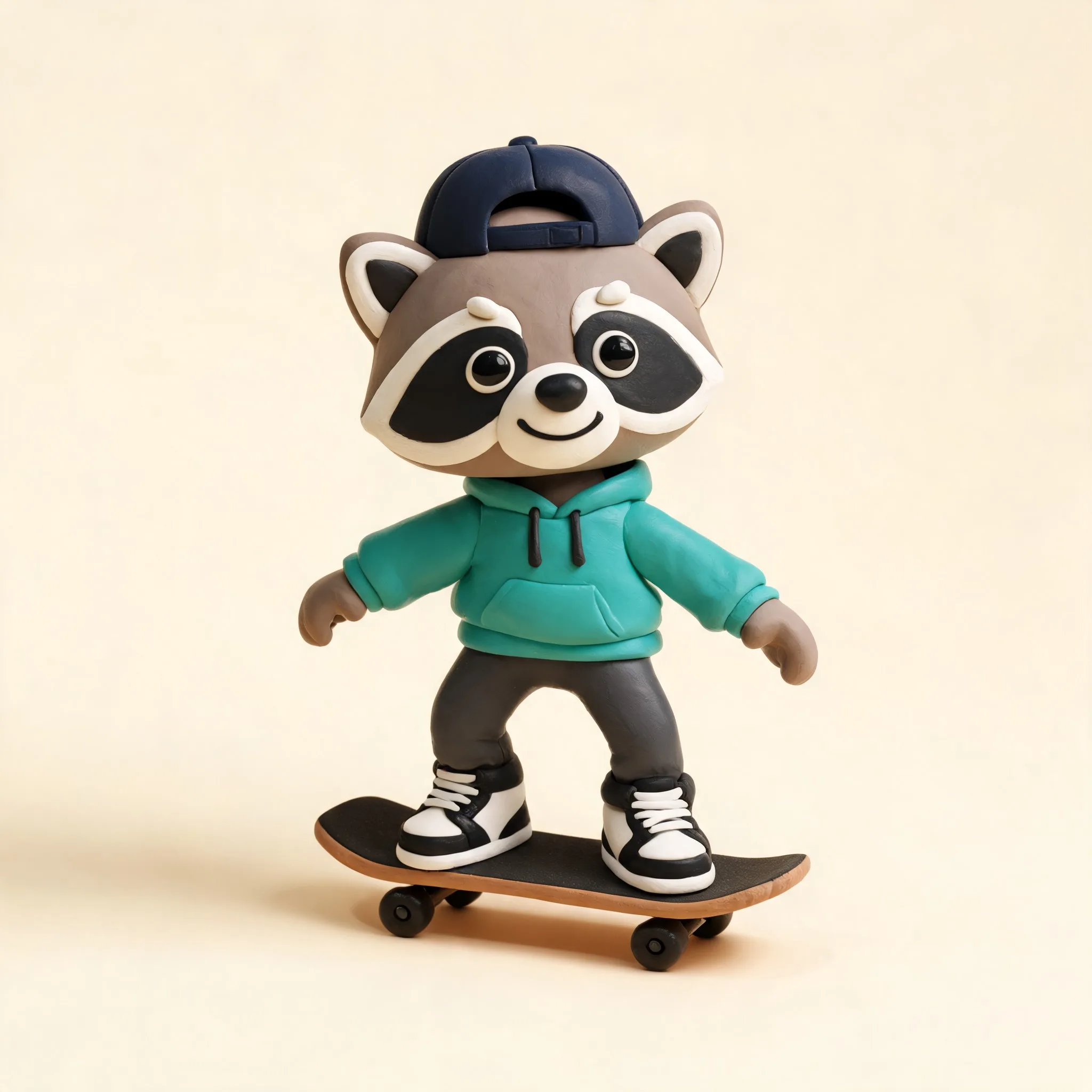
Get inspired by stunning 3D illustrations
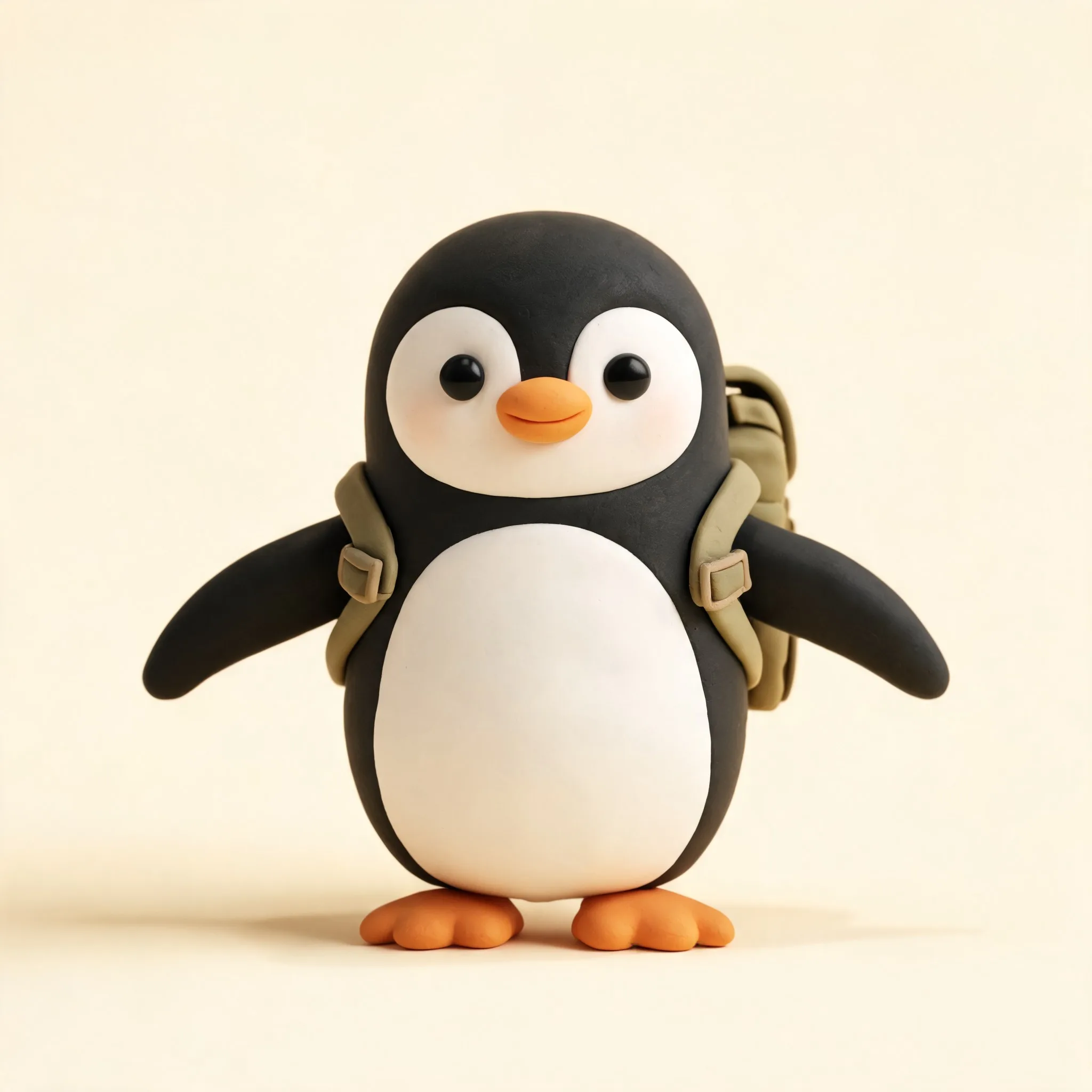
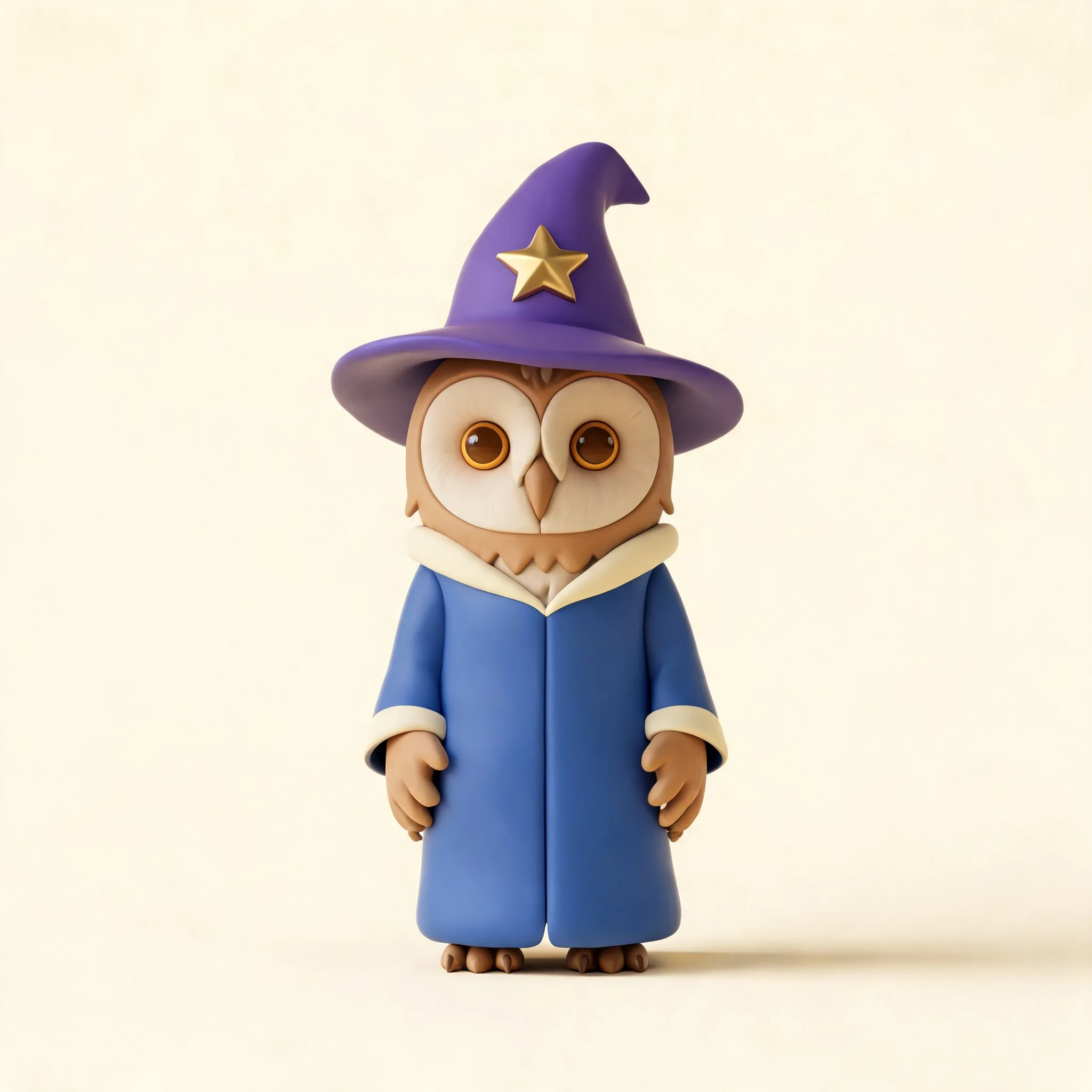
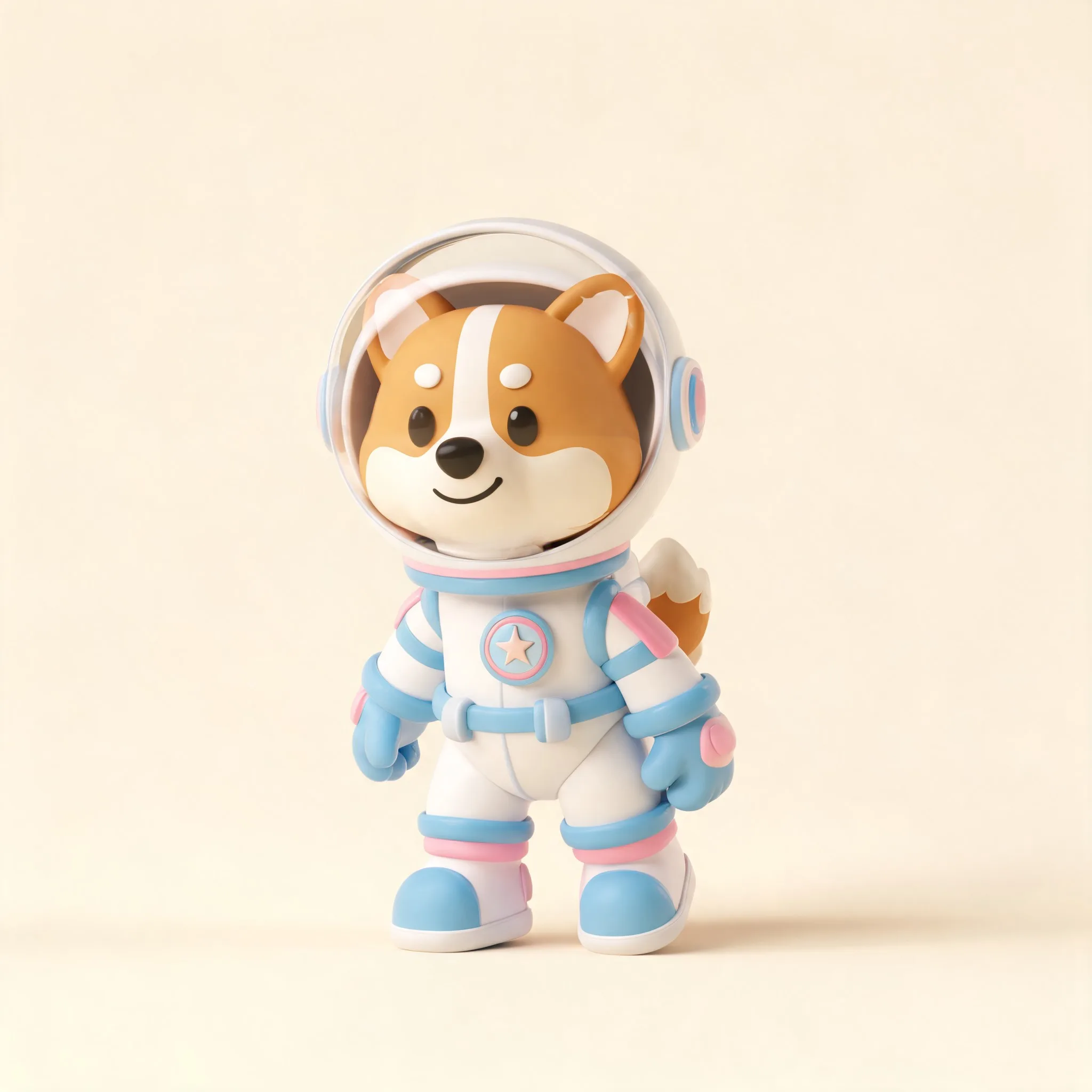
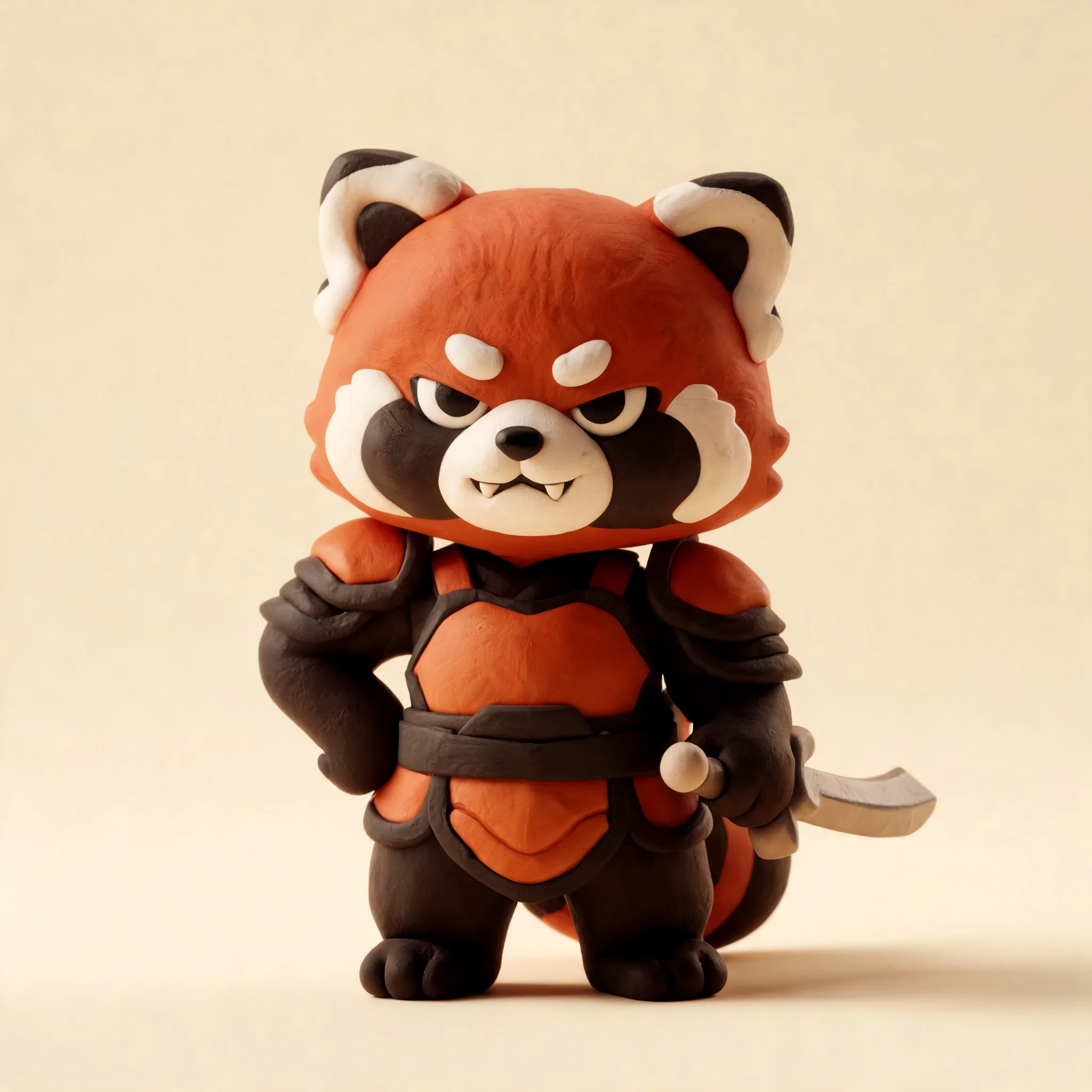
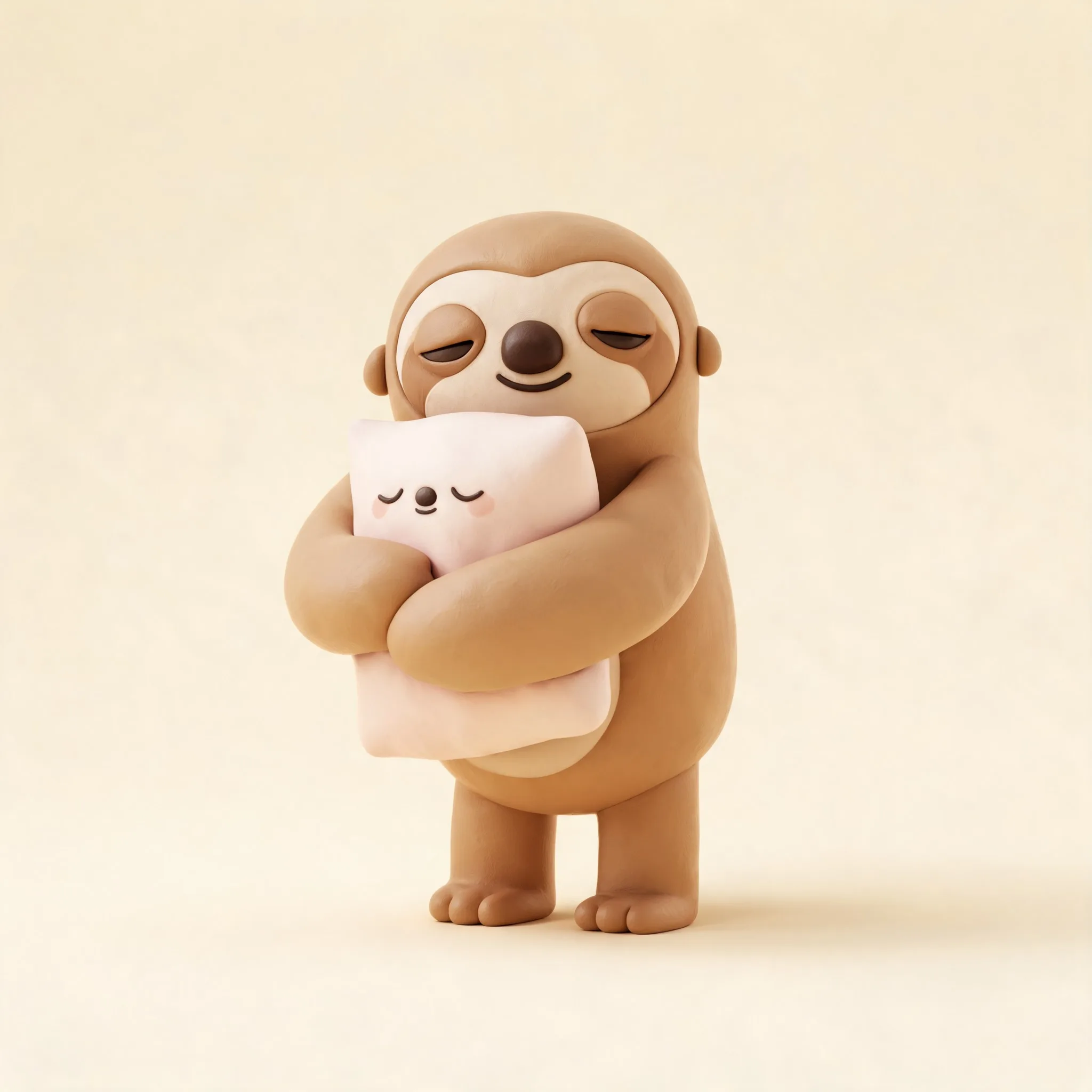
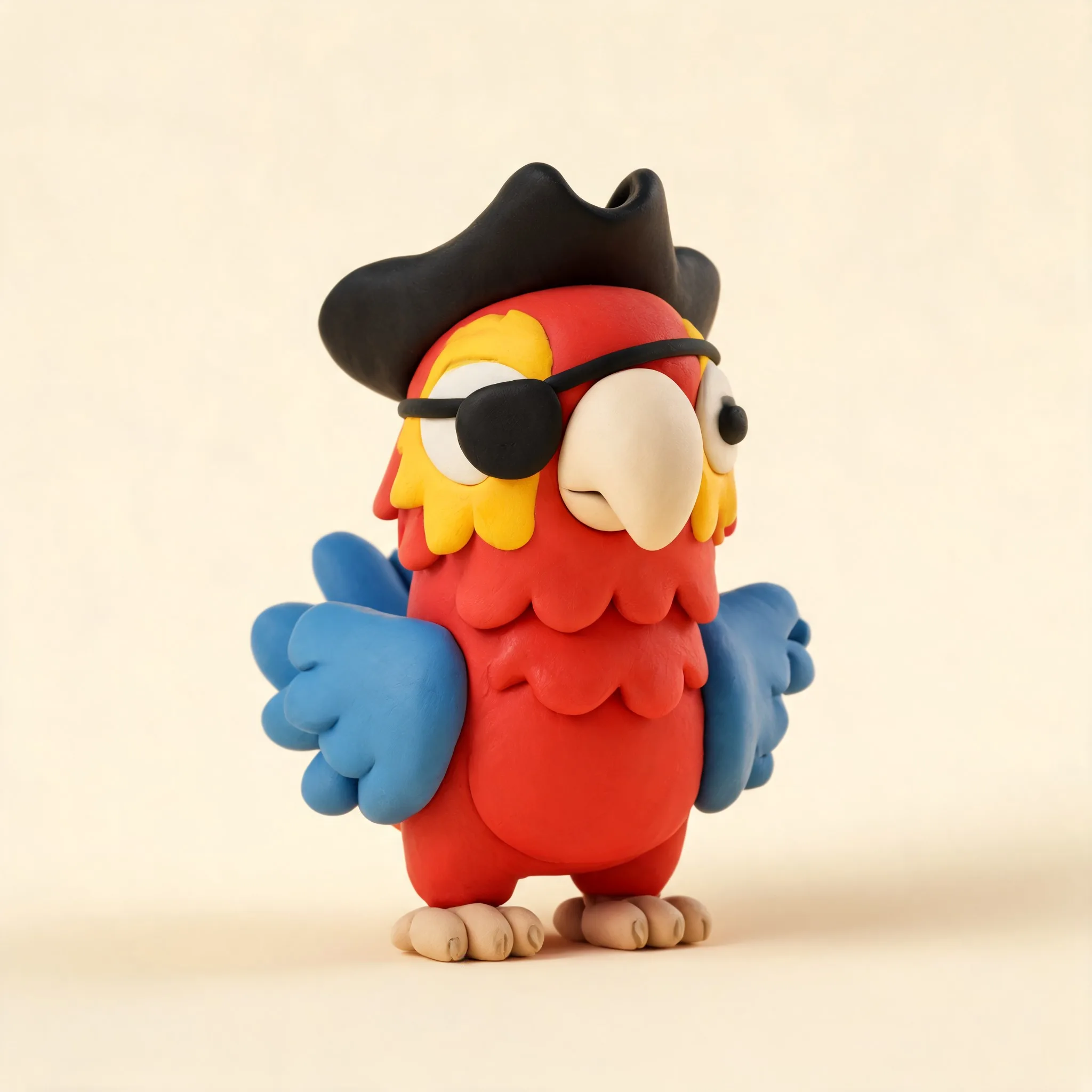
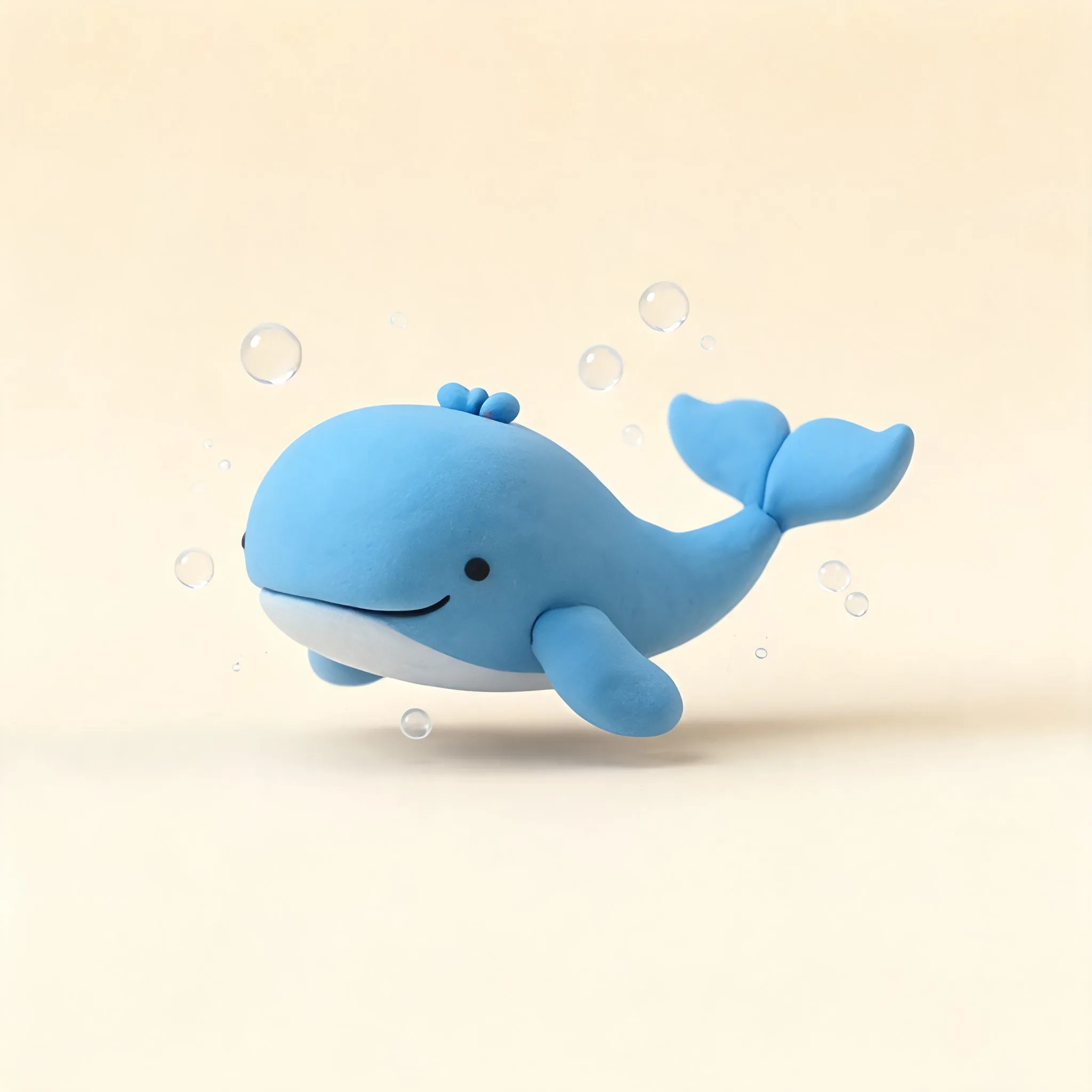
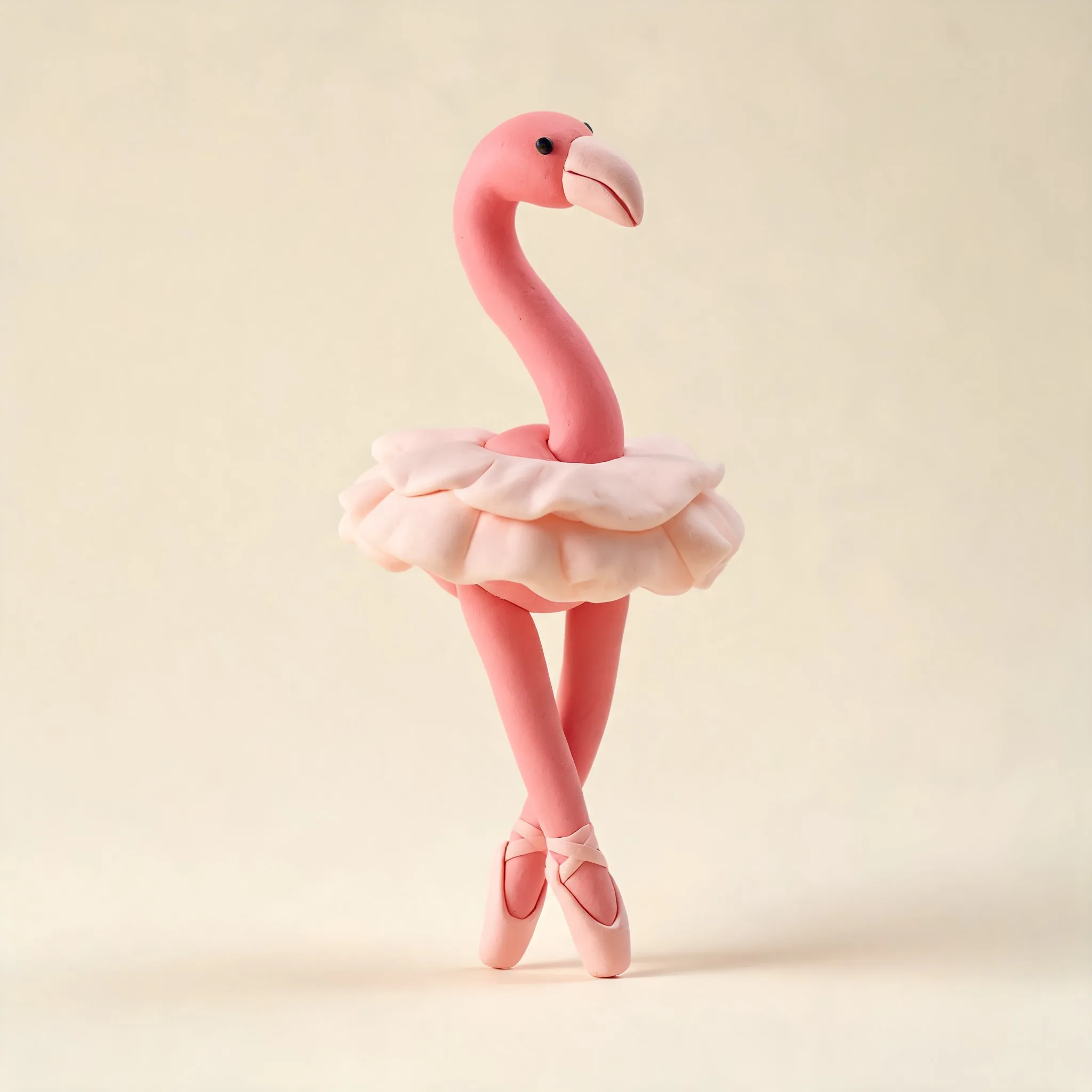
Explore premium stylized 3D artwork created by our community


What Our Users Say
"It's so intuitive to get good results, but this tool is also incredibly powerful when you dive deeper. I've been able to create stunning illustrations for my projects in minutes."
Sarah L.
Product Manager
"This has completely transformed my workflow. The quality of the illustrations I get from the AI is consistently impressive, and it saves me hours of work."
Michele M.
UI Designer
"As someone with limited artistic skills, this has been a game-changer. The illustrations I create look professional and match my vision perfectly."
Louis D.
Content Creator
"I've tried many AI tools, but this one stands out for its ability to capture exactly what I'm looking for. The quality is remarkable."
Jamie T.
Book Author
"The style customization options are fantastic. I can create illustrations that perfectly match my brand's aesthetic with minimal effort."
Alex W.
Marketing Director
"I use this for my blog posts and social media content. The illustrations add so much value and take seconds to generate."
Ryan K.
Digital Marketer
"The level of detail in these AI-generated illustrations is impressive. My clients are always amazed when I show them the results."
Maria S.
Marketing Manager
"The illustrations I create with this tool have become a key part of our pitch decks. They communicate our ideas visually in a way words never could."
David P.
Founder
"It's so intuitive to get good results, but this tool is also incredibly powerful when you dive deeper. I've been able to create stunning illustrations for my projects in minutes."
Sarah L.
Product Manager
"This has completely transformed my workflow. The quality of the illustrations I get from the AI is consistently impressive, and it saves me hours of work."
Michele M.
UI Designer
"As someone with limited artistic skills, this has been a game-changer. The illustrations I create look professional and match my vision perfectly."
Louis D.
Content Creator
"I've tried many AI tools, but this one stands out for its ability to capture exactly what I'm looking for. The quality is remarkable."
Jamie T.
Book Author
"The style customization options are fantastic. I can create illustrations that perfectly match my brand's aesthetic with minimal effort."
Alex W.
Marketing Director
"I use this for my blog posts and social media content. The illustrations add so much value and take seconds to generate."
Ryan K.
Digital Marketer
"The level of detail in these AI-generated illustrations is impressive. My clients are always amazed when I show them the results."
Maria S.
Marketing Manager
"The illustrations I create with this tool have become a key part of our pitch decks. They communicate our ideas visually in a way words never could."
David P.
Founder
Join thousands of happy creators




6,714 people use Illustro
No credit card required
Learning resources
How to get a clay-style 3D look without Blender
Write a physical subject, pick the 3D style, generate a few, then edit like any other Illustro file. You do not need Blender.
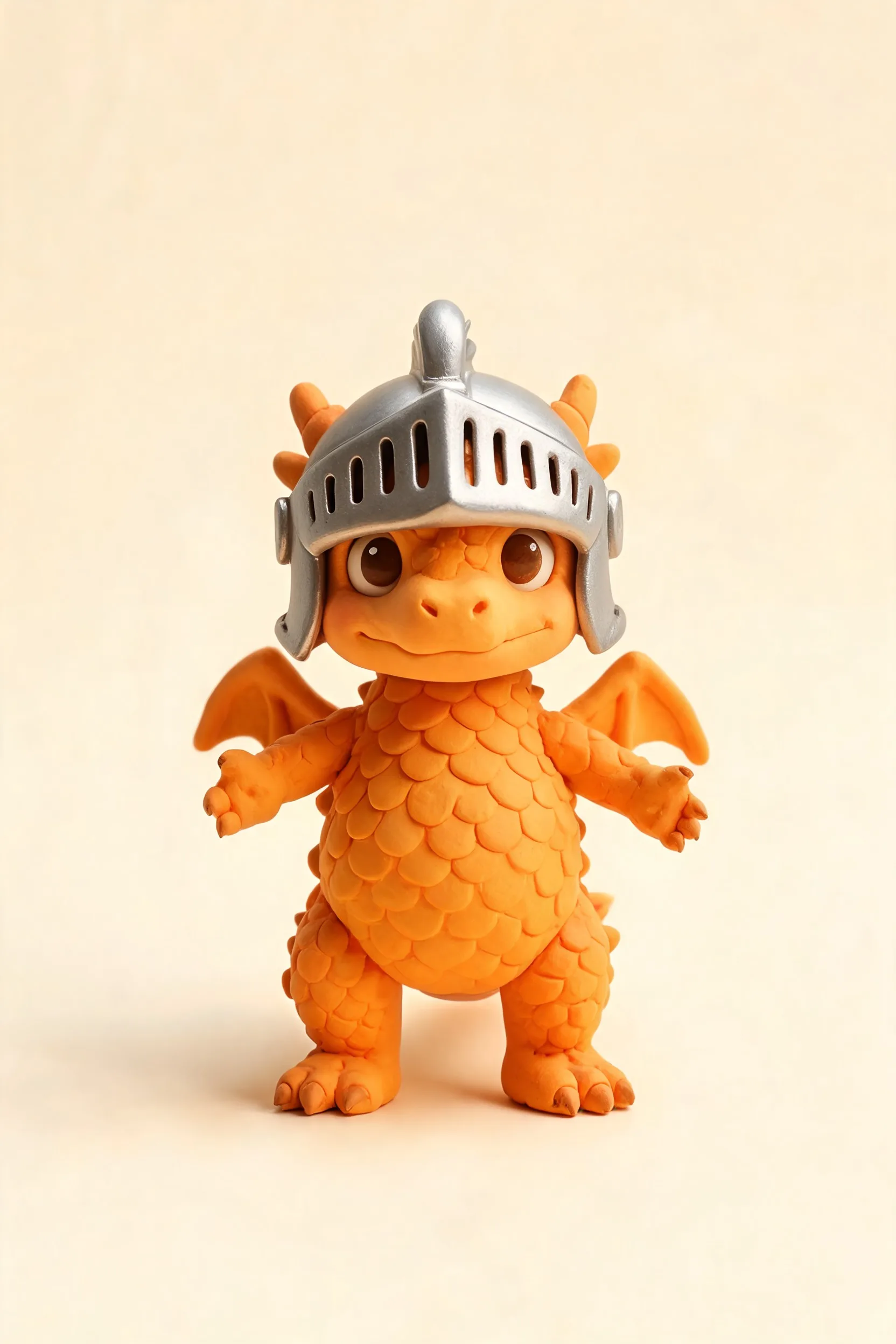
3D characters that look physical, without Blender
Stylized 3D characters and clay-style scenes from a prompt. For mascots, product shots, and product UI that needs more depth than flat art.
Frequently asked questions
What is a stylized 3D illustration and how is it different from other styles?
Stylized 3D illustrations are rendered characters and scenes with depth, smooth shading, and volumetric lighting, but with an artistic, non-photorealistic look. Unlike flat or line-art styles, they convey real dimension and physical presence, making them perfect for app icons, game assets, mascots, and premium brand visuals.
Can I use AI 3D illustrations for commercial projects?
Yes. You get full commercial rights for everything you generate with Illustro. Use them in games, apps, marketing campaigns, merchandise, and publishing without attribution or extra licensing fees.
What types of subjects work best for 3D illustration style?
Characters and figurine-style subjects work especially well: animals, mascots, fantasy creatures, robots, and people. Simple environments and objects with clear silhouettes also produce great results. Avoid very complex multi-character crowd scenes.
How do I write effective prompts for 3D illustrations?
Focus on a single character or subject. Describe personality or mood (e.g. 'cheerful', 'fierce'), mention a color palette if relevant, and optionally specify a pose or setting. For example: 'A friendly astronaut cat in a white spacesuit, pastel colors, smiling'. Less is often more. The AI fills in the 3D depth automatically.
What download formats are available for 3D illustrations?
3D illustrations are downloaded as high-resolution PNG or JPG files. Because they contain rich shading and gradients, they are raster-based rather than SVG vector files.
What's the difference between Illustro Light and Illustro Max for 3D?
Illustro Max uses our most powerful 3D model (Seedream 5 Lite) at 2K resolution, delivering the sharpest detail and best color accuracy. Illustro Light uses a faster model suited for quick exploration. For final assets, Max mode is recommended.
Are 3D illustrations suitable for apps, games, and product pages?
Absolutely. Stylized 3D artwork is one of the most popular choices for mobile app onboarding, game UIs, e-commerce product imagery, and social media posts. The format is flexible enough to work at small icon sizes and large hero image sizes alike.
How fast does Illustro generate a 3D illustration?
Max mode typically takes 30–90 seconds depending on server load. Light mode is faster. Both modes produce results significantly quicker than traditional 3D rendering or commissioning an illustrator.
Can I edit a 3D illustration after it's generated?
Yes. After generation you're taken to the Illustro editor where you can use AI editing to modify your image: change colors, add or remove elements, adjust backgrounds, and more.
What sizes can I generate for 3D illustrations?
You can generate square (1024×1024), vertical (1024×1536), and horizontal (1536×1024). Square is ideal for avatars and icons, vertical for character portraits, and horizontal for scene or banner imagery.

Try Illustro for free now
Creating professional 3D illustrations shouldn't require software, skills, or hours. Start turning your ideas into stunning 3D artwork in seconds.
No credit card required
More AI Illustration Generators for You
Pick a dedicated generator or multi-scene illustration pack for your next project.