






















AI Illustration Generator
Generate flat vectors, line art, and stylized 3D artwork instantly. Export fully customizable SVGs in seconds, no design skills needed.

Get inspired by our community
Explore amazing illustrations created by others



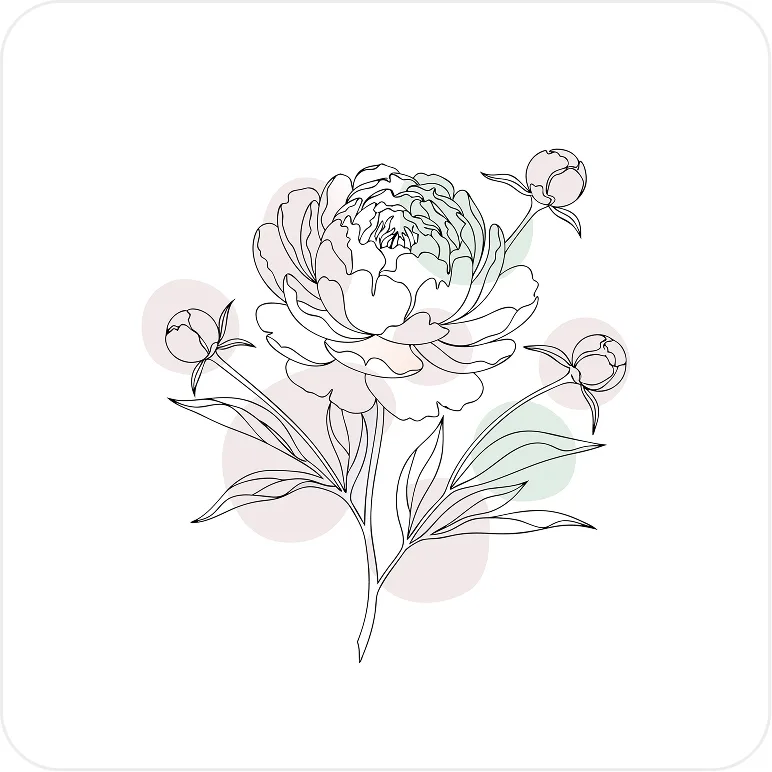
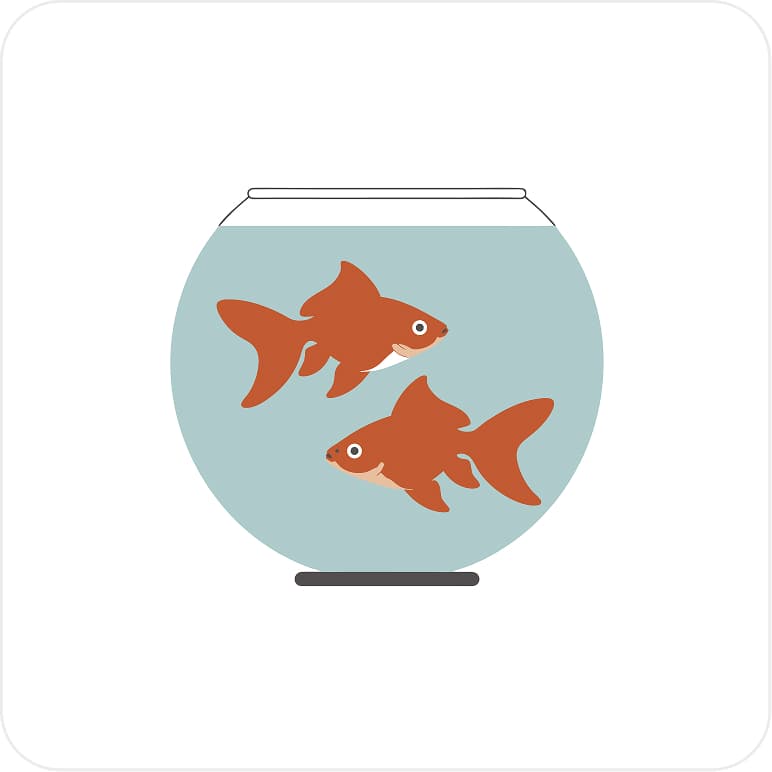


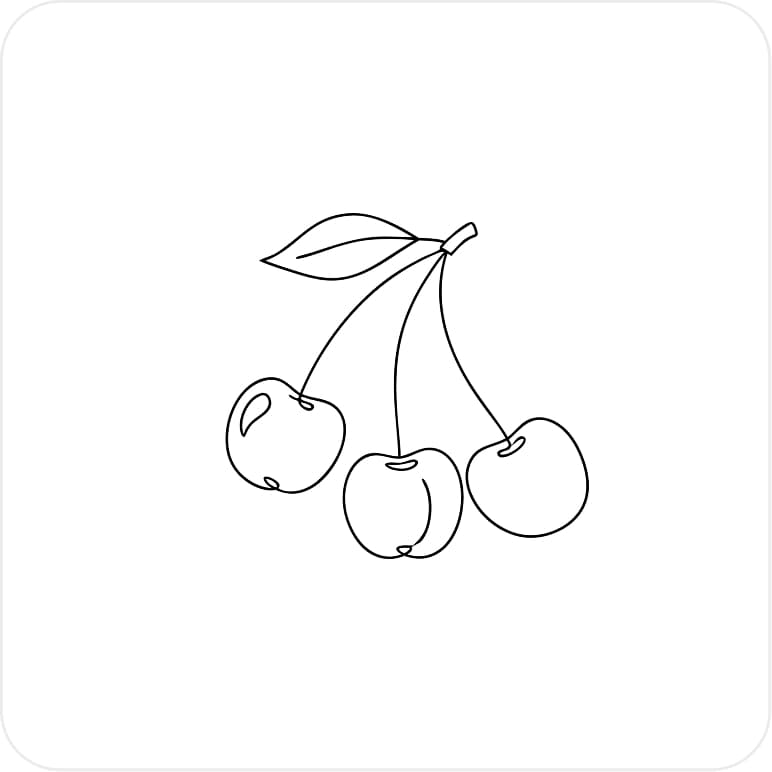

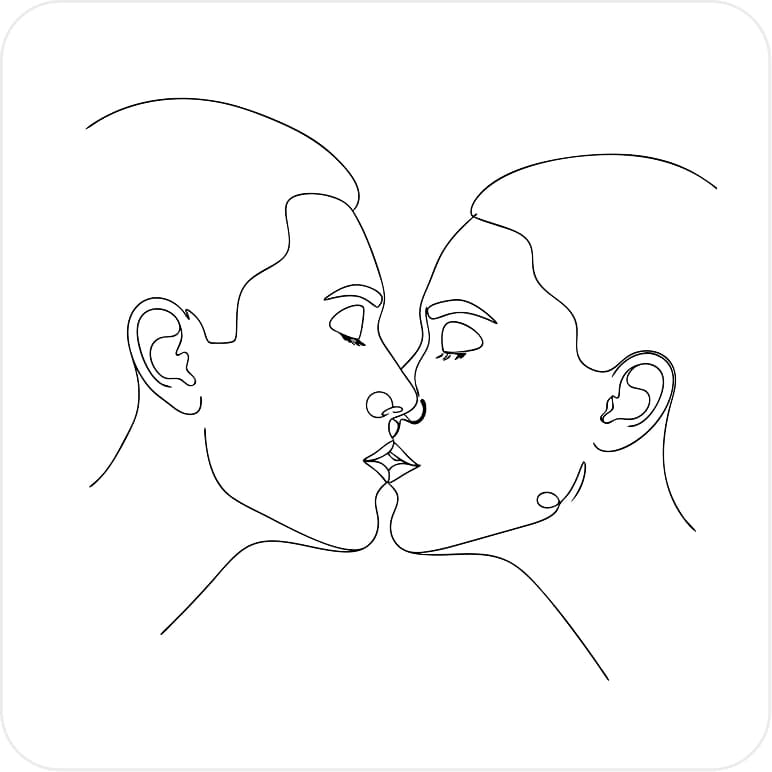

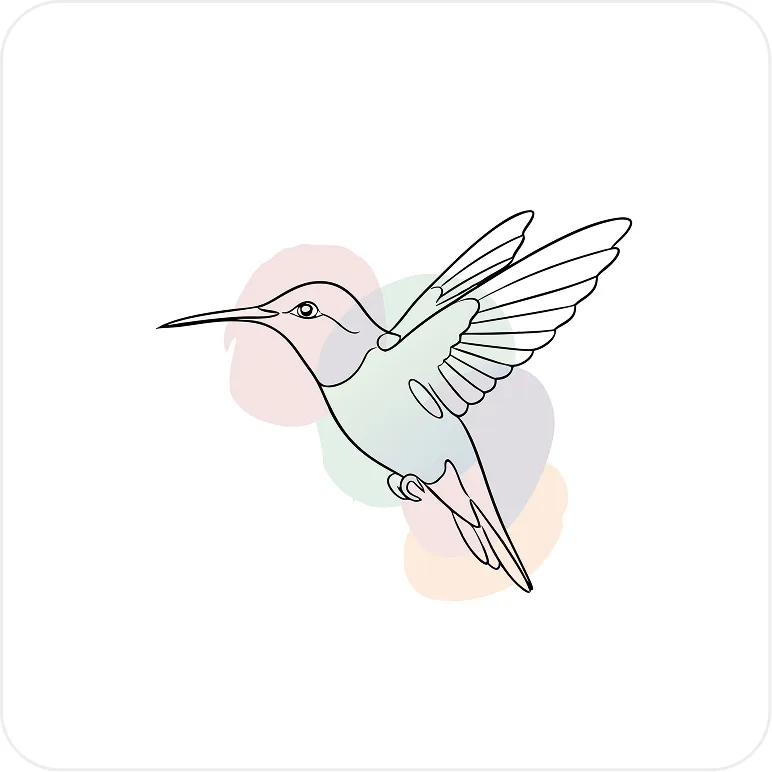

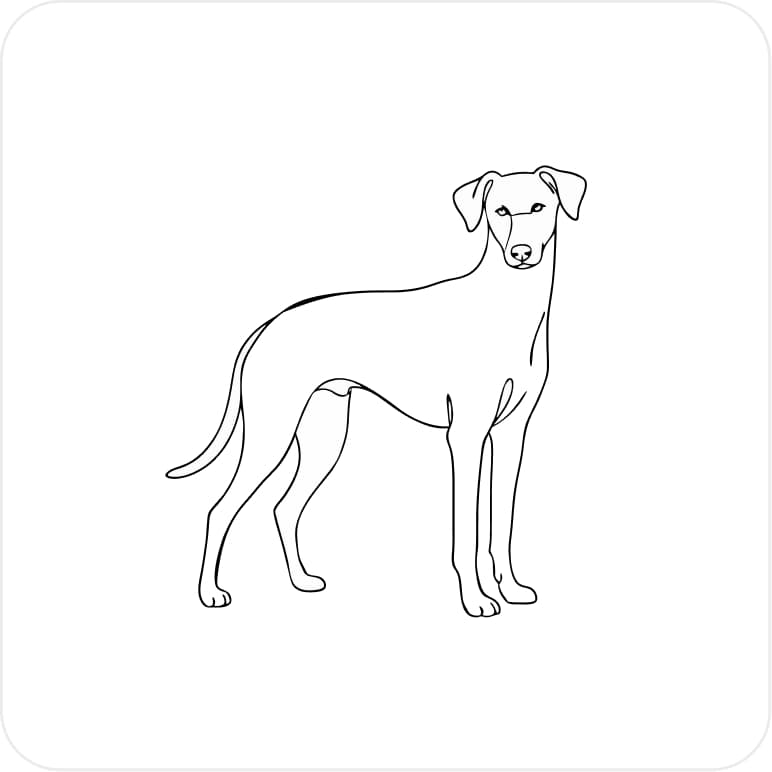
How our AI Illustrations Generator works
Three easy steps to transform your ideas into professional illustrations.

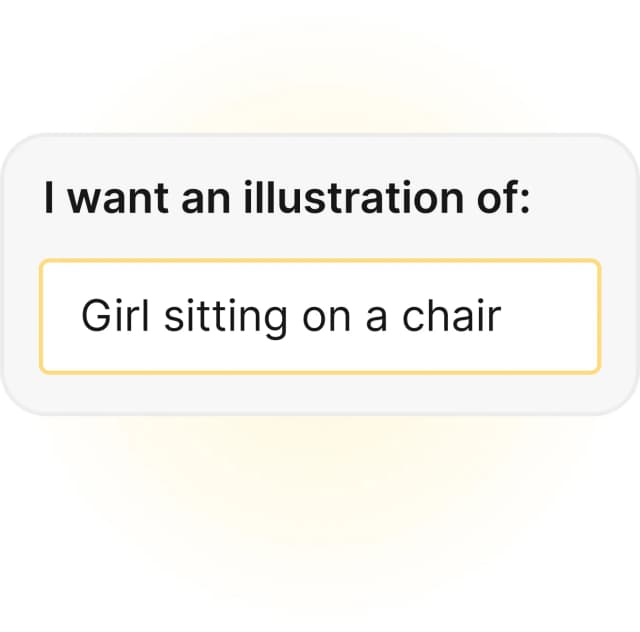
Describe your illustration

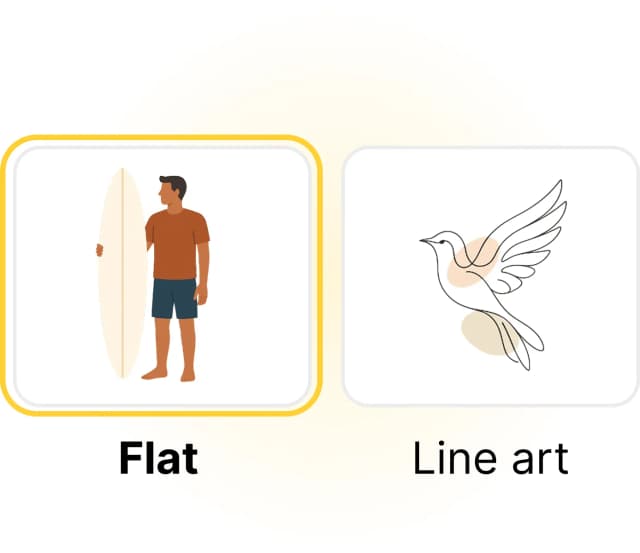
Choose a style and click generate

Get professional illustrations


Regenerate or edit with AI to get consistent illustrations
No credit card required
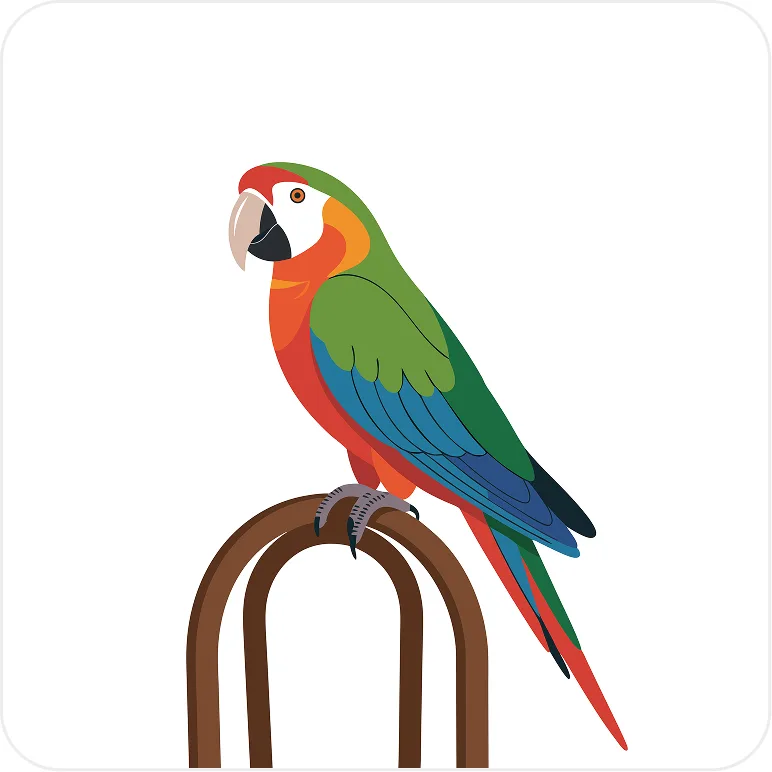
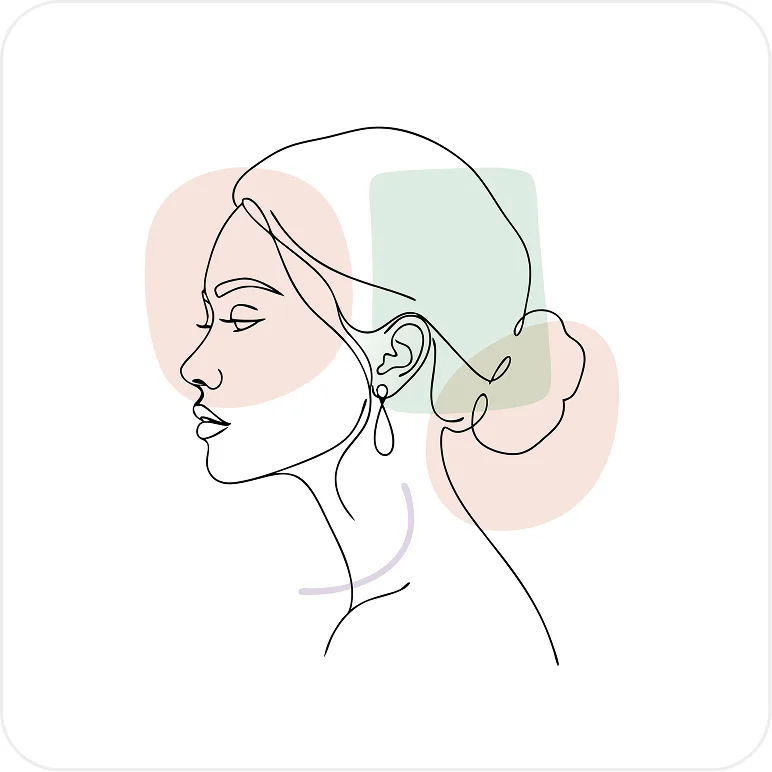
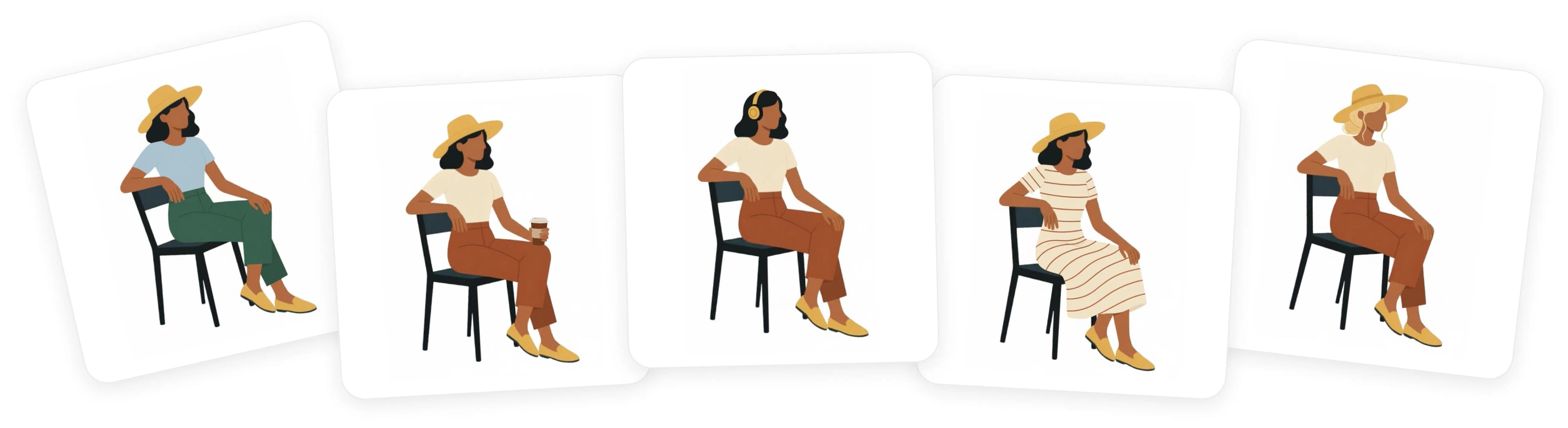
*The illustrations above were made with Illustro
Original illustrations, instantly
Generate unique, custom images that stand out. No stock art.

Safe for client & commercial use
Paid plans include commercial rights, so every illustration is ready for client and professional projects.

Costs way less than a freelancer
High-quality graphics without the $40-$150/hour design rates.

Faster than hiring an illustrator
Get polished illustrations in minutes instead of waiting weeks.
No credit card required
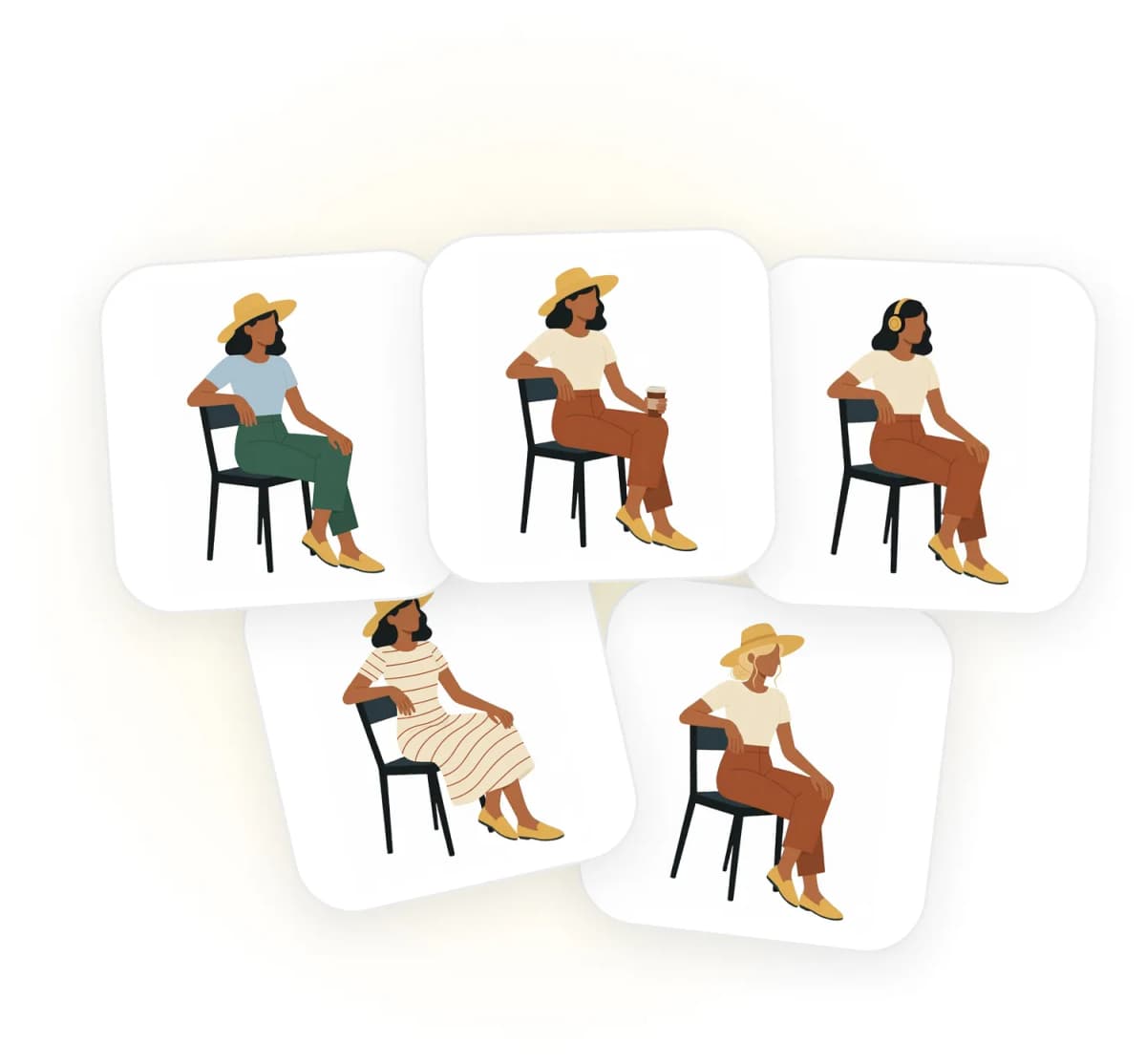
*The illustrations above were made with Illustro
Not another random AI image generator
With Illustro you get a hyper-specialized illustration generator to create professional, stylistically consistent illustrations, multi-scene packs, and edits with AI.

Text to illustration, instantly
Just type what you have in mind and watch your words turn into a professional illustration. No design skills needed and no complicated settings whatsoever.

Consistent illustration packs
Need the same character across onboarding, landing pages, and decks? Generate a flat illustration pack, a 3D character pack, or a children's book storyboard with locked identity across every scene.
Popular illustration styles
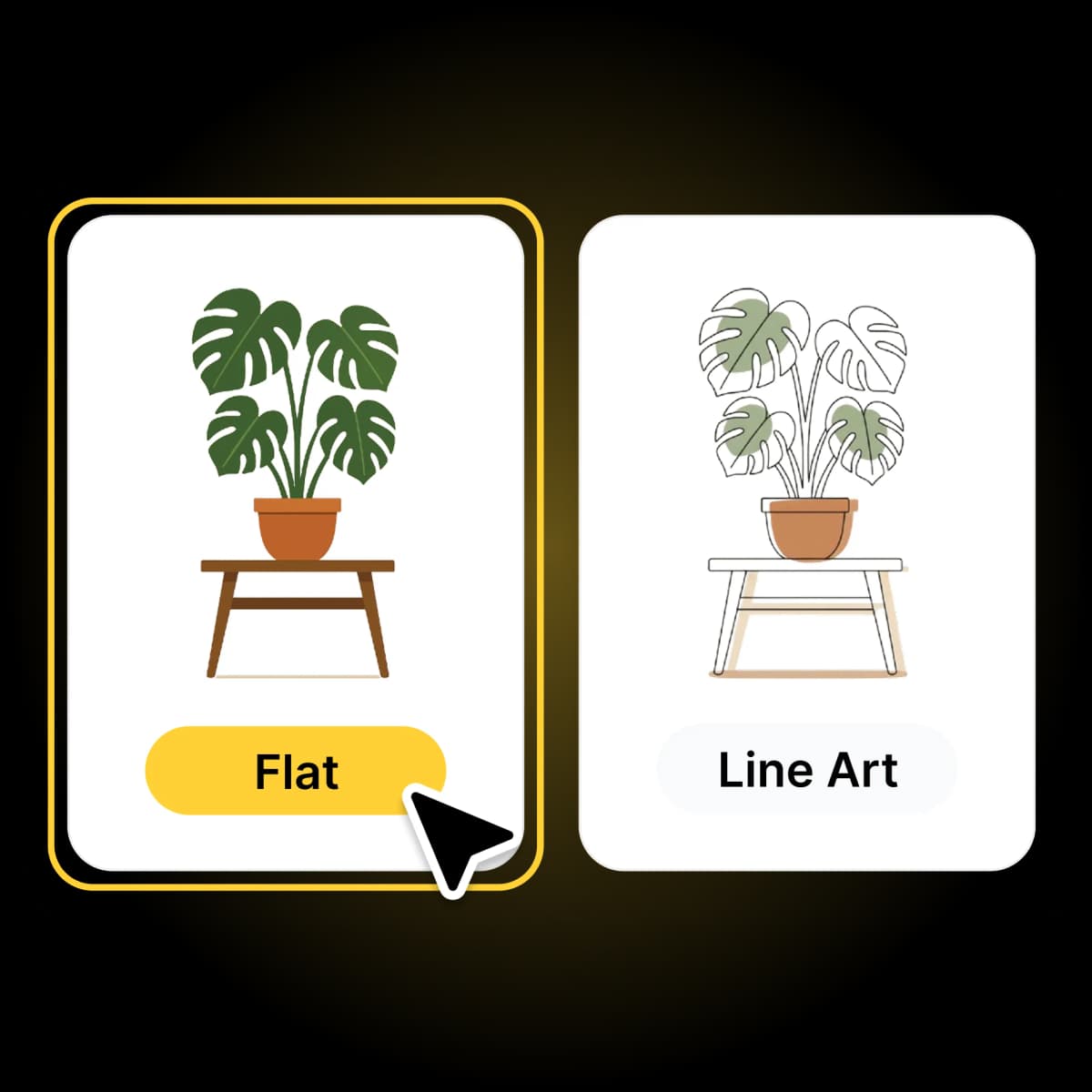
Choose from the most popular illustration styles like clean line art or flat design, plus stylized 3D and children's book artwork to match your brand.
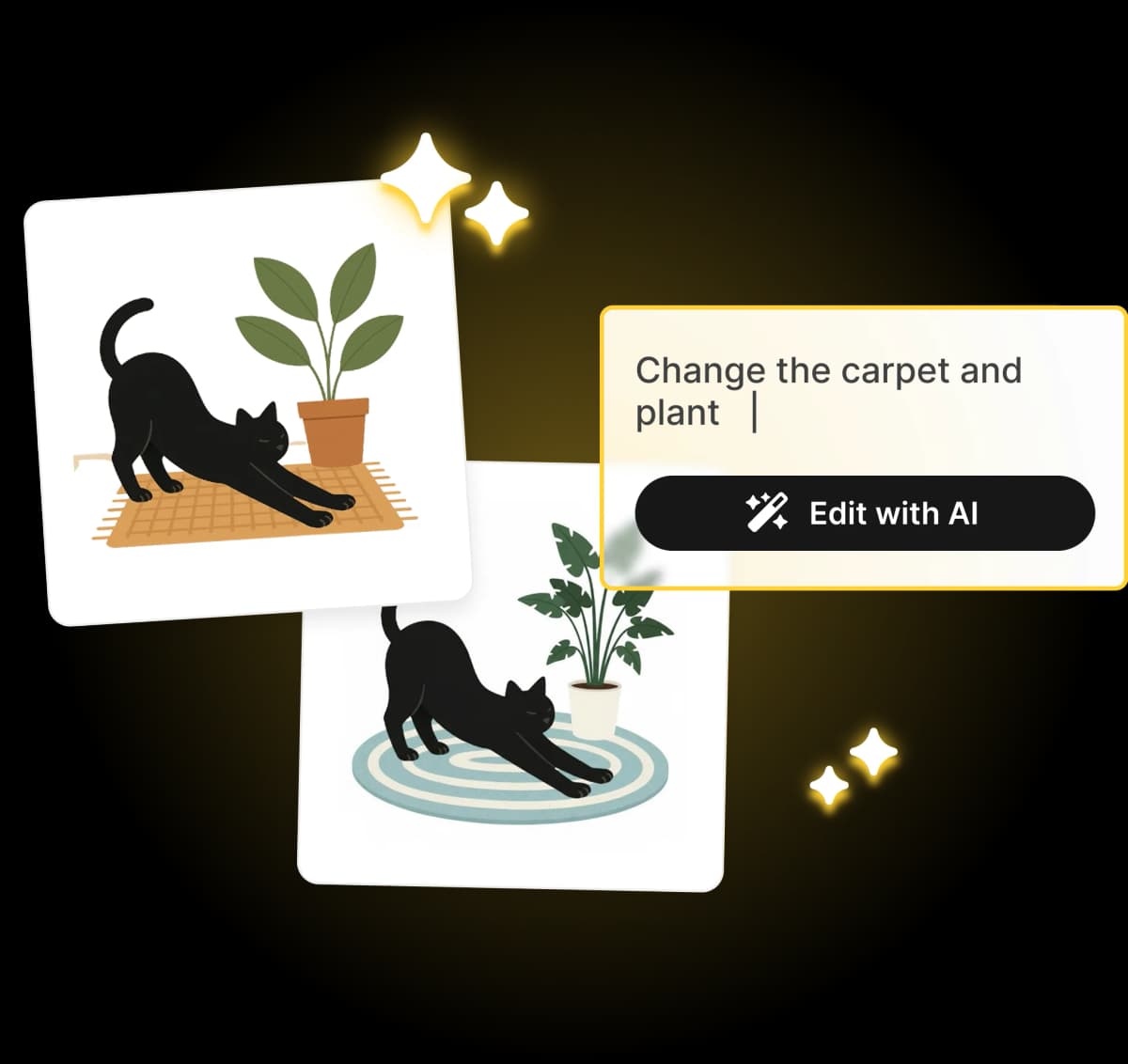
Fully editable illustrations
Is your illustration not there yet? No worries! Use the AI illustration editor to add or remove elements and iterate until it's just right.
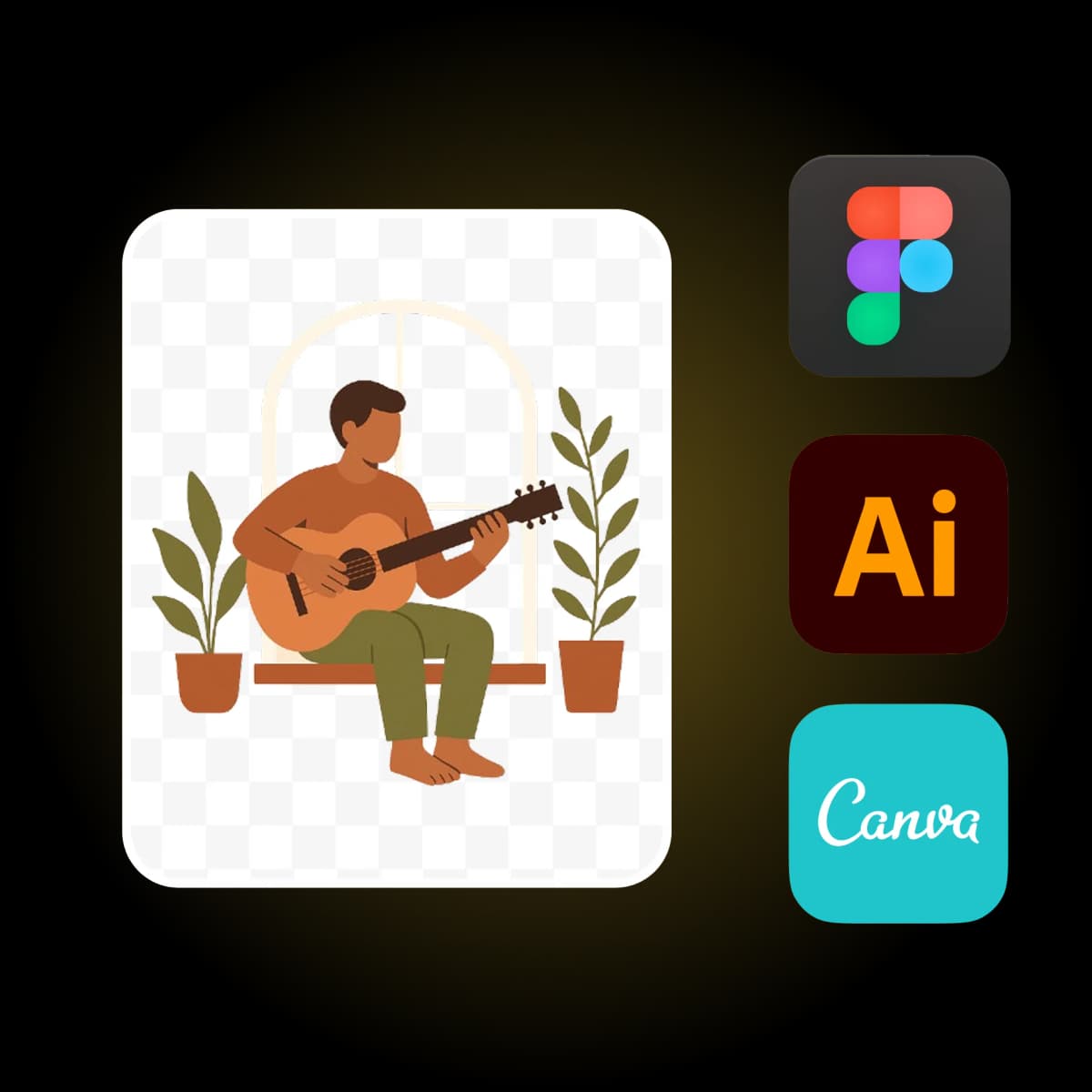
Truly flexible design
Change colors in the SVG editor or export PNG, JPG, or SVG for crisp, scalable graphics you can reuse in Figma or Adobe Illustrator.
What Our Users Say
"It's so intuitive to get good results, but this tool is also incredibly powerful when you dive deeper. I've been able to create stunning illustrations for my projects in minutes."
Sarah L.
Product Manager
"This has completely transformed my workflow. The quality of the illustrations I get from the AI is consistently impressive, and it saves me hours of work."
Michele M.
UI Designer
"As someone with limited artistic skills, this has been a game-changer. The illustrations I create look professional and match my vision perfectly."
Louis D.
Content Creator
"I've tried many AI tools, but this one stands out for its ability to capture exactly what I'm looking for. The quality is remarkable."
Jamie T.
Book Author
"The style customization options are fantastic. I can create illustrations that perfectly match my brand's aesthetic with minimal effort."
Alex W.
Marketing Director
"I use this for my blog posts and social media content. The illustrations add so much value and take seconds to generate."
Ryan K.
Digital Marketer
"The level of detail in these AI-generated illustrations is impressive. My clients are always amazed when I show them the results."
Maria S.
Marketing Manager
"The illustrations I create with this tool have become a key part of our pitch decks. They communicate our ideas visually in a way words never could."
David P.
Founder
"It's so intuitive to get good results, but this tool is also incredibly powerful when you dive deeper. I've been able to create stunning illustrations for my projects in minutes."
Sarah L.
Product Manager
"This has completely transformed my workflow. The quality of the illustrations I get from the AI is consistently impressive, and it saves me hours of work."
Michele M.
UI Designer
"As someone with limited artistic skills, this has been a game-changer. The illustrations I create look professional and match my vision perfectly."
Louis D.
Content Creator
"I've tried many AI tools, but this one stands out for its ability to capture exactly what I'm looking for. The quality is remarkable."
Jamie T.
Book Author
"The style customization options are fantastic. I can create illustrations that perfectly match my brand's aesthetic with minimal effort."
Alex W.
Marketing Director
"I use this for my blog posts and social media content. The illustrations add so much value and take seconds to generate."
Ryan K.
Digital Marketer
"The level of detail in these AI-generated illustrations is impressive. My clients are always amazed when I show them the results."
Maria S.
Marketing Manager
"The illustrations I create with this tool have become a key part of our pitch decks. They communicate our ideas visually in a way words never could."
David P.
Founder
Join thousands of happy creators




6,756 people use Illustro
No credit card required
Learning resources

The 8 Best AI illustration generators in 2026
Compare the best AI illustration generators for product teams. SVG export, character consistency, commercial rights, and style control, ranked honestly.

Midjourney alternatives for illustration: 10 free and paid options for 2026
Compare free and paid Midjourney alternatives for product illustration. SVG export, character packs, and when to switch tools.

How to use the Illustro plugin in Figma
Install the plugin, connect your account, generate in the file you already have open, and place the result on the canvas.
Illustro is on the Figma Marketplace
Generate illustrations without leaving Figma. Install the plugin, connect your Illustro account, and drop results onto the canvas.
Frequently Asked Questions
What is an AI Illustration Generator?
An AI illustration generator is a tool that uses advanced artificial intelligence (specifically large language models trained on vast amounts of illustrations) to create unique illustrations based on text descriptions or prompts you provide. It interprets your words to understand the desired context, objects, scenes, and style.
How do I create illustrations using the AI generator?
It's simple! 1. Describe your idea: Enter a detailed text prompt outlining the illustration you envision. 2. Choose a style: Select from flat, line art, 3D, or children's book. 3. Generate: The AI processes your prompt and style choice to create the illustration, usually within seconds.
Can I generate a whole set of matching illustrations?
Yes. Use an illustration pack to lock a character, then generate related scenes for UI, marketing, or a children's book storyboard. There is also a 3D character pack generator.
Can I use AI-generated illustrations for books?
Yes, on any paid plan. Paid plans include full commercial rights to the illustrations you generate, so you can use them in your books, marketing materials, websites, or any other commercial project without attribution or royalties. The free plan is for personal use. On every plan, the generated images cannot be used for training other AI models.
Is your tool suitable for children's book illustration?
Absolutely. Illustro has a dedicated children's illustration generator for a scene. In the editor, Book draws the next page with the same character. For a planned set of many scenes, use the AI children's book storyboard generator.
How does AI illustration generation work?
Our AI illustration generator uses advanced deep learning models trained on millions of images to understand and create new illustrations based on your text descriptions. When you input a description, the AI processes it to understand the context, objects, scenes, and style you want, then generates a unique illustration matching your prompt.
Can I edit the illustrations after they're generated?
Yes. Refine raster illustrations in the AI illustration editor, or edit vectors in the AI SVG editor. You can also download PNG, JPG, or SVG and finish in Figma or Adobe Illustrator.
Who owns the copyright to generated illustrations?
Paid plans include full commercial rights to every illustration you generate, with no attribution or royalties required. The free plan is for personal use. On every plan, you must not use those images to train or fine-tune another AI model (very important!).
How many credits do I need for an illustration?
Each illustration requires 1 credit. The difference between our plans is the number of credits you receive. Higher-tier plans also include additional features like priority generation, higher quality outputs, and more style options.
Can I use the illustrations to train my own AI model?
No. The licence with your subscription prohibits using Illustro-generated images, in whole or in part, to train, fine-tune or evaluate any AI system.

Try Illustro for free now
Creating illustrations shouldn't be hard. Start turning your ideas into editable, on-brand illustrations in seconds.
No credit card required
More AI Illustration Generators for You
Pick a dedicated generator or multi-scene illustration pack for your next project.