Most SVG work is not drawing a new icon. It is fixing a file: the shape is right, the yellow is not your yellow. Upload it, swap the fills in the browser, and export without opening Illustrator.
Recolor first
Open Change SVG color, upload the file, swap fills, download. That is the whole job when you inherited a set of icons in the wrong hue.
Edit when recoloring is not enough
The SVG editor is for paths, not just paint. Adjust elements in the browser, export again.
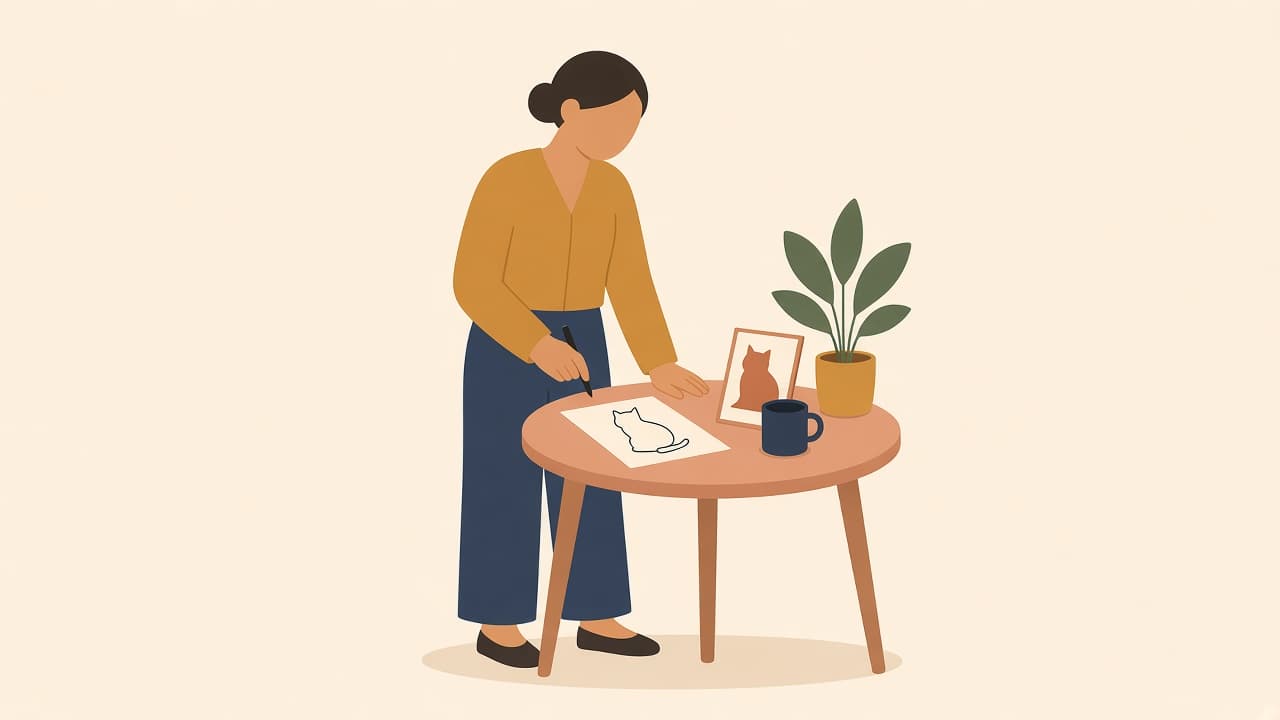
A one-line drawing shows a subject with flowing lines that look drawn without lifting the pen. You can make one from a photo with Illustro's Image to Line Art tool: upload, choose Black & White, download.
To animate a drawing with AI, scan or photograph it, upload it, and let the AI add motion. In Illustro you pick a 4, 6 or 8 second MP4 with optional sound, and you can describe the movement or let the AI choose it.
Most SVG work is not drawing a new icon. It is fixing a file: the shape is right, the yellow is not your yellow. Upload it, swap the fills in the browser, and export without opening Illustrator.
Recolor first
Open Change SVG color, upload the file, swap fills, download. That is the whole job when you inherited a set of icons in the wrong hue.
Edit when recoloring is not enough
The SVG editor is for paths, not just paint. Adjust elements in the browser, export again.
A one-line drawing shows a subject with flowing lines that look drawn without lifting the pen. You can make one from a photo with Illustro's Image to Line Art tool: upload, choose Black & White, download.
To animate a drawing with AI, scan or photograph it, upload it, and let the AI add motion. In Illustro you pick a 4, 6 or 8 second MP4 with optional sound, and you can describe the movement or let the AI choose it.