Illustro
Tutorials

How to get a line drawing from a photo

Luca Mussari

October 1, 2026 · 1 min read
How to get a line drawing from a photo
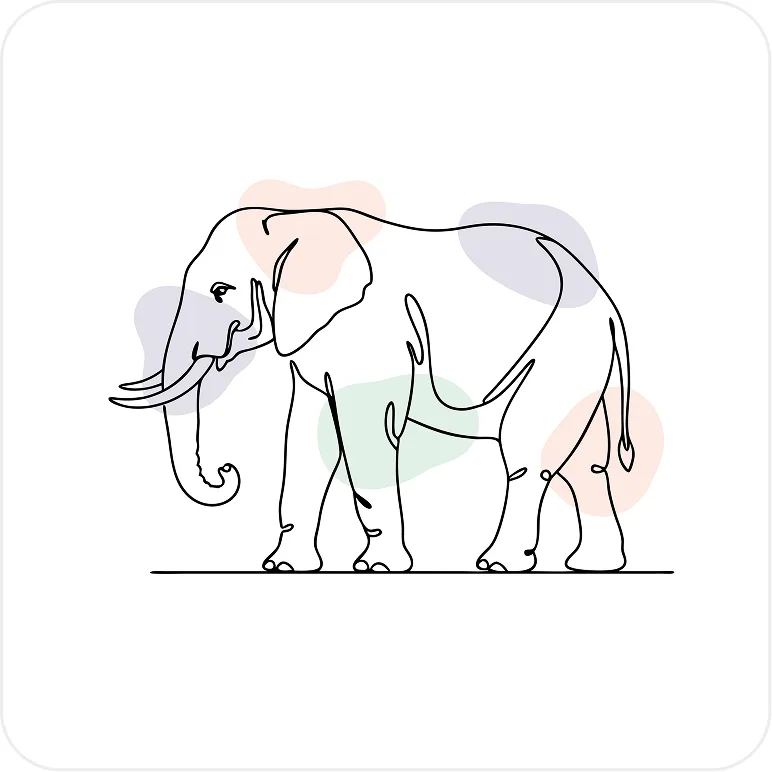
Illustration made with Illustro

You already have the picture. You need the line version. Use Turn Image into Line Art when you want a logo-style drawing or a coloring-page look, not a full illustrated scene.

Pick a source that has a subject

A flower, a portrait, an animal, a product on a plain background. Group photos, tiny textures, and heavy filters turn into noise.

Generate, then judge the lines

Look at edges, not color. If a region went muddy, try a tighter crop of that subject rather than a new random photo.

Recolor and clean up

Treat the result like any other Illustro file. Change fills, drop stray marks, export for print or a light UI background.

This converts a picture you have. If the scene does not exist yet, start from a prompt instead. If you want the pose as a full illustration, keep the photo's composition and change the style instead of stripping it to lines.

Try Illustro for free now

Transform your images and pictures into elegant line art illustrations effortlessly. Create clean line drawings from your images in just a few clicks.

Try for free

No credit card required

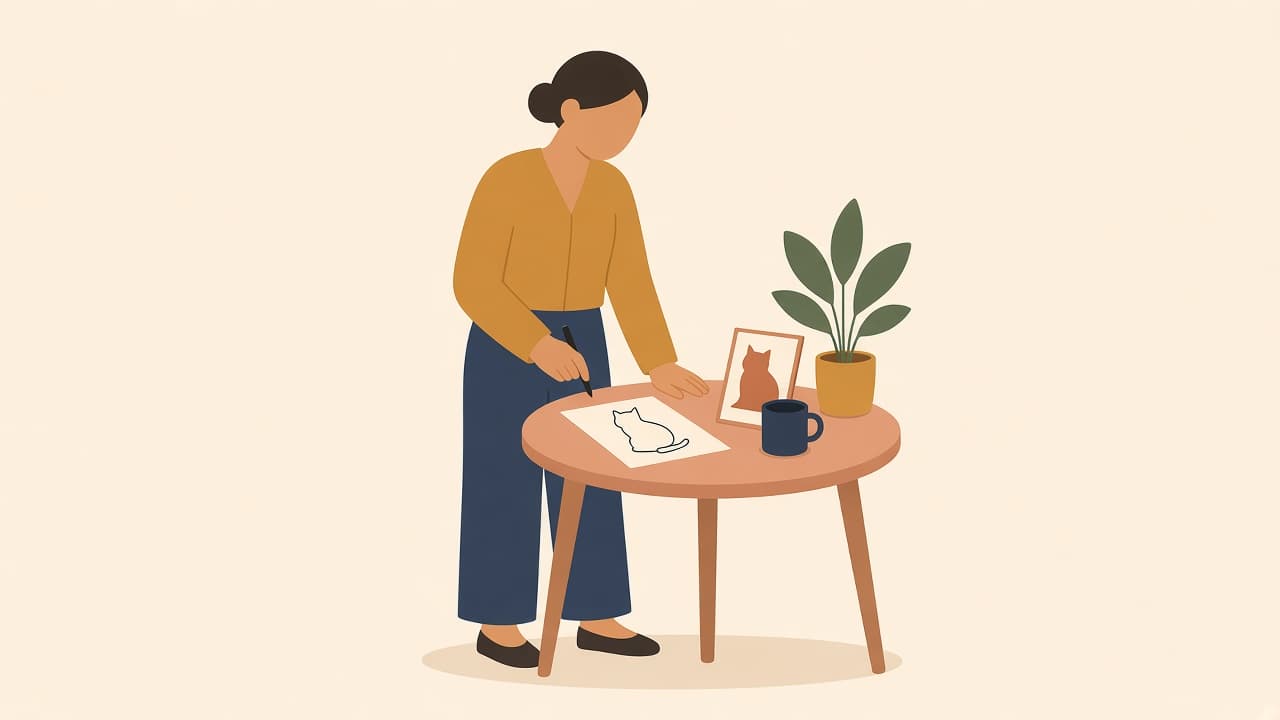
A person leaning over a table to draw a one-line cat from a photo, with a plant and a mug

How to make a one-line drawing from a photo

A one-line drawing shows a subject with flowing lines that look drawn without lifting the pen. You can make one from a photo with Illustro's Image to Line Art tool: upload, choose Black & White, download.

Irene Lidia Wang

October 22, 2026

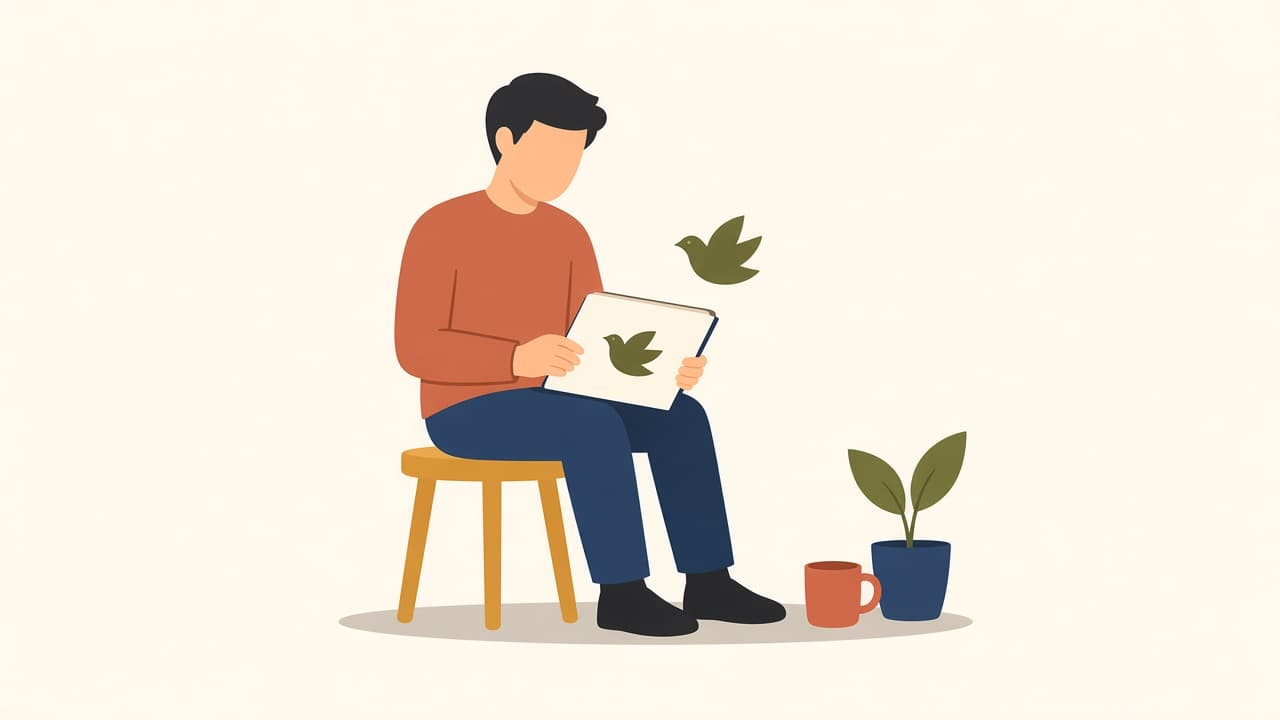
A person on a stool holding a sketchbook while the bird drawn on it flies off the page

How to animate a drawing with AI

To animate a drawing with AI, scan or photograph it, upload it, and let the AI add motion. In Illustro you pick a 4, 6 or 8 second MP4 with optional sound, and you can describe the movement or let the AI choose it.

Irene Lidia Wang

October 22, 2026

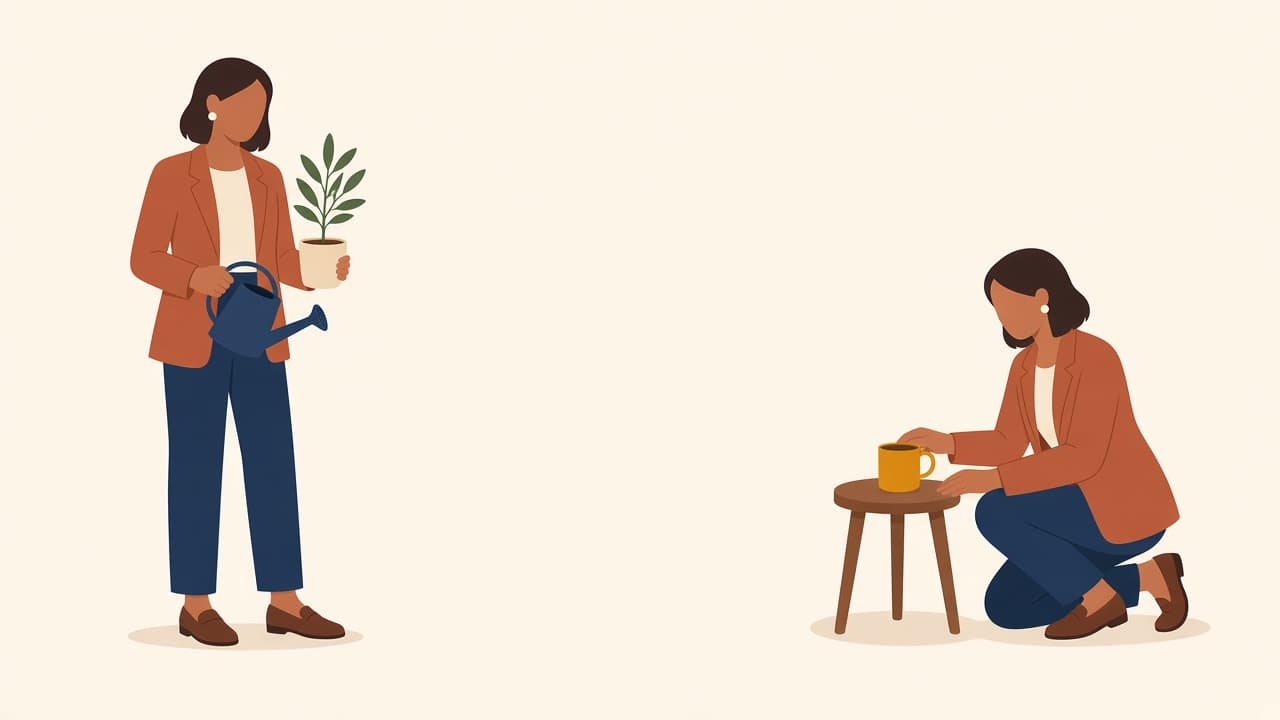
Same woman in a terracotta blazer, holding a plant and kneeling by a mug

How to keep character consistency in AI illustrations

Onboarding screen one shows a woman in a terracotta blazer. Screen three shows someone else. A new prompt drew a new person.

Luca Mussari

October 5, 2026