
How to edit the result without starting over

Luca Mussari
October 1, 2026 · 2 min read
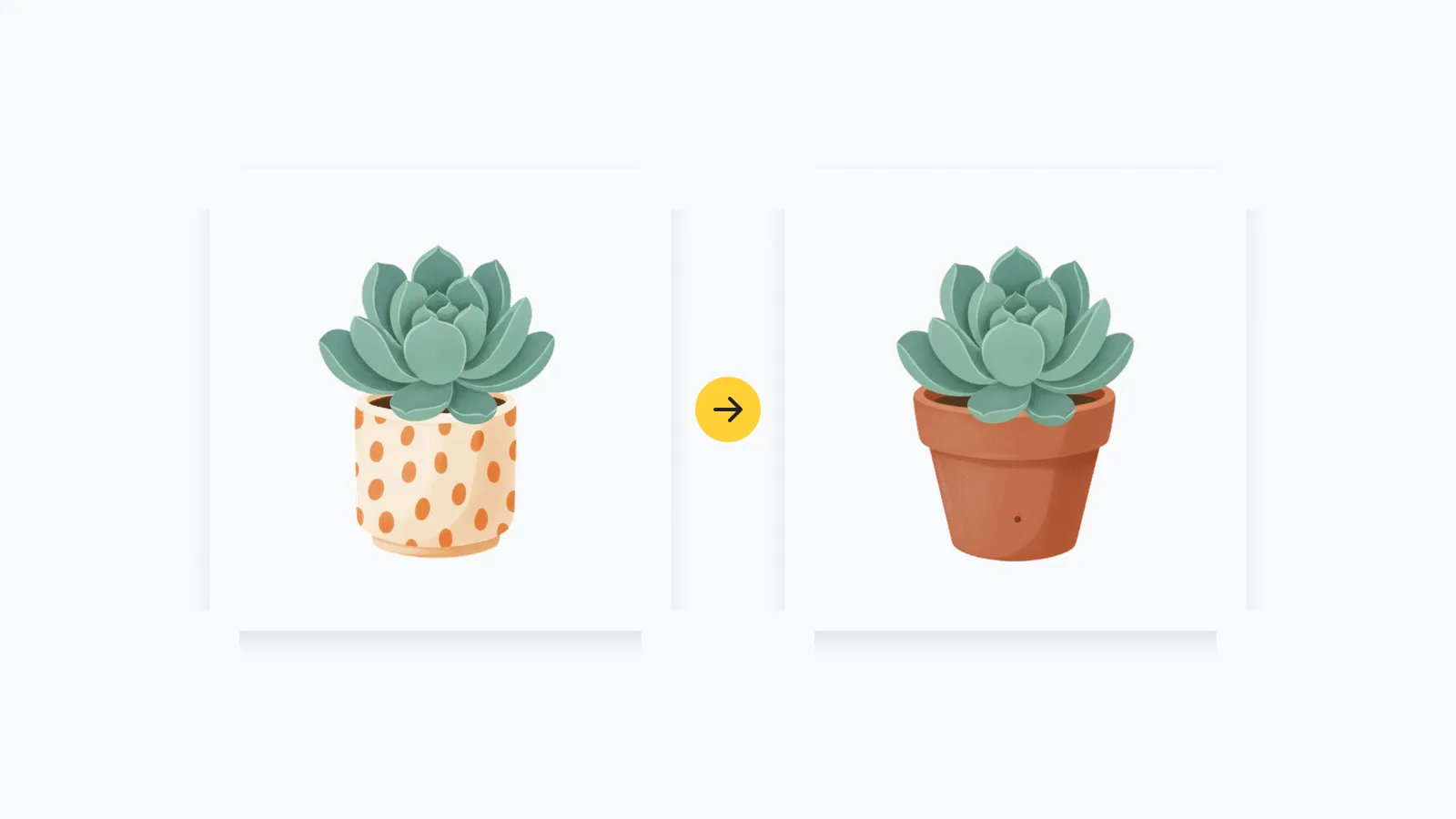
The first generation is a draft. Editing is how you ship it.
Open the result in the illustration generator editor (or from your gallery). One workspace: layers, adjustments, export. You can open any illustration in that same workspace, including files that are already in your gallery.
Recolor to the brand
If the pose is right and the palette is wrong, do not regenerate. Change the fills to the two or three colors that already live in the product. A yellow that matches your buttons should show up in a shirt, a prop, or a shape, not as a fourth random hue.
Simplify a busy background
Heroes fail when every corner is full. Pull the background back so the headline has a quiet side. If a prop is fighting the UI screenshot beside it, remove the prop.
Keep the character, change the scene
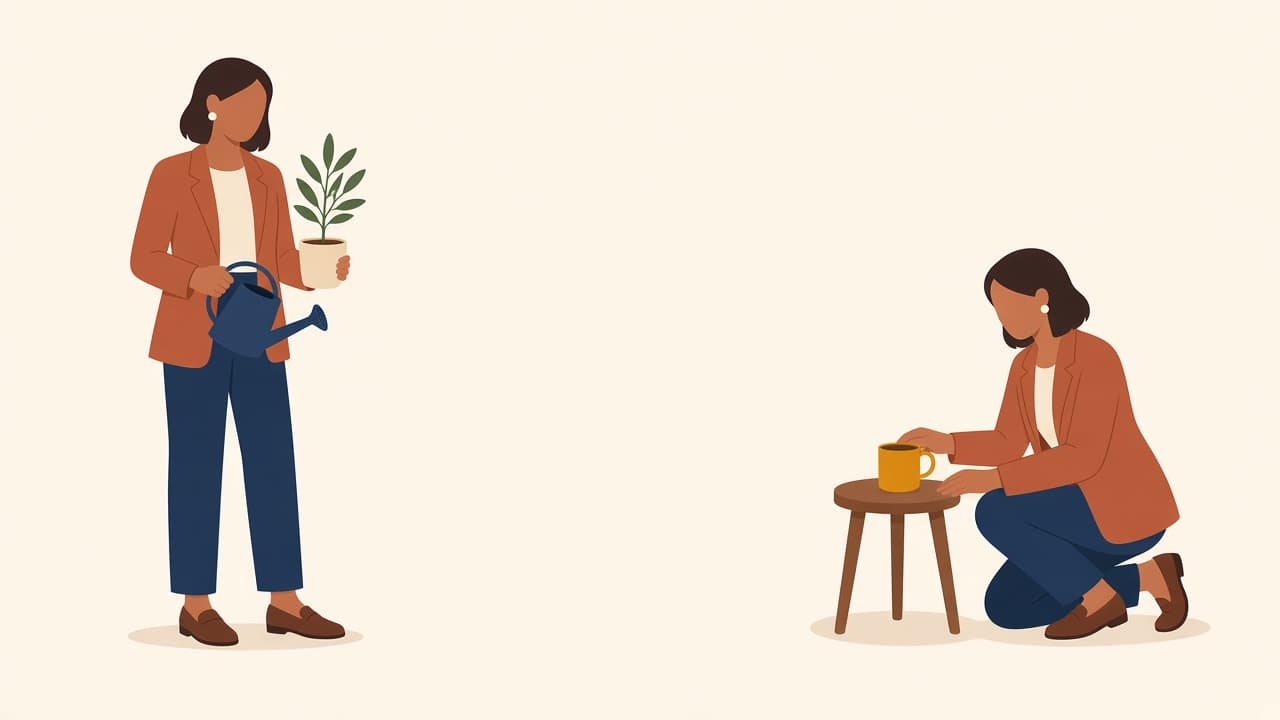
When you need the same person at a desk instead of standing, describe the new situation and keep hair, clothes, and face in the prompt. Starting from a blank generation is how you get a cousin instead of the same person. A character pack avoids that loop when you already know you need a set.
Regenerate only the part that failed
If one region is muddy and the rest is good, edit or regenerate that region. A full reroll throws away the composition you already liked.