
How to get a clay-style 3D look without Blender

Irene Lidia Wang
October 1, 2026 · 2 min read
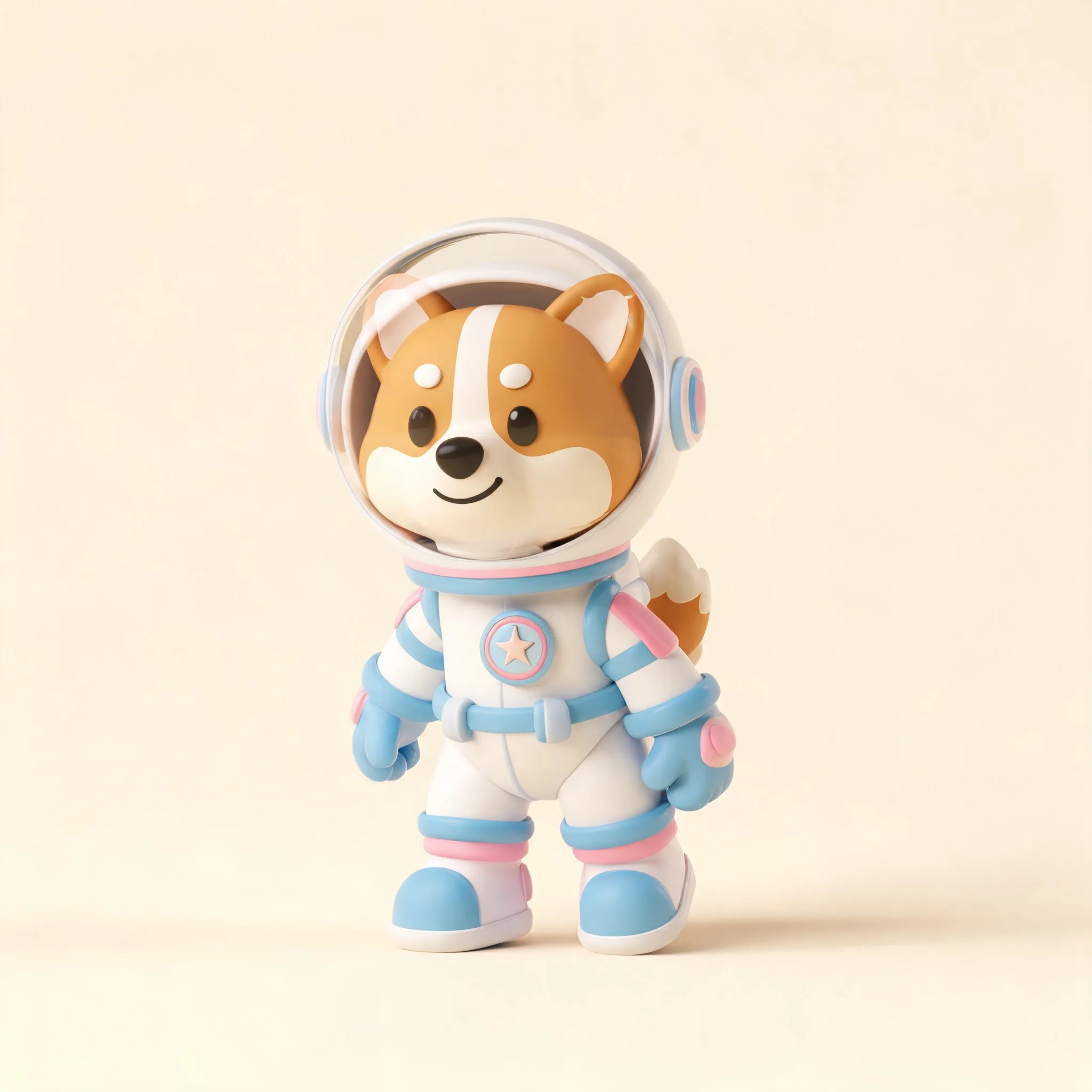
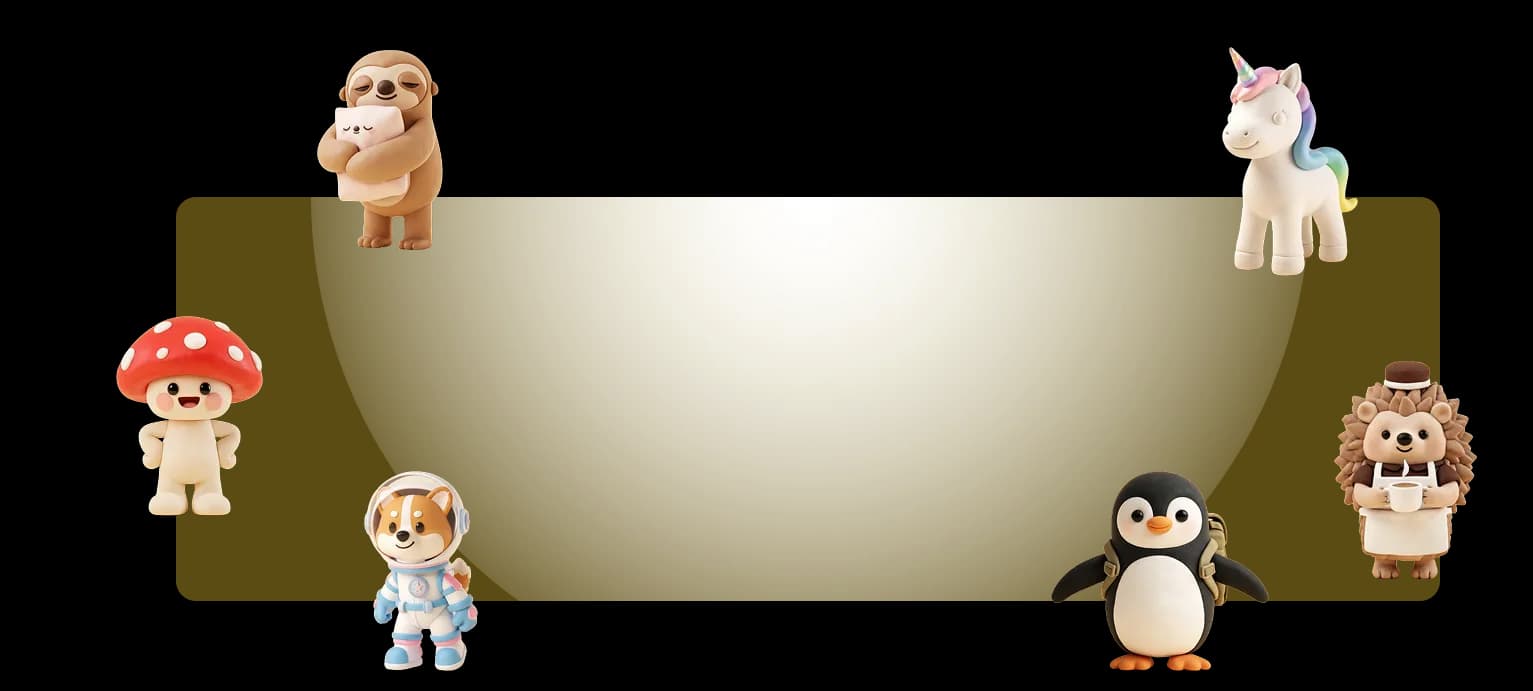
Use the 3D illustration generator when the product needs volume: a mascot, a figurine-style character, a scene that feels physical. You get a stylized 3D still, not a Blender scene.
Describe a thing in space
Include material and light, not just mood. "A clay-style red panda warrior, three-quarter view, soft studio light, simple ground shadow" is easier to generate than "epic 3D character."
Generate a small set
Pick the silhouette first. Detail is cheap to add. A weak pose with pretty shading still fails on a landing page.
Edit after you like the form
Treat it like any other Illustro file. Recolor, crop, simplify. Stay flat when the UI is dense. Landing-page illustration has to sit next to real type and screenshots, not compete with them.
Same mascot, more than one shot
If the character has to show up in onboarding and an empty state, switch to a 3D character pack instead of prompting a new person each time. The pack workflow is the same as flat: lock the person, then prompt for scenes.