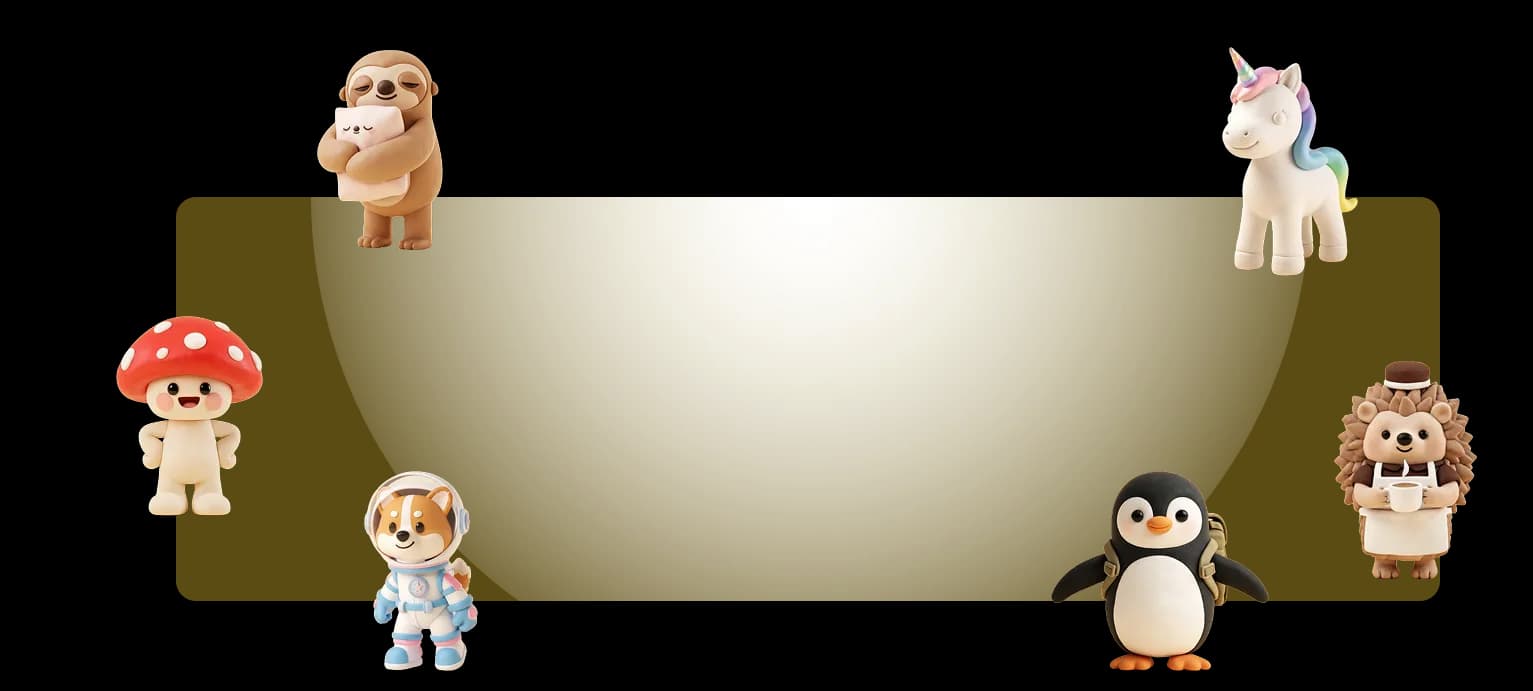

3D characters that look physical, without Blender

Luca Mussari
October 1, 2026 · 2 min read
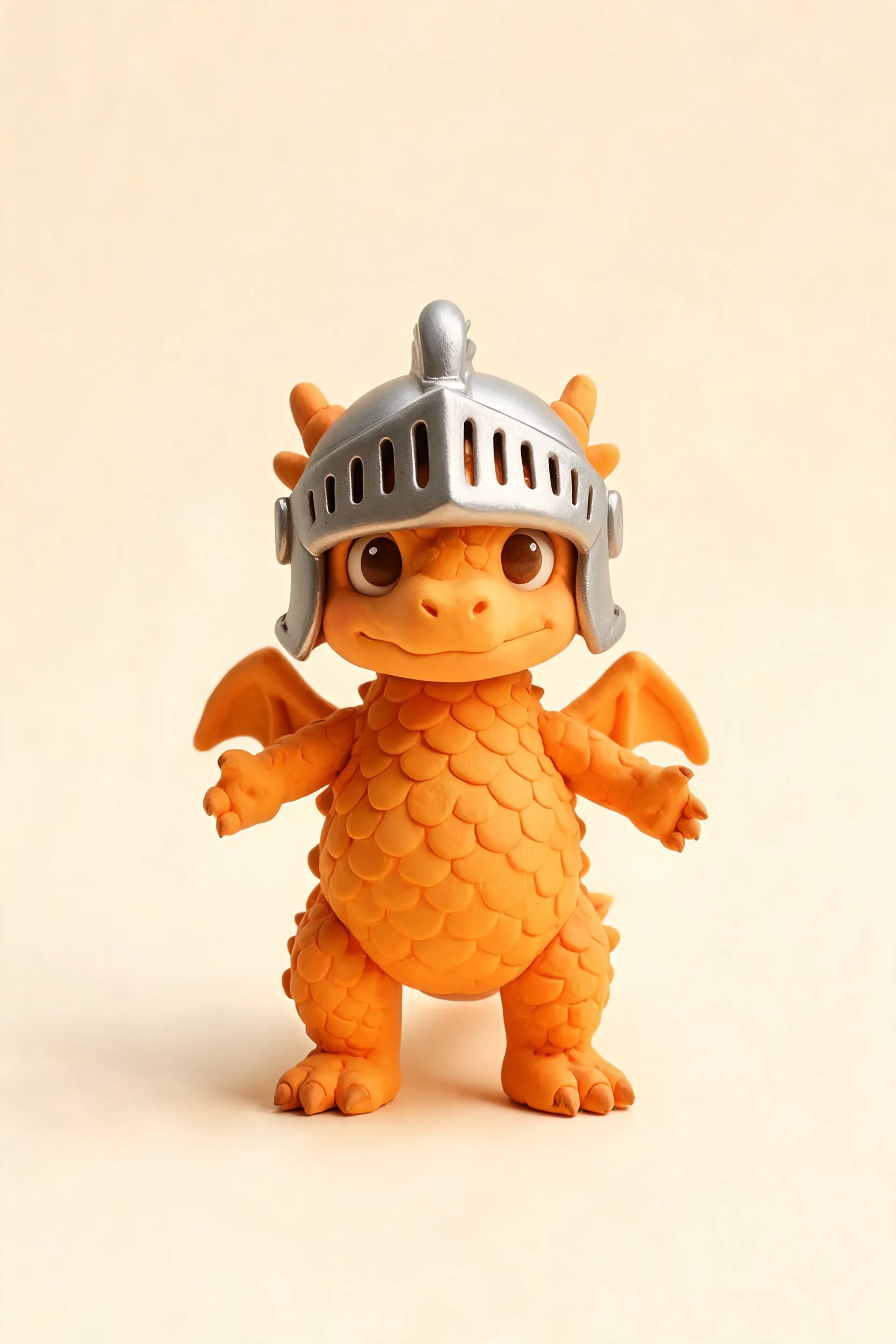
Flat illustration is still the default for a lot of product UI. Some screens need more volume: a mascot, a figurine-style character, a scene that feels physical.
The 3D illustration generator is for that. Describe the character or scene, generate, then edit like any other Illustro file.
What it is not
It is not a replacement for a 3D pipeline. You will not get production game meshes or a Blender scene. You get a stylized 3D illustration you can put on a landing page, an app icon, or a slide.
When to use it
Use 3D when the product already has a physical or toy-like personality, or when flat art next to a screenshot looks too thin. Stay flat when the UI is dense and the illustration has to sit quietly beside it. Landing pages make that choice obvious: a noisy 3D scene next to a dashboard screenshot usually loses.
You can also generate a 3D character pack if the same mascot has to show up in more than one scene. Prompt for material and light, not just mood, then pack the extra poses once the form is right.