
How to animate a drawing with AI

Irene Lidia Wang
October 22, 2026 · 7 min read
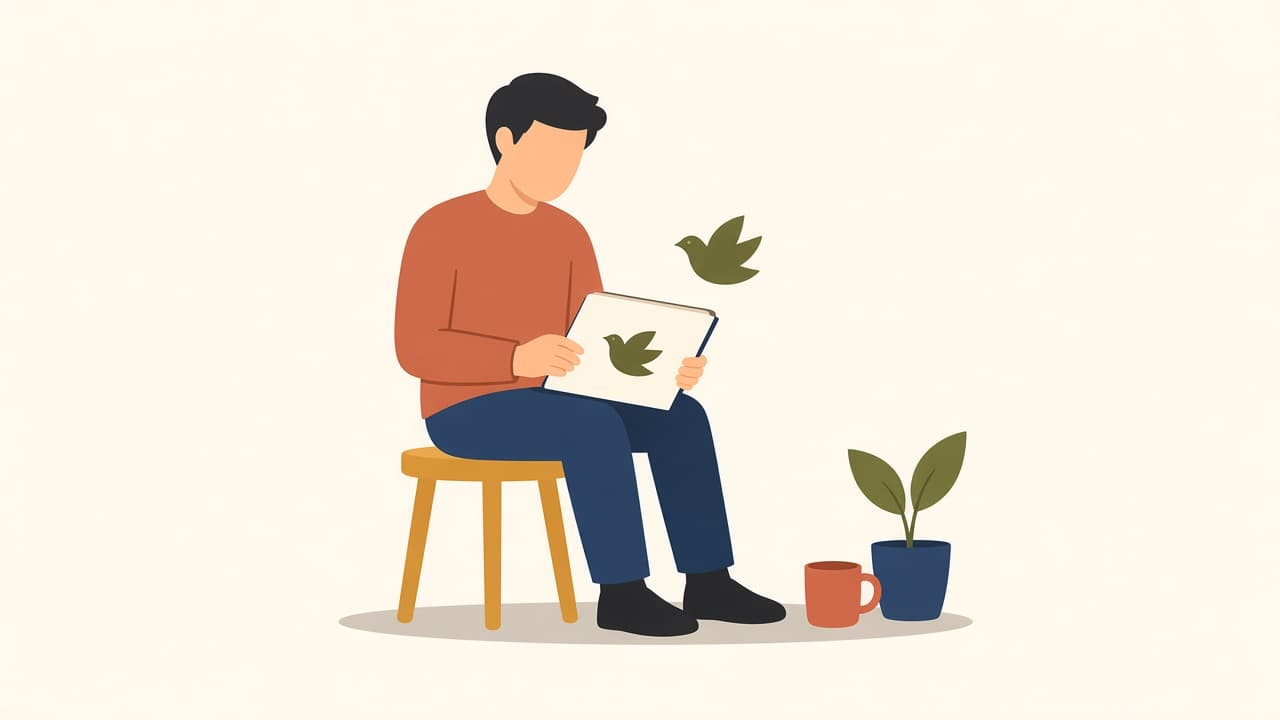
A sketch on the desk stays still. You want a few seconds of it moving, for a hero, a slide, or a drawing a kid just handed you, and a timeline app is the wrong tool.
To animate a drawing with AI, scan or photograph it, upload it, and let the AI add motion. If you typed "animate drawing," you already have the picture. In Animate illustrations you pick a 4, 6, or 8 second MP4 with optional sound, and the AI chooses the movement itself. There's no field where you type "wave" or "walk."
What you get when you animate a drawing
The AI looks at the picture and adds a short movement that fits it. A character might wave, blink, or take a few steps. A plant might sway.
You don't choose that action. If a specific pose matters, draw that pose in the still first. Motion won't invent a cleaner composition.
This is one clip of the whole picture. You don't place joints, and you don't pick a dance from a list. Meta's write-up on animating children's drawings is the other kind of tool: it finds a human-like figure, asks you to check the joints, then plays a preset such as a jump. Illustro keeps the whole picture and adds a short motion.
You also don't get a transparent video, a multi-page scene, or a file you can crop inside Illustro. The download is an MP4.
Prepare the drawing you want to animate
One subject. A person, an animal, a plant, a single object. A sketchbook page with five characters and a street behind them will move as one lump.
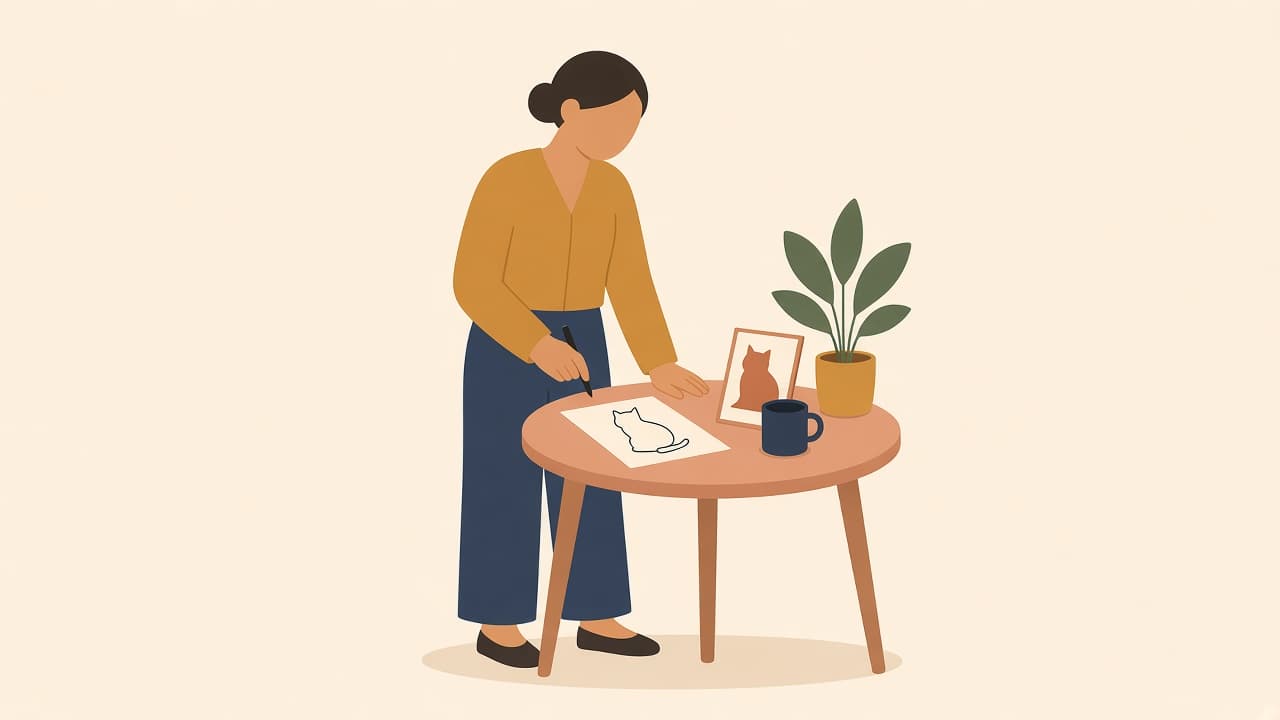
Give that subject a plain field. Notebook lines, a wood table, and a hard shadow all get baked into the clip. If you're photographing paper, use even light and shoot straight down, then crop to the drawing. A scan is cleaner when you have a scanner.
On Animate illustrations the file has to be JPEG, PNG, or WEBP, up to 10MB. The form asks for about 1280×720 (wide) or 720×1280 (tall). A phone photo is usually fine after a crop.
If the photo is messy and you want a cleaner still, turn the image into line art or keep the pose as a flat illustration before you animate. That conversion costs 3 credits. Then edit the still until the silhouette reads. A busy background won't behave once it starts moving.
When you're generating the still in Illustro instead of scanning one, pick flat design or line art. Use Illustro Light to test the pose and Illustro MAX when you want the picture you'll ship. Describe the picture, not the movement:
"One parrot standing on a small branch, plain cream background, flat shapes, one wing slightly lifted."
Open that result in Animate. The prompt was for the still.
An SVG you already exported can go through the editor (JPEG, PNG, WEBP, or SVG, max 5MB). The public Animate page doesn't take SVG, so a paper drawing should be a photo or a scan.
Animate a picture: length, frame, and sound
Whether you call it animate artwork or animate image AI, the upload is the same: a sketch or any other still.
- Open Animate illustrations and choose Upload Illustration, or drag the file in.
- Open the settings pill. The labels are Aspect Ratio, Duration, Resolution, and Generate Audio.
- Use 16:9 for a website hero or a slide, and 9:16 for a phone story. Those are the two frames on the form.
- Set Duration to 4s, 6s, or 8s. Four seconds is enough for a quiet page. Eight seconds is a story beat or a deck, not a film.
- Set Resolution to 720p or 1080p. Resolution doesn't change the credit cost.
- Leave Generate Audio off unless you want sound. The note under the checkbox says "Adds AI-generated sound effects." You don't write the sound.
- Press Animate illustration. Logged out, the button reads Sign in to animate your illustrations. A new account gets 3 credits, which won't cover even the shortest clip.
- Wait. It usually takes 1 to 3 minutes. In the editor the status can say it may take up to 5 minutes. You can press Stop animating if you want to abandon the run.
- When the clip opens in the editor, use Download. The file is an MP4.
Create Animation is the same action if you're already in the editor, on Upload illustration to animate.
You can change the duration, the frame, the resolution, or the audio and run it again. Each run spends credits. There's no crop control on the video.
What it costs to animate a drawing
The Animate illustration button prices the clip at 4 credits per second without sound, and 6 credits per second with Generate Audio on. It prints that total before you start.
Credit packs are one-time. The $7 pack is 100 credits, enough for several short clips. The 3 signup credits aren't.
| Length on the button | Silent | With audio |
|---|---|---|
| 4s | 16 credits | 24 credits |
| 6s | 24 credits | 36 credits |
| 8s | 32 credits | 48 credits |
Anyone with enough credits can animate. It isn't locked to a higher plan.
A PNG with a transparent background still becomes an MP4, and an MP4 can't keep transparency. Put the drawing on the background color you want before you upload, or the video will fill that empty space on its own.
Download the MP4 and put it somewhere quiet
Use one short clip where the page is otherwise still: a hero, an empty state, a slide, a social post. If the layout is already noisy, skip the motion. If the picture started in Illustro rather than on paper, how to add a short loop to a still illustration covers that path.
On a website, give people a way to stop the clip. WCAG's pause, stop, hide guidance is the practical rule: motion that keeps going needs a pause control. A 4 second loop that plays forever still counts.
You can use the MP4 in a product, a deck, or a post. Illustro's terms assign you the copyright in what you generate, with one limit that matters here: don't use the output to train another AI system.
Frequently asked questions
How can I turn my drawings into animation?
Photograph or scan one clear subject, upload the JPEG, PNG, or WEBP on Animate illustrations, pick 4, 6, or 8 seconds, and download the MP4. The AI chooses the motion.
Can I animate a picture using AI?
Yes. A drawing, a finished illustration, or another JPEG, PNG, or WEBP up to 10MB can become a short MP4. Artwork holds up better than a busy photo, but a photo is allowed.
Is there an app that animates your drawings?
Illustro does it in the browser. You upload the drawing, set the length, and get an MP4. You don't install a timeline app, and you don't pin joints on the figure.
Can I tell the AI how the drawing should move?
No. There's no field for a motion description. Draw the pose you want in the still. The AI then picks a small movement from what it sees, such as a wave, a blink, or a few steps.
How much does it cost to animate a drawing?
The button uses 4 credits per second without sound, or 6 per second with audio. A 4 second silent clip costs 16 credits. An 8 second clip with audio costs 48. The 3 free credits on a new account aren't enough, so you need a credit pack.
Is there a free AI animator?
Some research demos are free and ask you to check joints on a human-like figure. Illustro isn't free past the signup grant. A new account gets 3 credits, and the shortest animation costs 16, so the first clip needs a pack.