
How to make a one-line drawing from a photo

Irene Lidia Wang
October 22, 2026 · 7 min read
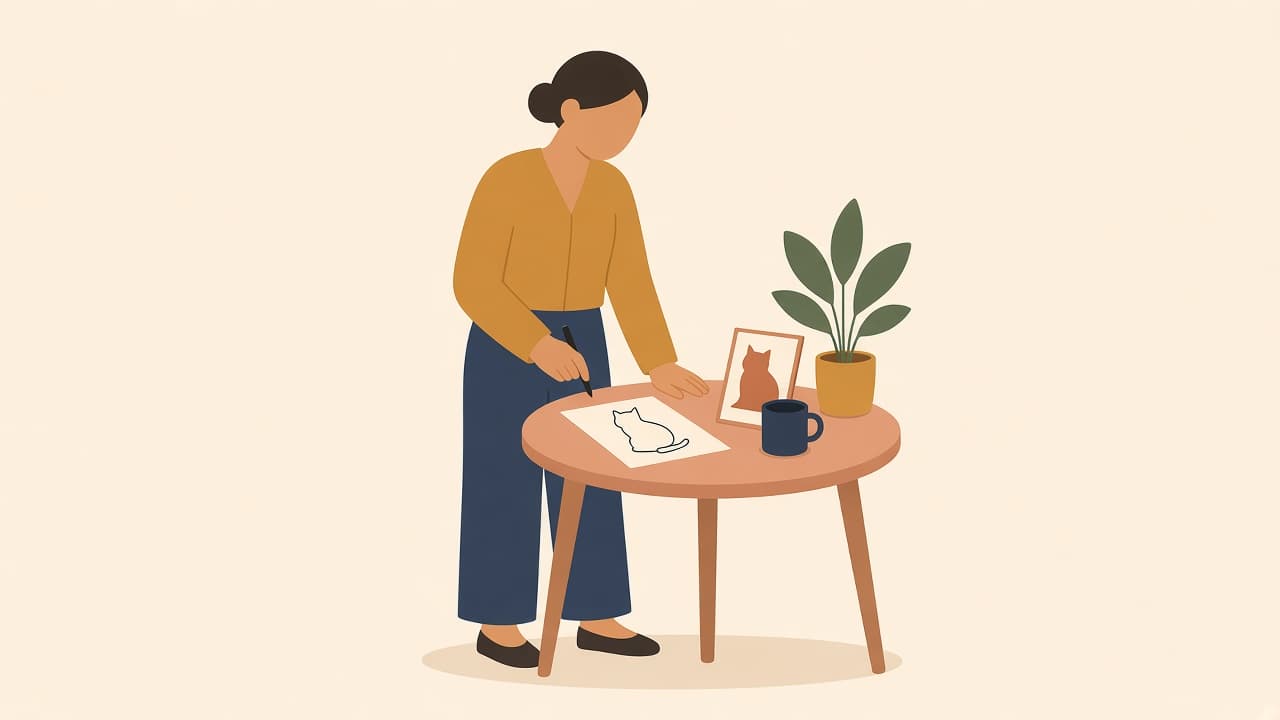
The photo is already the one you want on the card. A pencil filter turns the face gray, and a full-color illustration changes the person. A one-line drawing from that photo keeps them as flowing black lines on white.
You make that file with Turn Image into Line Art. Upload the photo, leave Color Mode on Black & White, and download. A new account starts with 3 credits, which covers one conversion.
What a one-line drawing is
A one line drawing, also called a continuous line drawing or a single line drawing, shows a subject with lines that look drawn without lifting the pen. Studios teach the same habit as continuous line drawing: the line can wander, and it should still feel like one stroke.
It's not a shaded sketch, and it's not a colored scene. Adobe's line art guide is the slow version, tracing a photo by hand with the opacity turned down. This tool skips that tracing.
Black & White is the setting for that look. The lines stay black. The ground stays white. There's no gray.
Color keeps the lines and adds a light pastel shape behind the subject, pale pink or mint, the kind of wash you might put on a poster. I stay on Black & White for a print, a card, or a tattoo reference. That's the minimalist line art people frame.
One limit, before you upload a portrait of someone you love. The drawing should read as one flowing line. A busy photo can still come back with extra loops in the hair or the background.
Those loops are shapes you can delete. The file isn't a promise of one path a pen plotter can run without lifting.
Photos that make a clean one-line drawing
One subject, and a plain background.
A face in profile against a light wall works. So does a dog sitting still, one flower, or a product on a table. Your sister by a window, white wall behind her, is a better file than the whole dinner table.
Crop out the couch, a second person, or a busy room before you upload. Group photos, dense leaves, and heavy filters turn into noise. Dark hair on a pale wall gives the line something to follow. A face lost in shadow doesn't.
The upload accepts JPEG, PNG, or WEBP, up to 5MB. HEIC from a phone needs a quick export to JPEG first.
Make the one line drawing
- Open Turn Image into Line Art.
- Drag the photo in, or click Upload Image.
- Under Color Mode, choose Black & White. It's already selected. Color is the other button. Leave it alone.
- Sign in if the button says Sign in to turn your images into line art. Continue with Google or Sign in with email both work, and neither asks for a card.
- Click Convert to Line Art. The button shows 3 credits. You will see Converting your image… and This may take 30–60 seconds. A failed conversion does not keep the charge.
- Download PNG or JPG. Both are free. For a large print, export SVG for 1 credit when that file is ready. If the vector step doesn't finish, PNG and JPG are still there.
Inside the editor, the same control uses the short label B&W. If you opened the tool from the editor instead of the landing page, the upload title is Upload image for line art.
Stray marks are normal on a detailed photo. Open Colors, click the extra shape, and delete it. Recolor is free, and the line usually wants to stay black.
Edit with AI costs 3 credits when a region is wrong. It's not a pen tool, and there aren't any nodes or anchors. For a wider cleanup, see how to get a line drawing from a photo and how to recolor an SVG you already have.
Export it for a print, a card, or a tattoo reference
A card or a social post can stay PNG or JPG. The download is free after the conversion. Use Save to My Illustrations if you want the file in your account, or keep editing in the illustration editor.
A framed print wants the SVG. One extra credit, and the lines stay sharp when the printer scales them. If you only have the PNG, print close to the size you downloaded. Stretching a small PNG is what makes the line look fuzzy.
A tattoo is a reference you hand to an artist, not a stencil that goes on skin untouched. Send the SVG, or a large PNG, after you delete stray loops. Tell them what has to survive: the profile, the dog's ears, the stem of the flower. They still prepare the line for skin.
You can sell cards and prints made from the drawing. Commercial rights cover the signup credits and the one-time credit packs: $7 for 100 credits, no expiry, no monthly plan. Don't use the file to train another AI system.
If the pose should stay and the picture should be a full illustration, turn the photo into an illustration instead. That result is flat color, not a one-line drawing.
When you don't have a photo
Use the line art generator and describe the subject. Set the style to Line Art and Color Mode to B&W. Illustro Light is 1 credit, enough to test the pose. Illustro MAX is 2 credits when you want a more careful line.
Prompt the thing, not a camera:
"a spaniel sitting in profile, one continuous black line, plain white background, no shading"
Generate a few. Keep the one that still reads as the dog from across the room.
There's no line-art pack. The same person across many scenes is a flat illustration pack, not this conversion.
Frequently asked questions
How can I convert a photo into a line drawing?
Upload it on Turn Image into Line Art, set Color Mode to Black & White, and click Convert to Line Art. A new account's 3 credits cover that first conversion, and it usually takes 30–60 seconds. PNG and JPG downloads are included. An SVG costs 1 more credit when the vector file is ready.
What is a single line drawing?
A single line drawing, also called a one-line drawing or a continuous line drawing, builds the subject from flowing lines that look unbroken, as if the pen stayed on the paper. In Illustro, Black & White mode is that look: black lines on white, with no gray shading. Color mode keeps the lines and adds soft pastel shapes behind them.
How do you make continuous line art from a photo?
Start with one subject on a plain background and crop out the clutter. Upload a JPEG, PNG, or WEBP under 5MB, leave Color Mode on Black & White, and convert. If the hair or the room grew extra loops, open Colors and delete those shapes. You don't have to trace the photo by hand.
What is the difference between Black & White and Color mode?
Black & White is the one-line drawing: black lines, white ground, no shading. Color keeps the lines and places very light pastel shapes behind the subject, such as pale pink or mint. Use Black & White for prints, cards, and tattoo references. Use Color when you still want the line to lead and the piece needs a little color.
Can I use a one-line drawing as a tattoo?
Yes, as a reference for a tattoo artist. Export SVG when you need the lines sharp at a large size, or PNG for a small sheet, and delete stray marks before you send it. The artist still prepares the stencil for skin. The file is a continuous-line look, not a guaranteed single path for a plotter.
How much does a one-line drawing from a photo cost?
A new account gets 3 credits, which covers one conversion. After that, each photo conversion is 3 credits. PNG and JPG are free to download, and SVG is 1 credit when it is available. Credit packs start at $7 for 100 credits, they don't expire, and there's no subscription.