
How to generate a consistent character pack

Luca Mussari
October 1, 2026 · 2 min read

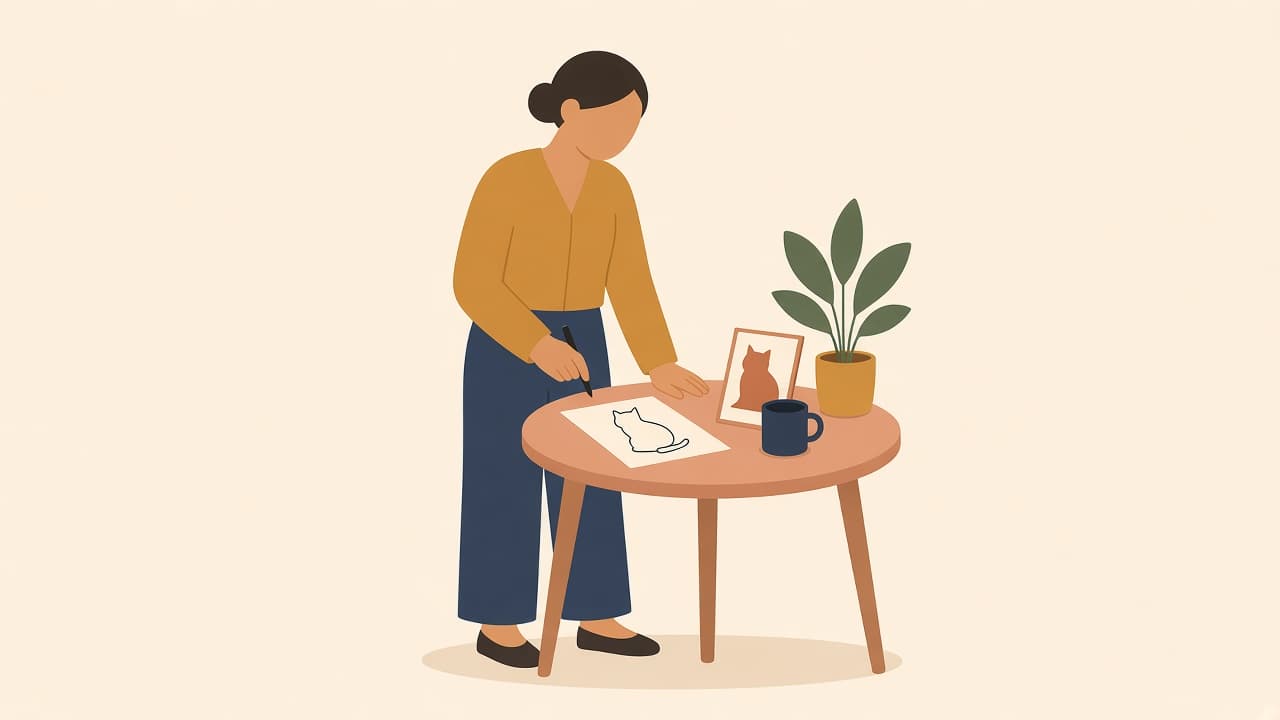
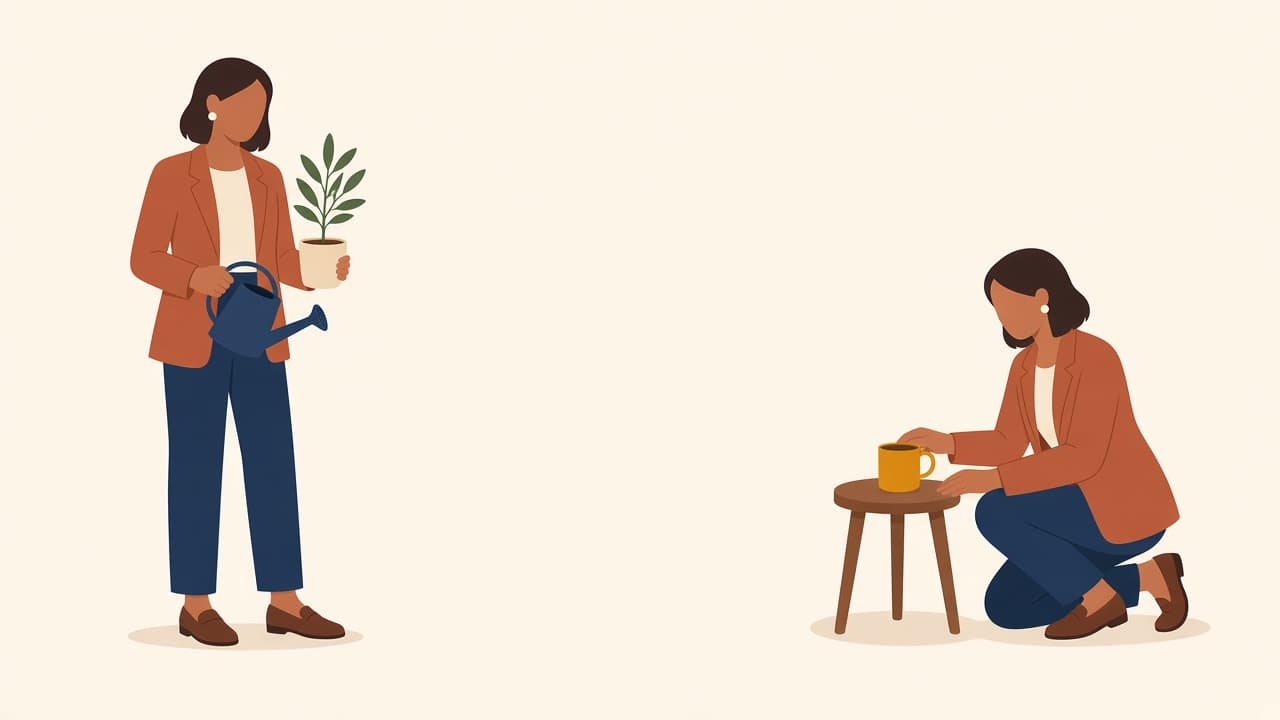
A character pack is useful when one illustrated person needs to show up in more than one place: a homepage hero, an empty dashboard, and a "you're all set" email.
The goal is not a single perfect image. It is a small set that still looks like the same person.
Start with one hero pose
Generate the character you actually want to reuse. Lock in:
- Face and hair
- Outfit and color
- Body proportions
- The style (flat, 3D, grain, line)
Save that result before you ask for variations. Later prompts should describe new scenes, not a new person.
If you want Illustro to keep the character locked for you, start from illustration packs instead of repeating this by hand:
For picture-book pages instead of product UI, the storybook workflow is the same idea with a softer palette.
Prompt for scenes, not a new character
Weak: "a friendly woman in an office."
Stronger: "the same woman from the previous illustration, sitting at a laptop, waving at the camera, same red sweater and short dark hair."
Name the constants every time. Models forget what you did not repeat.
Make a small set, not a library
For most products, four scenes are enough:
- Welcome / hero
- Working / in progress
- Empty state
- Success
Generate those four, then stop. Extra poses are easy to add later; a bloated pack is harder to keep consistent.
Check them side by side
Put the exports in one frame. If hair color, jacket, or face shape drifted, regenerate the outlier with a tighter description of the original, not a brand-new prompt.