
Illustration styles that actually work on landing pages

Irene Lidia Wang
October 1, 2026 · 2 min read
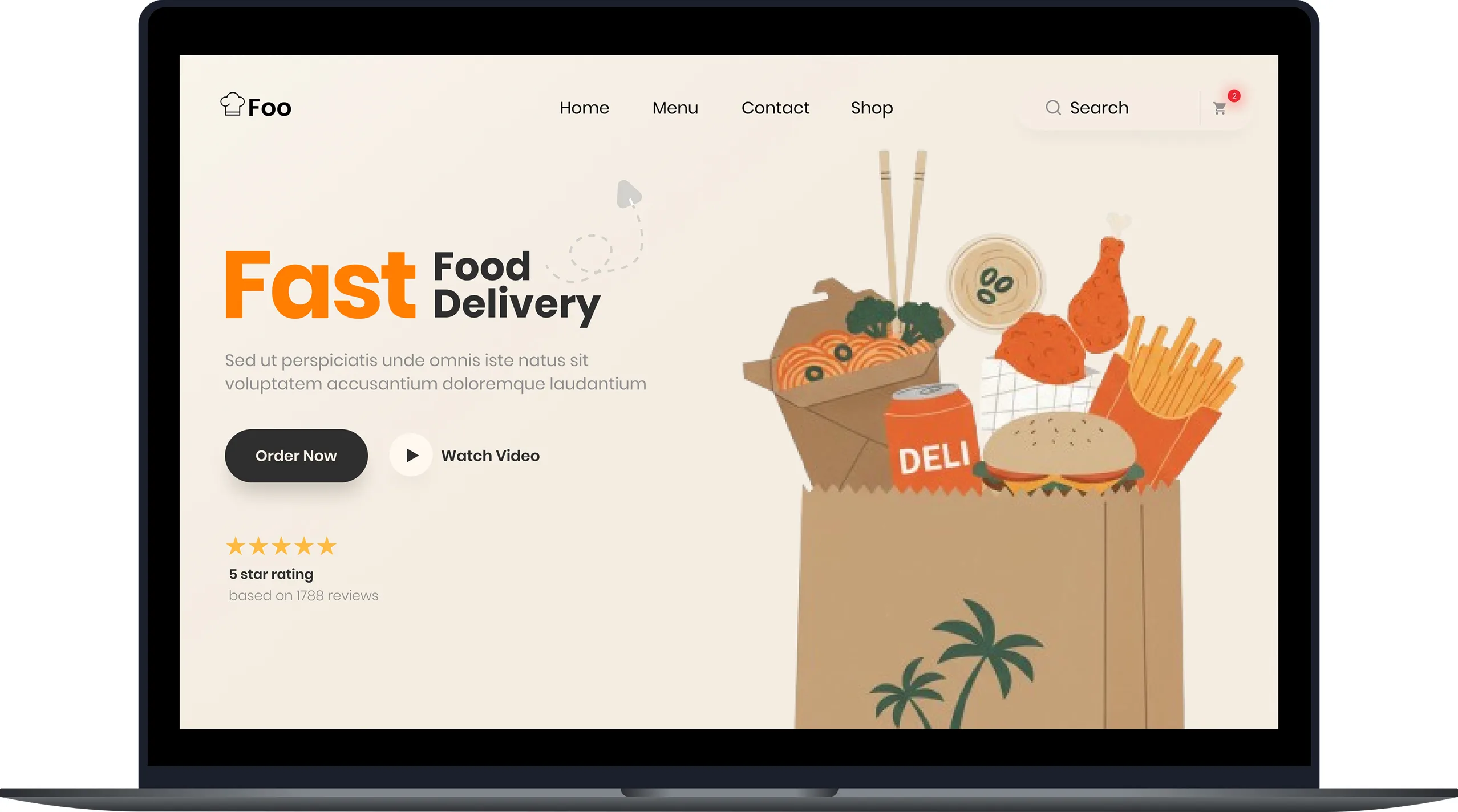
Landing-page illustration has a job: make the product feel real before someone tries it. Style is part of that job, not a costume on top of it.
Match the density of the UI
If the product is a dense dashboard, a noisy 3D scene next to the screenshot will fight it. A quieter, flatter style usually sits better beside real UI.
3D is the right call when the product already has a physical or toy-like personality, and flat art next to a screenshot looks too thin.
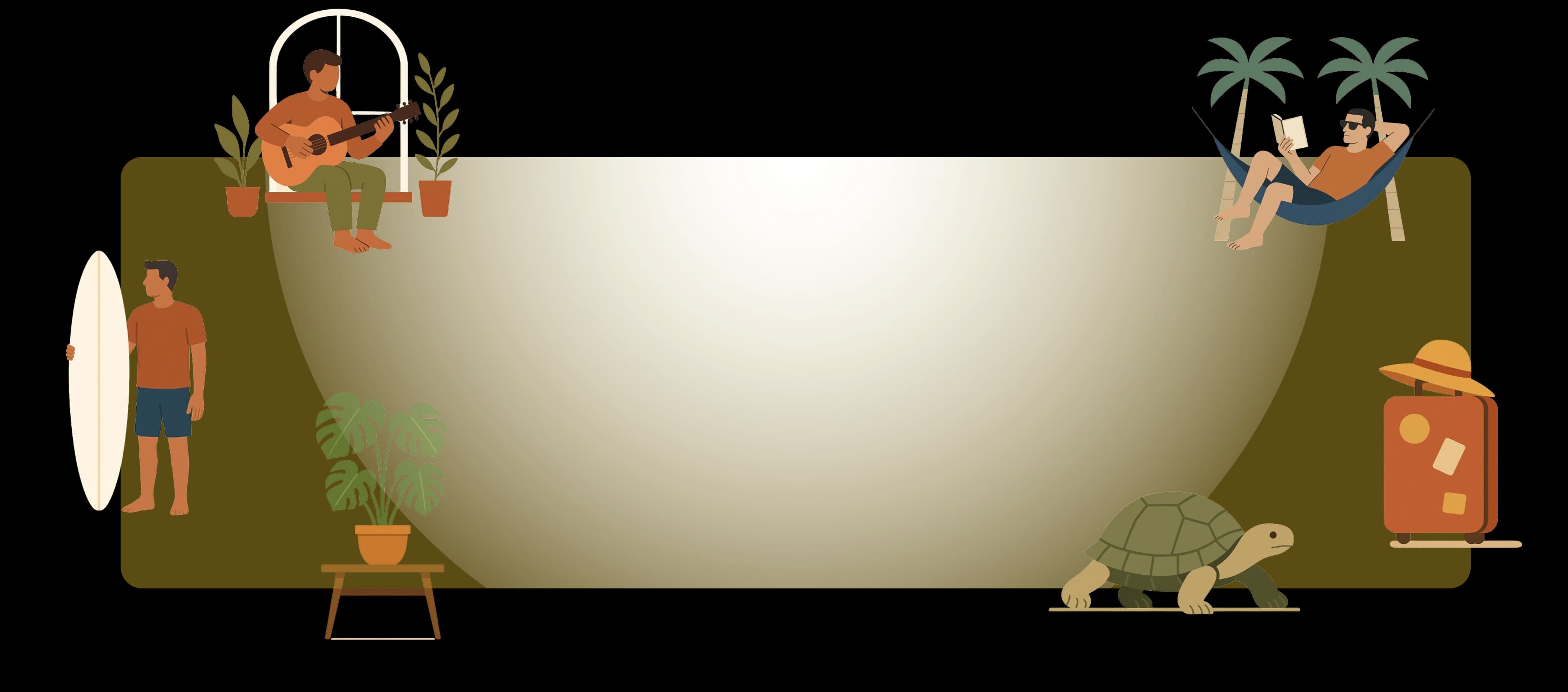
If the product is playful (kids, social, lifestyle), you can go richer, as long as the palette still belongs to the brand. Kids' products usually want storybook illustration, not a corporate figurine.
Use color as a system
Pick two or three colors from the brand and let the illustration borrow them. A yellow accent that already lives in your buttons should show up in clothing, a prop, or a background shape, not as a random extra hue.
If the pose is already right, change the fills in the editor instead of rolling a new image.
Leave space for type
Hero illustrations fail when they fill every corner. Keep a quiet side or a simple background so the headline can sit without a gradient overlay.
Test at mobile width
A detailed scene that looks premium on desktop often collapses into noise on a phone. Crop, simplify, or swap to a closer crop for the mobile hero instead of shrinking the same file.
Stock art usually fails that test. Custom illustration that belongs next to the product beats a generic hero you have seen on ten other sites.