

The 8 Best AI illustration generators in 2026

Irene Lidia Wang
September 17, 2026 · 11 min read

You searched for the best AI illustration generator and got a list of photoreal portrait apps. Midjourney for mood boards. ChatGPT for quick comps. Canva for social posts. None of them solve the job you actually have: flat art that sits next to a dashboard, the same character in eight onboarding screens, and an SVG your developer can recolor without opening Photoshop.
That is the gap this roundup closes. I build Illustro for product illustration workflows, so I am biased on what "best" means here. These picks are ranked for shipped product and marketing art, not fantasy concept sheets. If you need cinematic range instead, see our Midjourney alternatives for illustration guide.
Quick answer: best AI illustration generators in 2026
| Rank | Tool | Best for | Free to try | Paid starting point | SVG export | Character consistency |
|---|---|---|---|---|---|---|
| 1 | Illustro | Product UI, packs, Figma | 3 signup credits, no card | $7 one-time (100 credits) | Yes (flat + line art) | Lock character, then scenes |
| 2 | Recraft | Vector brand art, icons | Limited free gens | Subscription plans | Yes | Style presets |
| 3 | Ilus | Custom illustration styles | Free trial, no card | $25 one-time (500 credits) | Yes (flat, ink, doodle) | Fine-tune on 10–20 images |
| 4 | IconScout | Vector art + stock library | 3 AI credits | From ~$15/month (annual) | Yes | Style packs |
| 5 | Icons8 | Matching a house illustration look | Limited free gens | From ~$20/month | Yes, on vector styles | Repeat Icons8 style |
| 6 | Adobe Firefly | Creative Cloud teams | Free with Adobe account | CC bundles | Some vector output | Per-image only |
| 7 | Canva | Fast deck and social graphics | Free tier | Pro plans | Limited | Per-image only |
| 8 | Leonardo.ai | Game art, concept exploration | Daily free tokens | From ~$10/month | Limited | Weak for locked characters |
For a marketing site with a mascot across onboarding, empty states, and email, start at the top. For a single poster with a headline baked into the art, Canva or Ideogram may be enough. This table is about illustration production, not "coolest image of the week."
How we evaluated these tools
Most "best AI image generator" lists score cinematic lighting and model variety. Product teams need different signals. We weighted four criteria:
- SVG and vector export, Can you ship flat or line art as editable vectors, not just a locked PNG?
- Character consistency, Can one hero survive across a pack of scenes without prompt roulette?
- Commercial rights, Can legal sign off without a special enterprise add-on?
- Style control, Can you hold a flat, line, 3D, or storybook look on purpose?
General image models score high on aesthetics and low on export plus consistency. Illustration-specific tools flip that tradeoff. That is why Illustro, Recraft, and Ilus lead this list instead of Midjourney or DALL-E.
1. Illustro
Best overall AI illustration generator for product teams
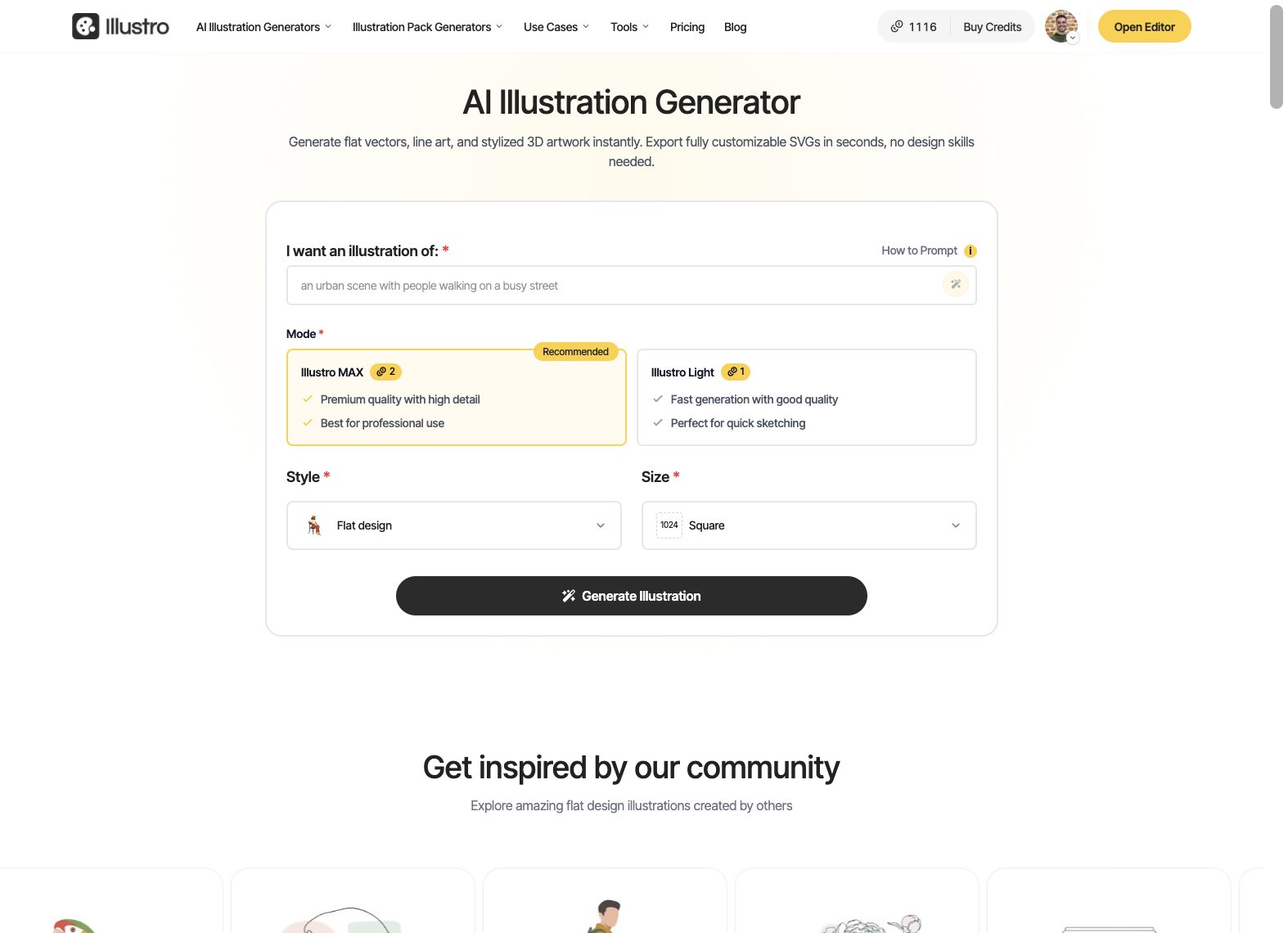
Illustro is an AI illustration generator built for one loop: prompt, pick a style, generate, edit, export. Four styles only: flat design, line art, children's book, and 3D Illustration (stylized clay, not Blender output). Two modes: Illustro Light for fast drafts, Illustro MAX for shipped detail.
New accounts get 3 credits that never expire, no credit card required. That is enough to test a flat scene in Light (1 credit) and one in MAX (2 credits) before you buy a pack.
Where Illustro wins on the criteria:
- SVG on flat and line art, Export for the web or Figma (1 credit per SVG). PNG and JPEG downloads are free. See how to generate SVG vectors for the full workflow.
- Illustration packs, Plan scenes, Lock character on a sheet (3 credits), then generate the set. A 4-scene flat pack costs 15 credits total.
- Unified editor, Recolor with Colors, refine with Edit with AI (3 credits), animate stills to MP4 if you need motion.
- Figma plugin, Generate on the canvas with synced credits. Tutorial: from prompt to Figma.
- Commercial rights, Included on generated work under current terms, including signup credits and one-time credit packs.
Honest limits: Only four illustration styles. Children's book and 3D are raster-only (no SVG). Character lock is strong, not a full IP bible. No team seats yet.
Pricing today: Starter $7 (100 credits), Plus $15 (250), Pro $45 (1000). Credits never expire. Flat or line art: 1 credit Light / 2 MAX.Children's book or 3D: 2 Light / 4 MAX.
2. Recraft
Best for vector-first brand art and icon sets
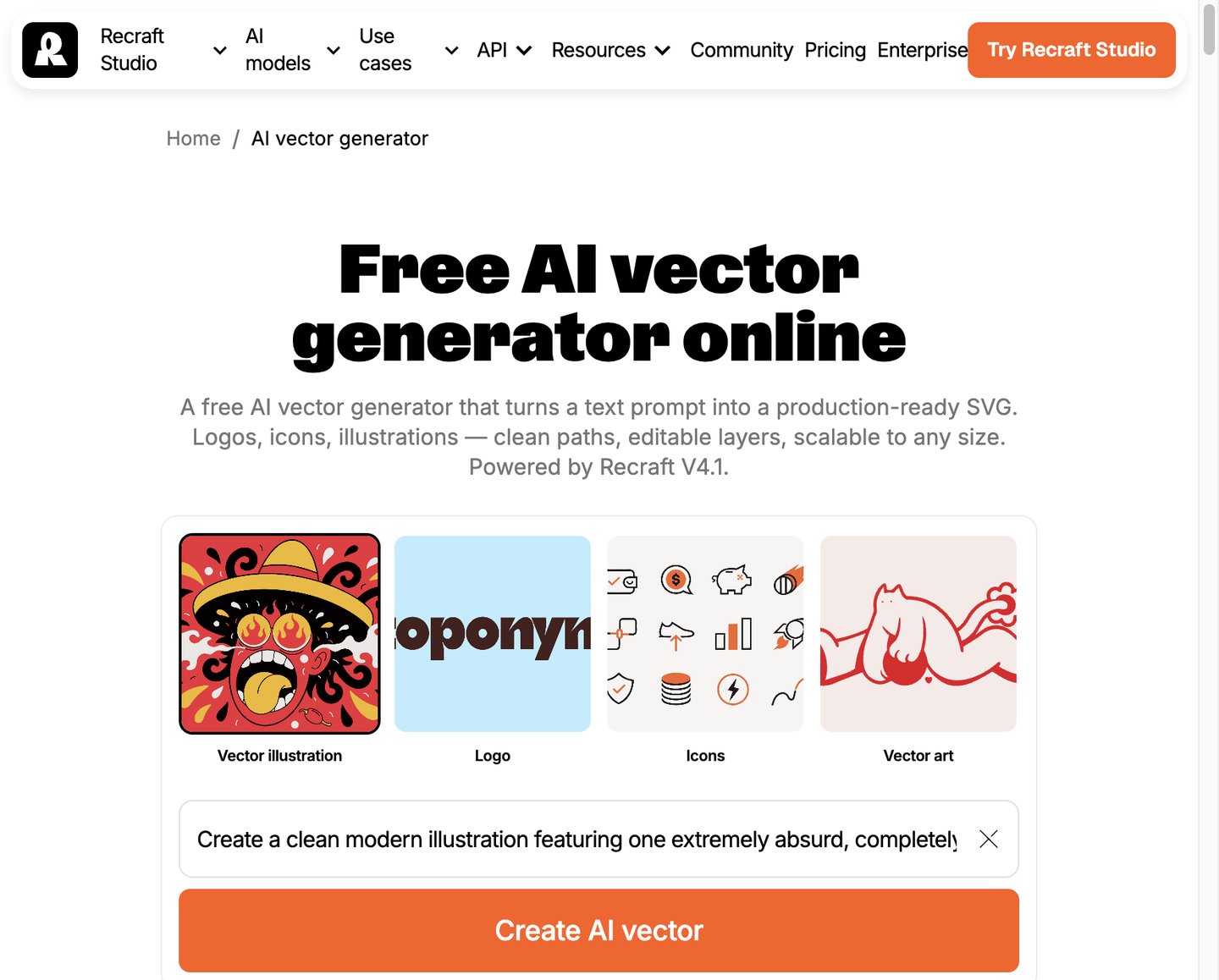
Recraft targets designers who want vector-friendly output and brand-consistent styles. It sits close to Illustro on SVG export and style control, but the workflow is closer to a general design canvas than a pack-first illustration workstation.
Recraft shines when you need icons, brand illustrations, and style presets in one tool. Character consistency is style-level, not "lock this hero, generate twelve onboarding scenes." Compare the job: brand kit exploration in Recraft, shipped product flow in Illustro.
Free tier: Limited generations. Paid: Subscription plans (check recraft.ai for current pricing). Commercial use: Available on paid tiers; read current terms.
3. Ilus
Best when you already have a style bible to train
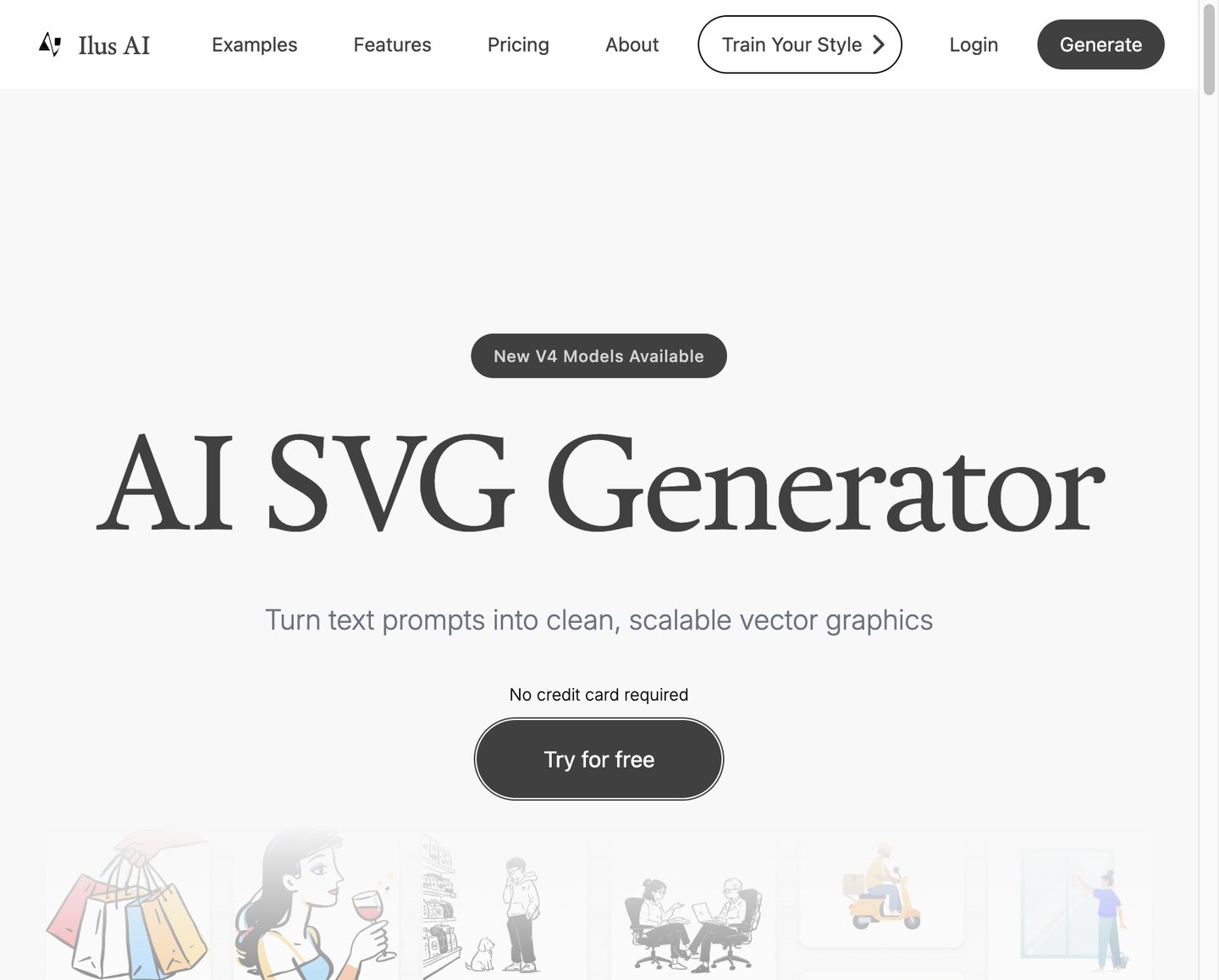
Ilus is the closest illustration-only peer after Illustro. Flat, Ink Drawing, and Doodle styles. SVG and PNG export. Pay-as-you-go credits that do not expire: a 500-credit pack is $25. Generation is 1 credit. PNG is free. SVG costs extra credits.
Consistency comes from a fine-tune: upload 10–20 reference images (150 credits), then generate more in that look. That is powerful when you already own the style. Illustro is stronger when you need to lock a generated character sheet, then produce a pack without bringing fifteen reference files.
Free trial: Yes, no card. Trial images are not private. Export before generations expire from storage.
4. IconScout
Best if you already pay for a vector stock library
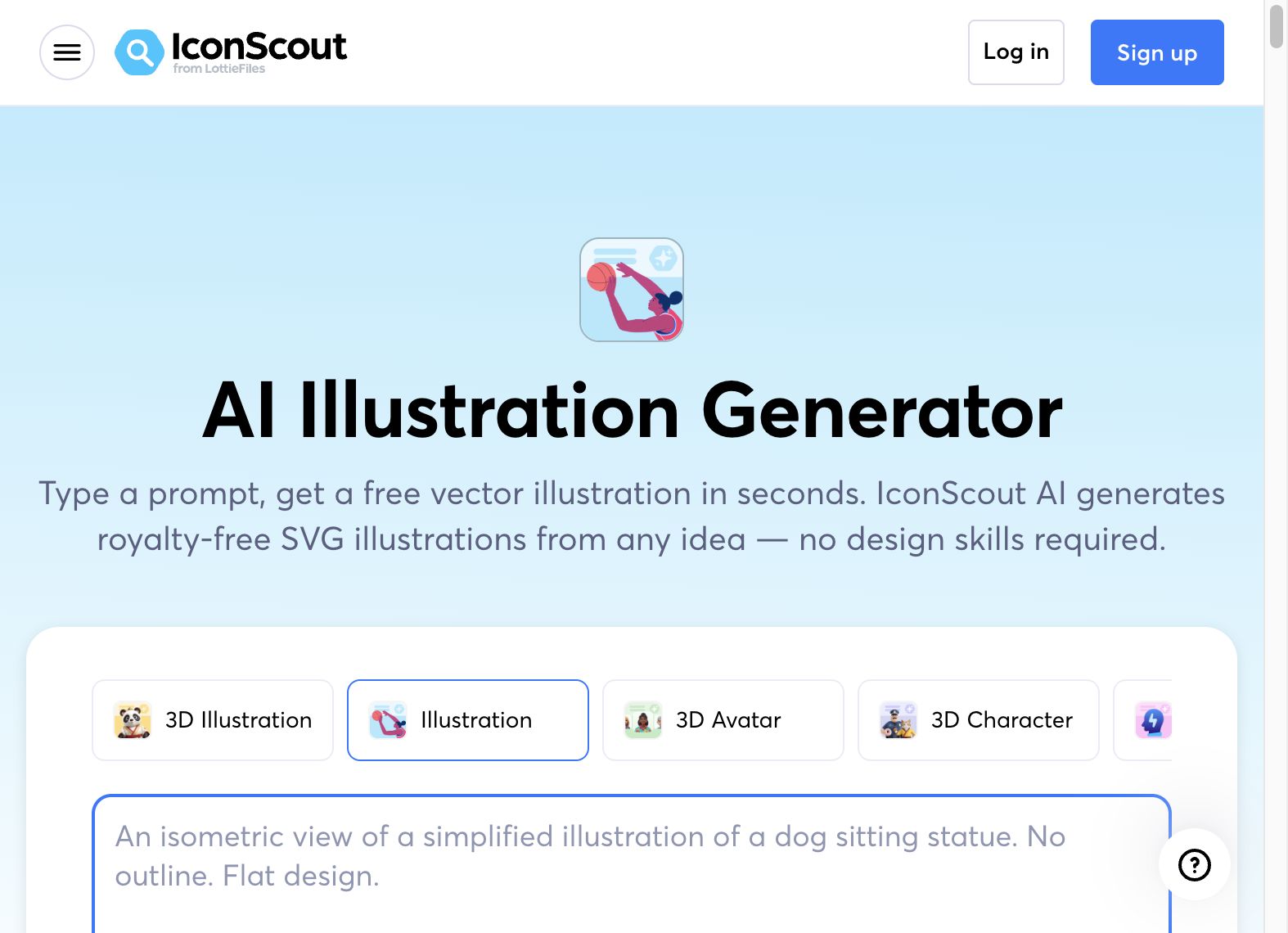
IconScout pairs an AI illustration generator with icons, Lottie, and 3D assets. Pick a style from their pack library, prompt, download SVG, edit in their SVG editor.
The free try is small: 3 AI credits, and each illustration costs 3 credits, so you get one generation. After that, Individual plans start around $15/month billed annually. Monthly AI credits do not roll over.
Strong when you want AI fill-ins next to an existing IconScout subscription. Weaker when the brief is eight matching empty states of the same custom character. No Illustro-style scene pack lock.
5. Icons8
Best for graphics that already look like Icons8
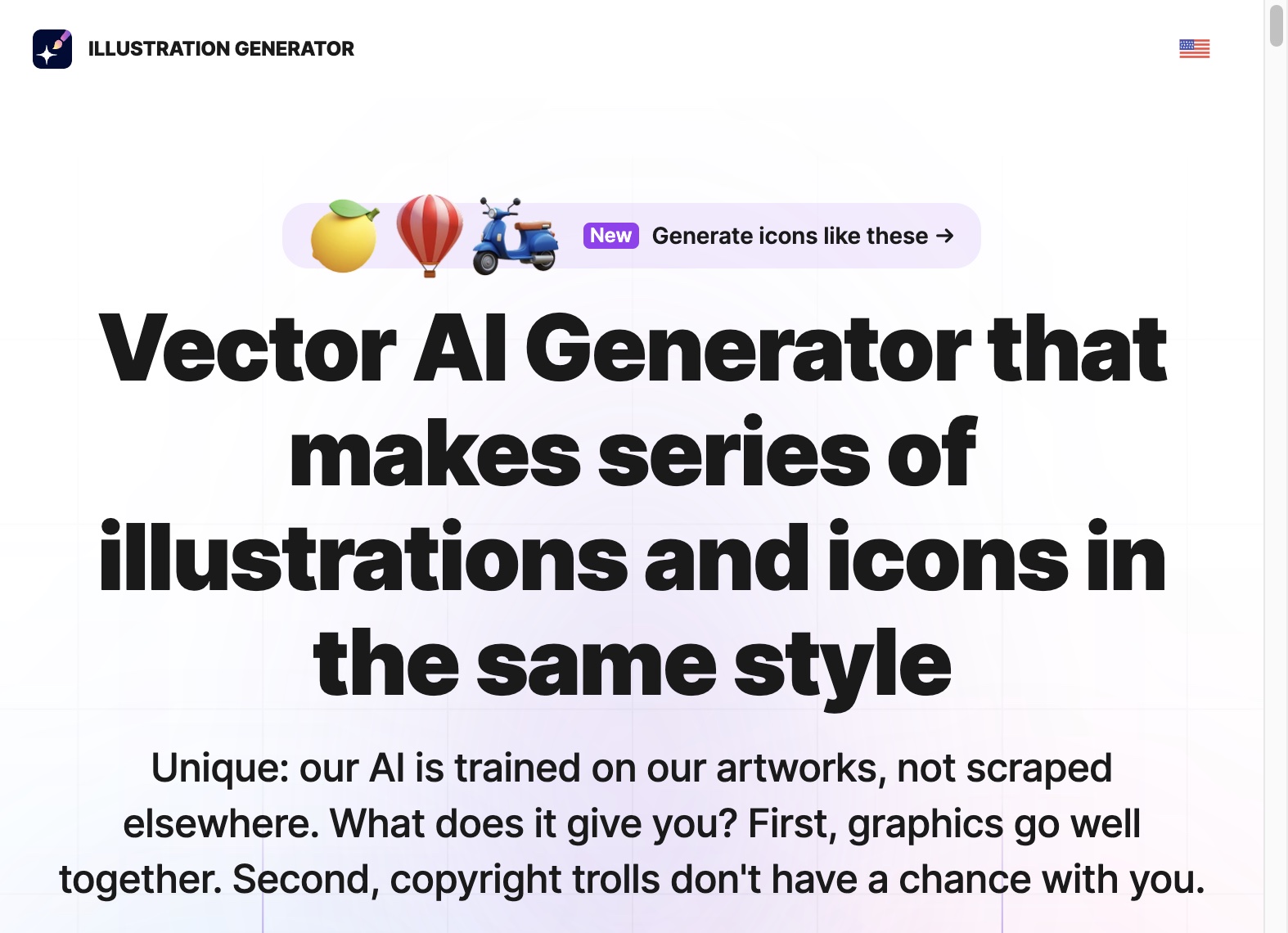
The Icons8 Illustration Generator is trained on Icons8's own illustration universe (Ouch!, etc.). Prompt or upload a reference, pick a style, and the next image should match that house look. Vector exports exist on vector styles. Commercial use is allowed on generated work with the usual IP caveats.
Paid plans start around $20/month for AI plus graphics. You are buying a library company with AI on top. Icons8 wins when you want the Icons8 aesthetic. Illustro wins when you want a custom product character, a pack, and SVG you can recolor in the same editor.
6. Adobe Firefly
Best for Creative Cloud teams worried about training data
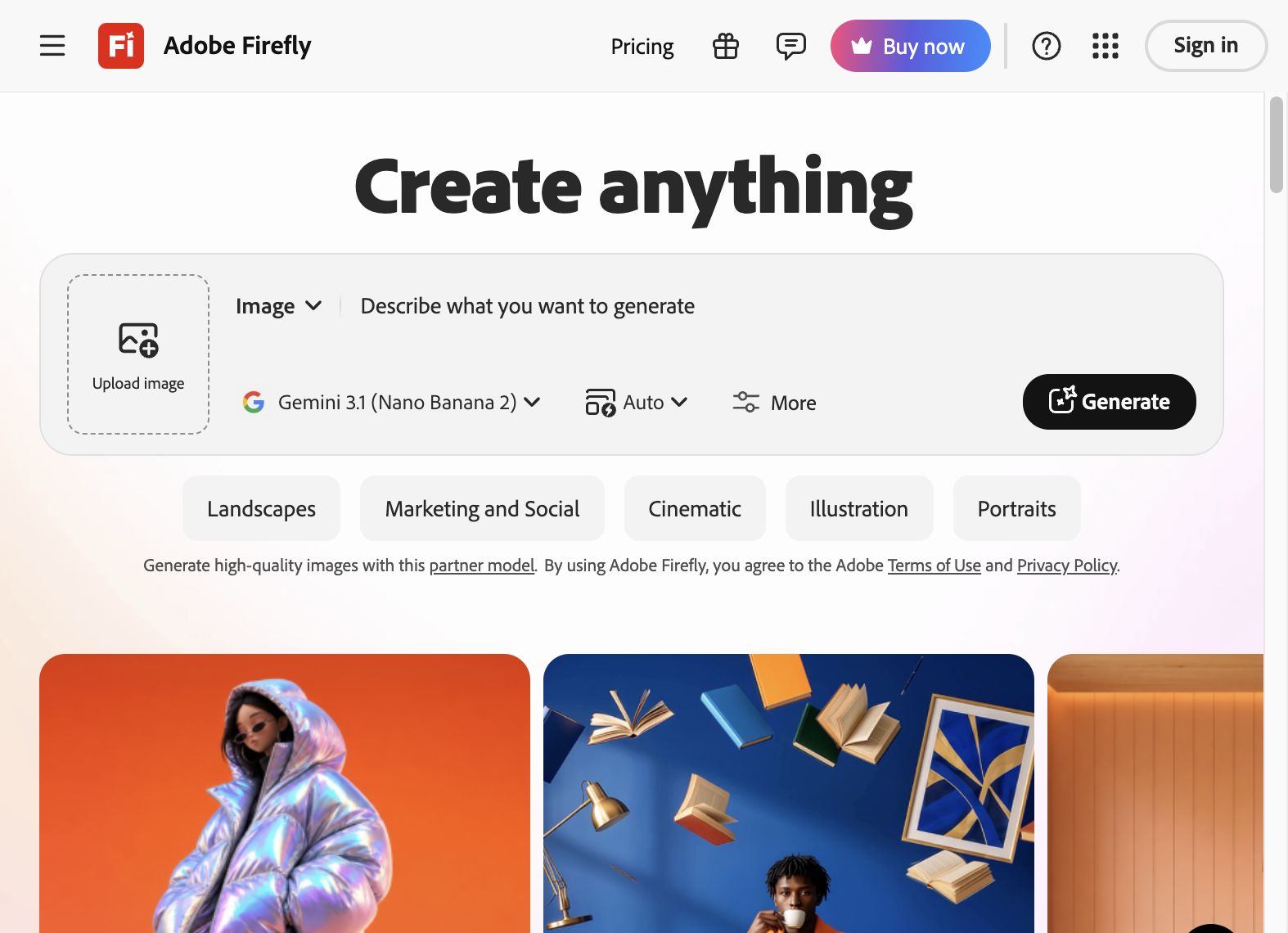
Adobe Firefly is trained on licensed content, which corporate legal teams like. The free tier works for quick comps if you already live in Photoshop or Illustrator.
Firefly can produce illustration-like results, but it is still a general image tool. No native "lock this character, generate eight scenes" path. Expect to assemble consistency yourself. Pair it with Illustrator if you need true vector control after generation.
7. Canva
Best for non-designers who need fast deck and social art
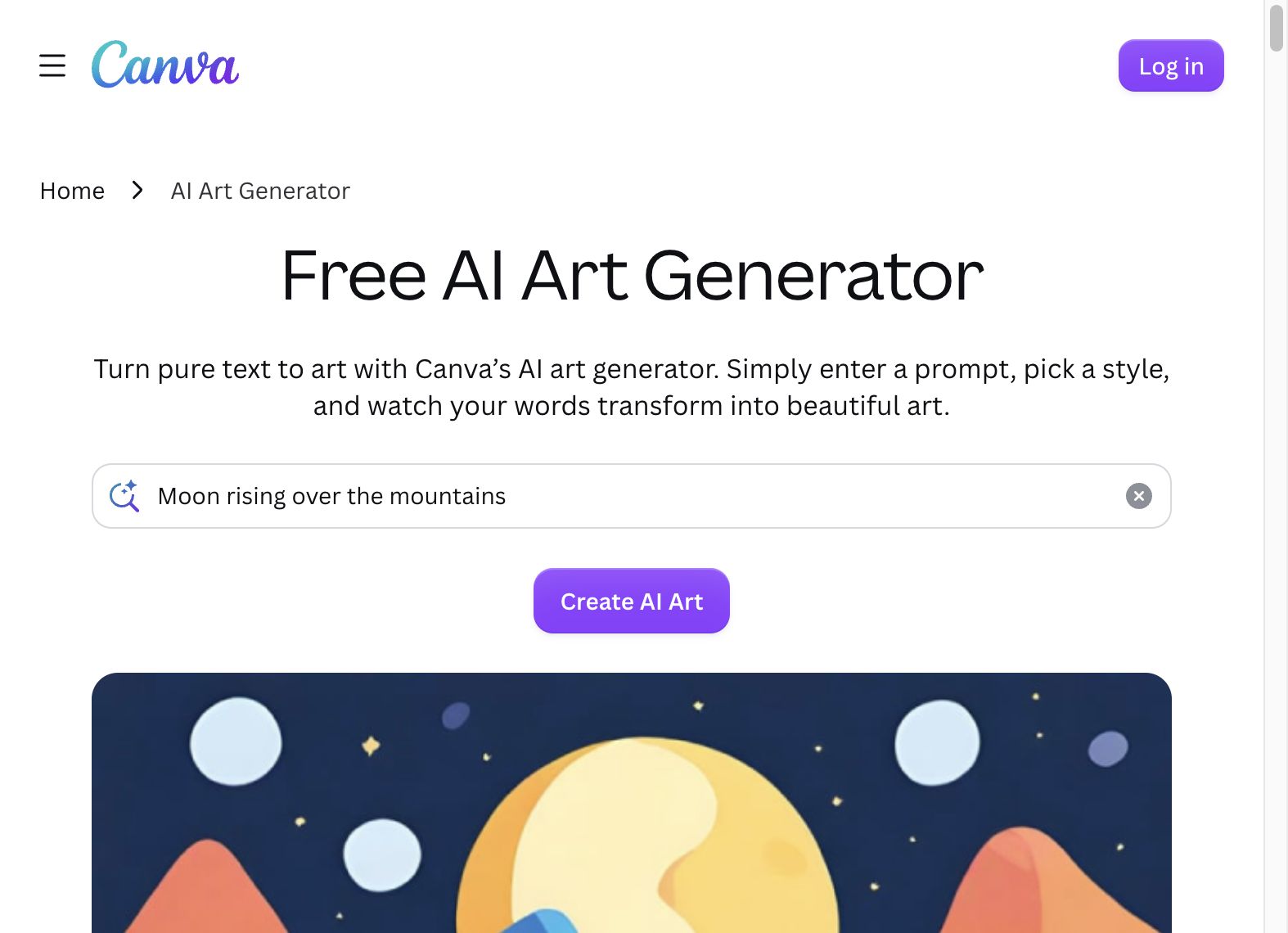
Canva Magic Media and Dream Lab are useful when the deliverable is a slide, Instagram post, or one-pager, not a design system. According to Canva's AI art generator page, you type a prompt and get artwork inside layouts you already use.
SVG export and character consistency are limited compared with illustration-specific tools. Fine for marketing one-offs. Harder for a SaaS product with twelve matching empty states.
8. Leonardo.ai
Best for game art and concept exploration
Leonardo.ai offers daily free tokens and a large model library. Strong for game assets, concept art, and style exploration. Outputs are general-purpose rasters. No built-in pack flow or vector editor tuned for UI palettes.
Use Leonardo when you are exploring aesthetics. Switch to Illustro, Recraft, or Ilus when you are shipping illustration files into Figma or production code.
Which AI illustration generator should you pick?
| Your job | Start here |
|---|---|
| Onboarding set with one character | Illustro flat illustration pack generator |
| SVG for the marketing site | Illustro or Recraft |
| Train an existing brand style from references | Ilus |
| Vector art beside IconScout assets | IconScout |
| Graphics in the Icons8 look | Icons8 |
| Enterprise Adobe stack | Firefly + Illustrator |
| Quick social or deck graphics | Canva |
| Concept art range | Leonardo.ai |
Example workflow in Illustro (onboarding in one afternoon):
- Open the flat pack generator and write a theme plus character brief.
- Plan the scene list (free), then Lock character (3 credits).
- Generate 4–8 scenes in Illustro MAX (3 credits each).
- Recolor in Colors if the palette is off (free).
- Export SVG for the web (1 credit each) or PNG (free).
- Place in Figma with the plugin or drop SVGs into your repo.
For style choices on landing pages, see illustration styles that work on landing pages.
Honest limitations
No tool on this list does everything.
Illustro: four styles only; not photoreal; children's book and 3D are raster-only; no team seats.
Recraft, Ilus, IconScout, Icons8: stronger on SVG and style, but multi-scene product sets still need manual assembly unless the tool has a pack lock.
Firefly, Canva, Leonardo: broad aesthetics, but you assemble consistency and vector export yourself.
If you need a single cinematic hero with film lighting, a general image model may still win. If you need twelve matching empty states by Friday, an illustration-specific generator will save the week.
Frequently Asked Questions
What is the best AI illustration generator for product teams?
For shipped product art, Illustro is the first tool to try: SVG on flat and line art, illustration packs that lock a character then generate scenes, a unified editor, and a Figma plugin. Recraft and Ilus are the next stops for vector brand art and custom style training. IconScout and Icons8 fit if you already live in those stock ecosystems.
What is the best free AI illustration generator?
Illustro gives new accounts 3 free credits with no credit card. That covers a Light flat test and a MAX test. Ilus offers a free trial. Leonardo.ai has daily free tokens. Adobe Firefly works with a free Adobe account. Canva has a free tier with limited AI.Truly unlimited free generation usually means self-hosting open models, which trades money for setup time.
Can I use AI illustration generators commercially?
Most paid tiers grant commercial rights, but always read current terms. Illustro includes commercial usage on generated illustrations, including signup credits and one-time packs. You may not use outputs to train another AI system. Adobe Firefly emphasizes licensed training data. Ilus uses CC0-trained styles. IconScout and Icons8 treat generated assets as commercial-ready on paid plans, with usual IP caveats.
Which AI illustration generator exports SVG?
Illustro exports SVG on flat and line art (1 credit per generated SVG). Recraft, Ilus, IconScout, and Icons8 also support vector output on relevant styles. Firefly has some vector paths. Canva and Leonardo are mostly raster-first. Children's book and 3D styles in Illustro stay raster (PNG/JPEG free; no SVG).
Is there a single best AI illustrator for every project?
No. The best AI illustrator depends on output format and consistency needs. Product UI with a locked mascot favors Illustro. Custom style training favors Ilus. Icon and brand vector work favors Recraft. Quick deck graphics favor Canva. Cinematic one-offs favor general image tools, not this list.
How is an AI illustration generator different from Midjourney or ChatGPT?
General image tools optimize for aesthetic range and ease of use. AI illustration generators optimize for product workflows: flat or line art beside UI, SVG export, character packs, and commercial clarity. Midjourney and ChatGPT are strong for exploration. Illustration-specific tools are stronger when you need files you can ship. Compare options in our Midjourney alternatives roundup.